Create a Tax Code Helper utilizing Qdrant, Mistral.ai, and OpenAI
Creates an AI-powered assistant for inquiries related to tax regulations, utilizing Qdrant, Mistral.ai, and OpenAI to provide detailed answers.
How it works
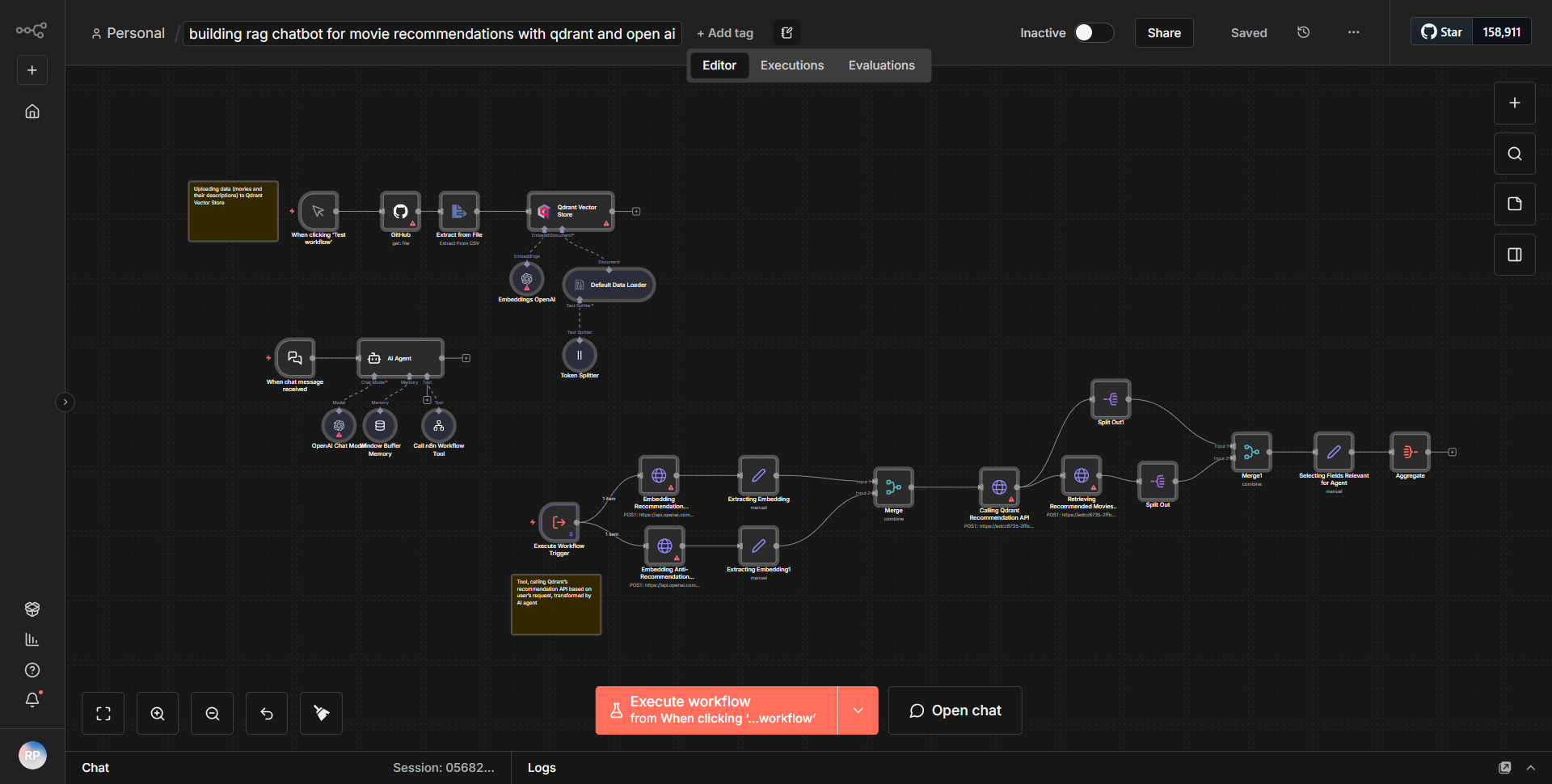
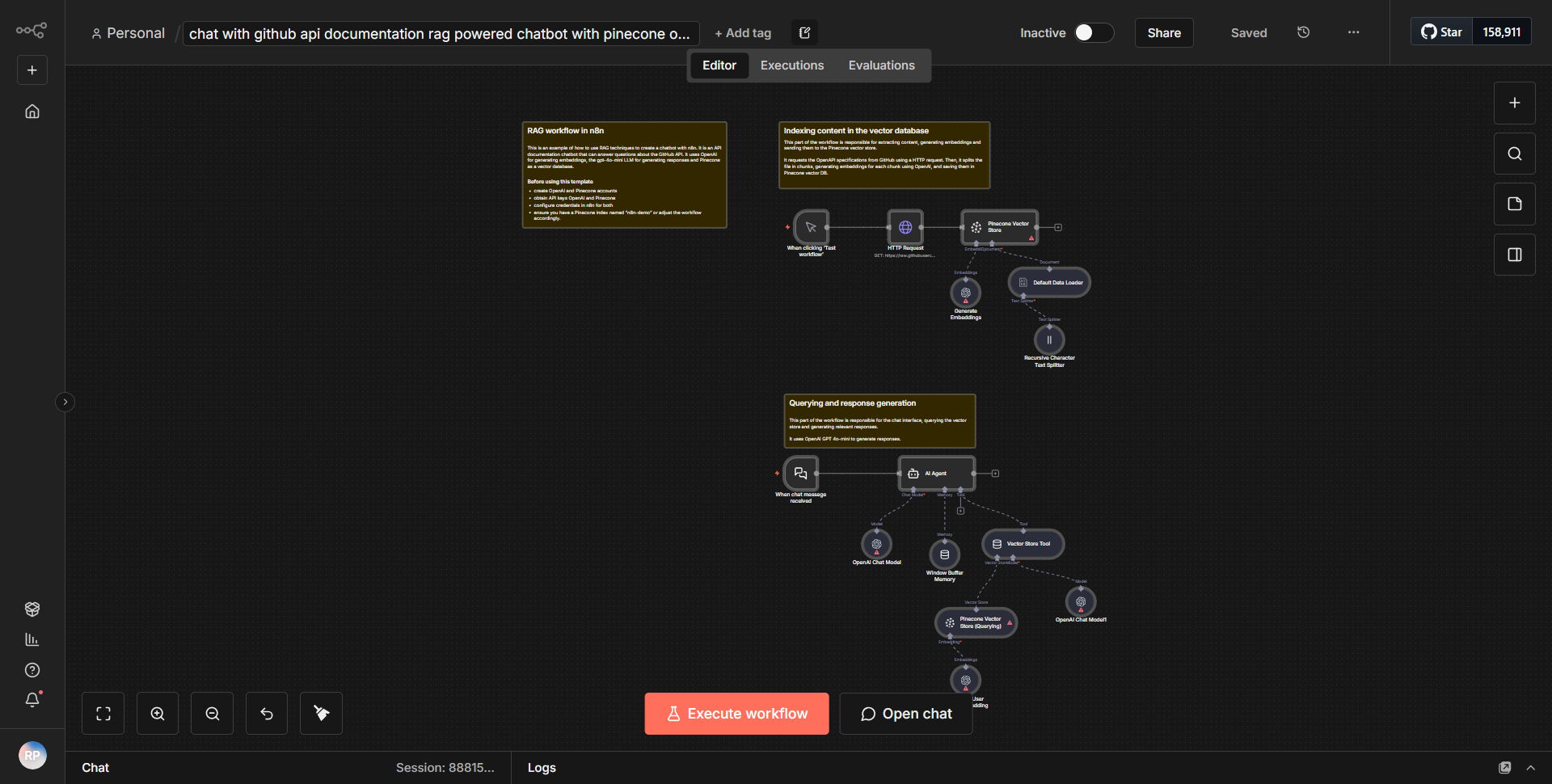
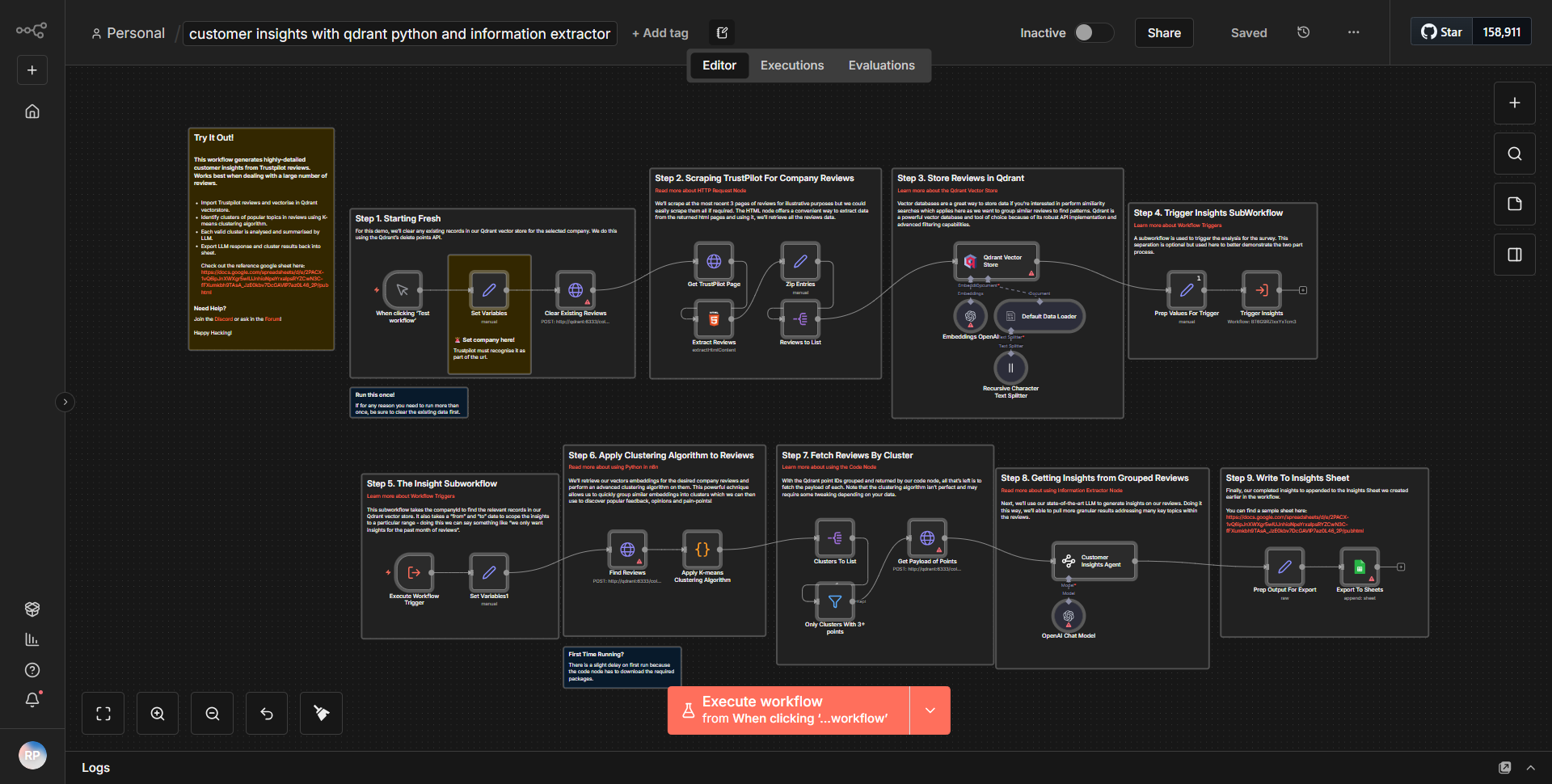
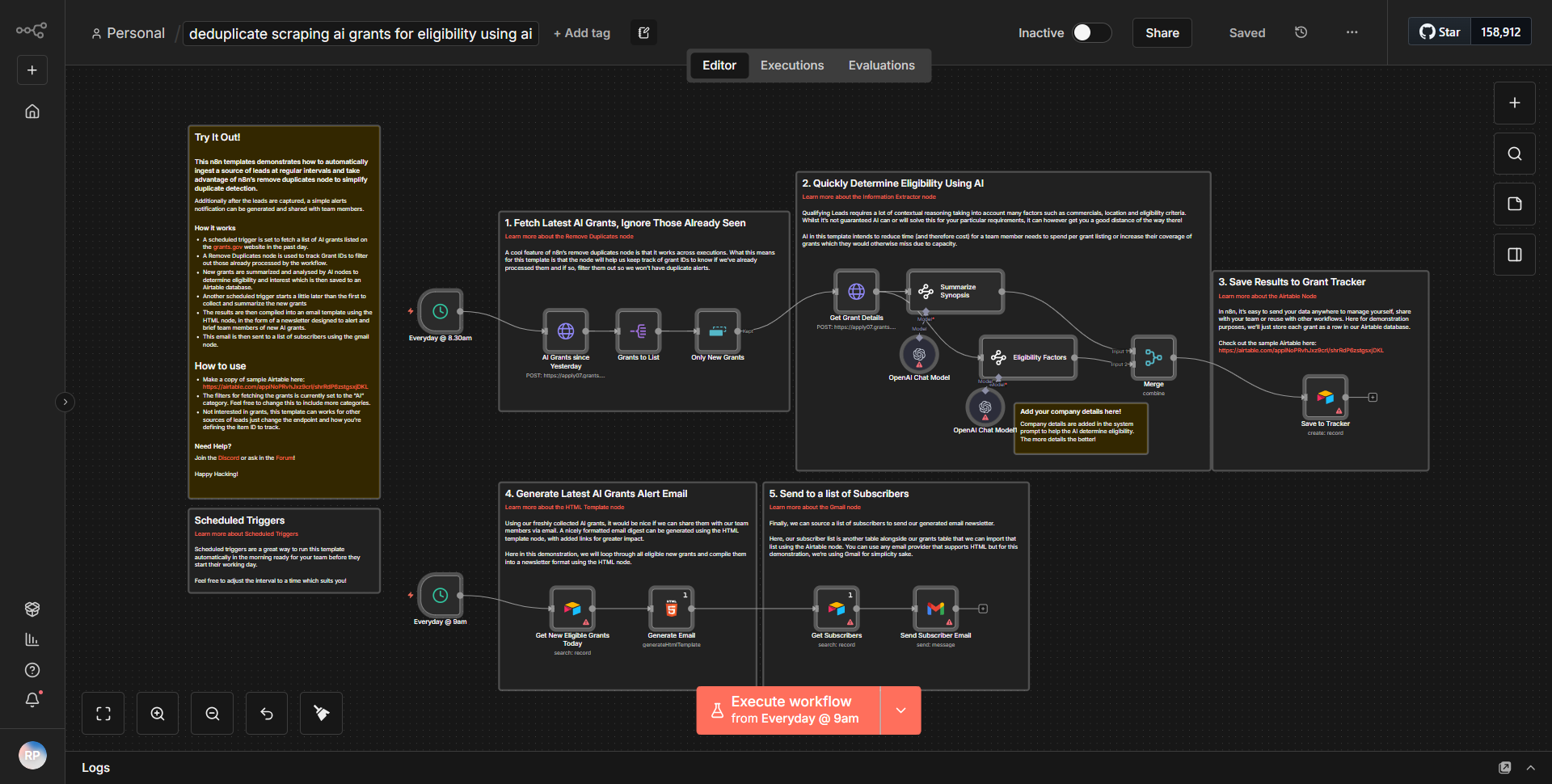
The workflow titled "Create a Tax Code Helper utilizing Qdrant, Mistral.ai, and OpenAI" is designed to create an AI-powered assistant that responds to inquiries regarding tax regulations. The workflow operates in a series of interconnected nodes that facilitate the flow of data and processing of requests.
1. Trigger Node:
The workflow begins with a trigger node that listens for incoming requests. This could be a webhook or an HTTP request that initiates the workflow when a user submits a question related to tax codes.
2. Qdrant Node:
Once the request is received, the workflow utilizes a Qdrant node to search for relevant tax-related data. Qdrant is a vector database that allows for efficient similarity search and retrieval of information. The user’s query is processed, and relevant data is fetched from the Qdrant database based on the context of the inquiry.
3. Mistral.ai Node:
After retrieving the relevant data, the workflow passes this information to the Mistral.ai node. Mistral.ai is leveraged to generate a contextual understanding of the query and the retrieved data. This node processes the input and prepares it for further analysis.
4. OpenAI Node:
The processed data is then sent to the OpenAI node, which utilizes the capabilities of OpenAI’s language model to generate a detailed and coherent response to the user’s inquiry. The model takes into account the context provided by both the user’s question and the information retrieved from Qdrant.
5. Response Node:
Finally, the generated response from OpenAI is sent back to the user through a response node, completing the workflow. This node formats the output appropriately and ensures that the user receives a clear and informative answer to their tax-related question.
Key Features
- AI-Powered Responses:
The integration of OpenAI allows for sophisticated natural language processing, enabling the assistant to provide detailed and contextually relevant answers to complex tax inquiries.
- Efficient Data Retrieval:
Utilizing Qdrant for data storage and retrieval ensures that the workflow can quickly access relevant information, enhancing the speed and accuracy of responses.
- Contextual Understanding:
The use of Mistral.ai helps in understanding the nuances of the user’s question, allowing for more tailored responses based on the specific context of the inquiry.
- User-Friendly Interaction:
The workflow is designed to handle user inquiries seamlessly, providing a smooth interaction experience that mimics a conversation with a knowledgeable tax advisor.
Tools Integration
- Qdrant:
Used for storing and retrieving tax-related data efficiently.
- Mistral.ai:
Employed to analyze the user’s query and the retrieved data, enhancing contextual understanding.
- OpenAI:
Utilized for generating human-like responses based on the processed information.
- n8n Nodes:
The workflow incorporates various n8n nodes, including HTTP Request nodes for triggering the workflow, Qdrant nodes for data retrieval, Mistral.ai nodes for processing, and OpenAI nodes for generating responses.
API Keys Required
- Qdrant API Key:
Required for authenticating requests to the Qdrant database.
- Mistral.ai API Key:
Necessary for accessing Mistral.ai services for data processing.
- OpenAI API Key:
Required for utilizing OpenAI’s language model to generate responses.
No additional API keys or credentials are needed beyond those specified for the tools mentioned above.