Notion AI Assistant Creator
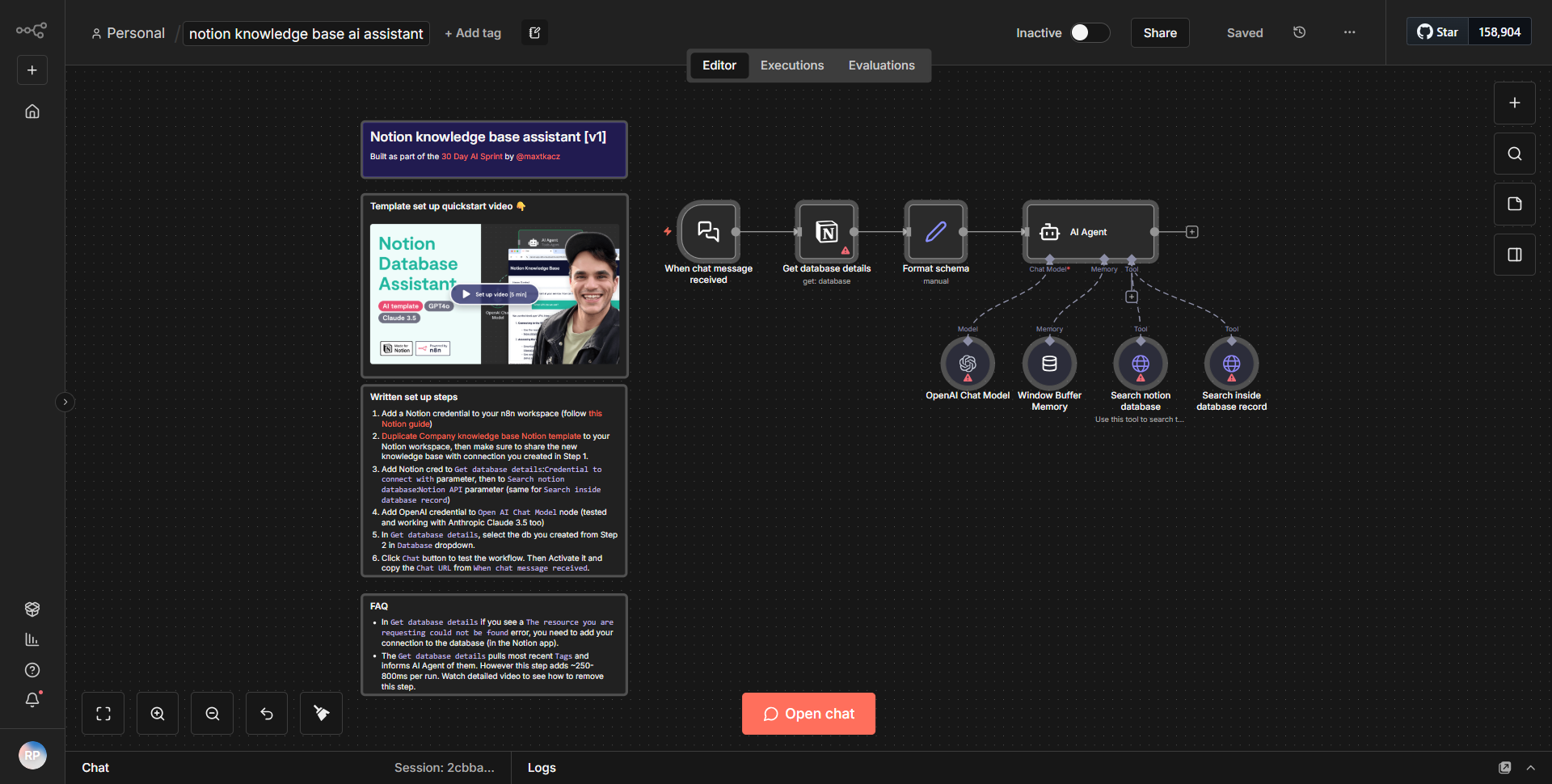
Creates a tailored AI Assistant chatbot workflow designed for a particular Notion database structure, enabling users to interact with their Notion information through chat.
How it works
The "Notion AI Assistant Creator" workflow is designed to facilitate interaction with a Notion database through a chatbot interface. The workflow begins with a trigger that initiates the process when a user inputs a query. The first node in the workflow is a "Webhook" node, which listens for incoming requests. When a user sends a message, this node captures the input and passes it to the subsequent nodes for processing.
Next, the workflow utilizes a "Function" node to parse the incoming data. This node extracts relevant information from the user's query, preparing it for further processing. The parsed data is then sent to a "Notion" node, which interacts with the specified Notion database. This node retrieves the necessary information based on the user's query, allowing the assistant to access the relevant content.
Following the data retrieval, the workflow employs another "Function" node to format the response. This step ensures that the information fetched from Notion is presented in a user-friendly manner. The formatted response is then sent back to the user through the "Webhook" node, completing the interaction.
Throughout this process, the workflow maintains a clear flow of data, with each node performing a specific function that contributes to the overall goal of creating an interactive AI assistant for Notion.
Key Features
1. User Interaction:
The workflow allows users to engage with their Notion data in a conversational manner, making information retrieval intuitive and straightforward.
2. Dynamic Data Retrieval:
By connecting directly to a Notion database, the workflow can fetch real-time data based on user queries, ensuring that the information provided is always up-to-date.
3. Customizable Responses:
The use of Function nodes enables the customization of responses, allowing for tailored interactions that enhance user experience.
4. Seamless Integration:
The workflow integrates smoothly with Notion, leveraging its API to access and manipulate data efficiently.
5. Webhook Trigger:
The initial trigger through a Webhook allows for flexible deployment, enabling the assistant to be used in various applications and platforms.
Tools Integration
The workflow utilizes the following tools and integrations:
- Webhook Node:
Captures incoming user messages and initiates the workflow.
- Function Node:
Used twice; first for parsing user input and second for formatting the response.
- Notion Node:
Connects to the Notion API to retrieve data from the specified database.
API Keys Required
To ensure the workflow operates correctly, the following API key is required:
- Notion API Key:
This key is necessary for authenticating requests made to the Notion API, allowing the workflow to access the relevant database.
No additional API keys or credentials are required for the Webhook or Function nodes, as they operate independently within the n8n environment.