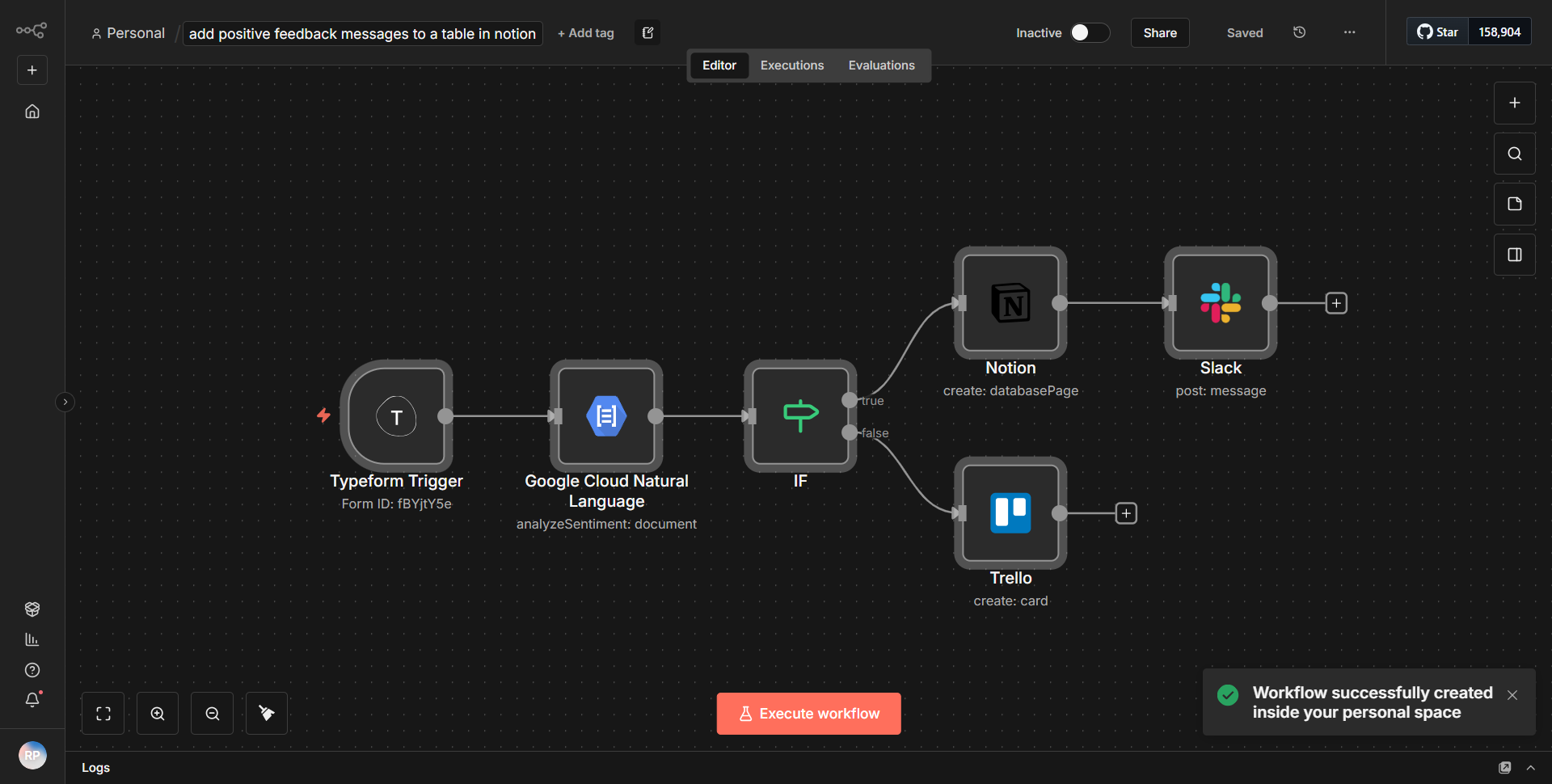
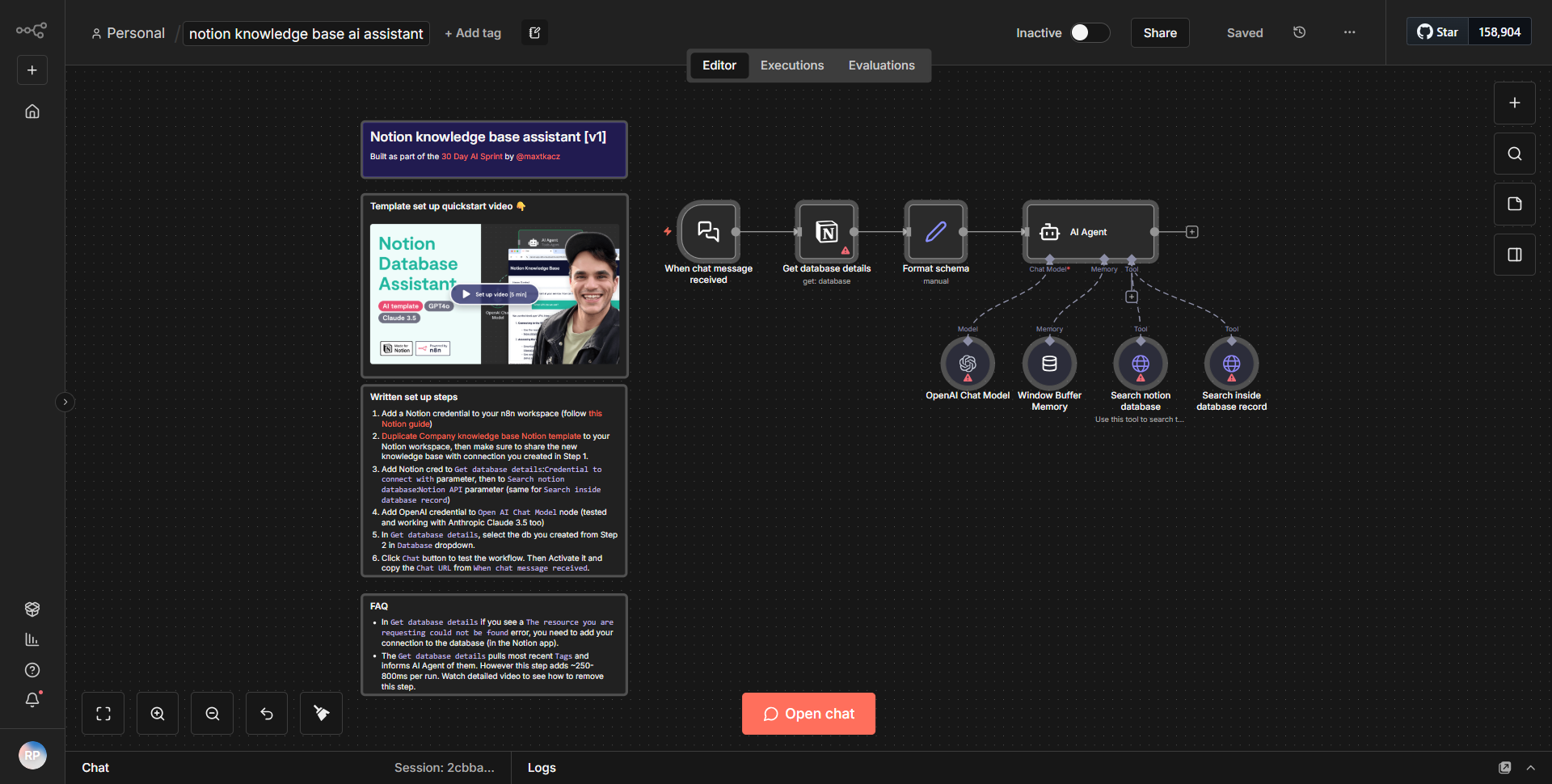
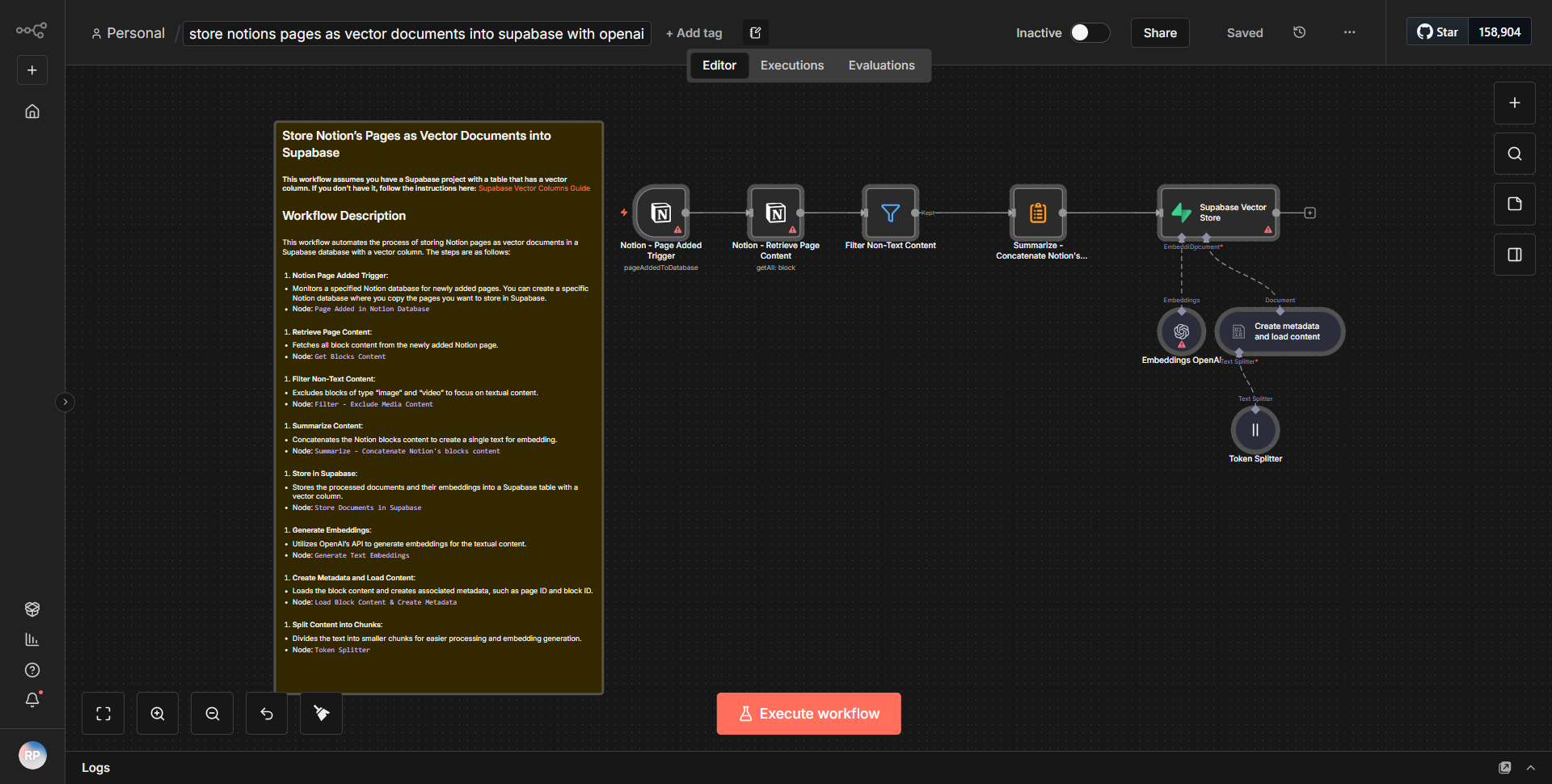
Evaluate documents from Hugging Face using AI and save them in Notion.
Automatically retrieves and examines documents from Hugging Face, utilizes AI to extract essential details, and organizes the structured information into a Notion database.
How it works
The workflow titled "Evaluate documents from Hugging Face using AI and save them in Notion" automates the process of retrieving, analyzing, and storing documents. It begins with a trigger node that initiates the workflow based on a specified schedule or event. The first node is a "HTTP Request" node that fetches documents from the Hugging Face API. This node is configured to send a GET request to the relevant endpoint, retrieving the necessary data in JSON format.
Once the documents are retrieved, the workflow utilizes a "Function" node to process the data. This node extracts essential details from the documents, such as titles, abstracts, and key findings, using JavaScript code. The processed data is then structured into a format suitable for storage.
Following the data extraction, the workflow employs a "Notion" node to create or update entries in a Notion database. This node is configured to map the extracted information from the previous step into the appropriate fields in the Notion database, ensuring that all relevant details are captured and organized effectively.
The final step involves a "Set" node, which is used to format the output and prepare the data for any further actions or logging. The workflow concludes after successfully storing the information in Notion, completing the cycle of document evaluation and data organization.
Key Features
1. Automated Document Retrieval:
The workflow automatically fetches documents from Hugging Face, eliminating the need for manual downloads and ensuring that the latest research is always analyzed.
2. AI-Powered Analysis:
Utilizing AI capabilities, the workflow extracts key information from documents, providing users with summarized insights without needing to read through entire texts.
3. Seamless Notion Integration:
The structured data is directly stored in a Notion database, allowing users to easily access and manage their research findings in a familiar environment.
4. Customizable Data Processing:
The use of a Function node allows for tailored data extraction processes, making it adaptable to different types of documents or specific user requirements.
5. Scheduled Execution:
The workflow can be set to run at regular intervals, ensuring that users continuously receive updated information without manual intervention.
Tools Integration
The workflow integrates the following tools and services:
1. Hugging Face API:
Utilized for retrieving documents, allowing access to a wide range of research papers and datasets.
• Node: HTTP Request
2. Notion:
Used for storing and organizing the extracted information in a structured database format.
• Node: Notion
3. Function Node:
Employed for processing and extracting relevant data from the documents, enabling customized analysis.
• Node: Function
4. Set Node:
Used to format the output data and prepare it for the final storage step.
• Node: Set
API Keys Required
To successfully operate this workflow, the following API keys and credentials are required:
1. Hugging Face API Key:
Necessary for authenticating requests to the Hugging Face API to retrieve documents.
2. Notion Integration Token:
Required for authenticating and allowing the workflow to create or update entries in the Notion database.
No additional API keys or credentials are needed beyond those specified for Hugging Face and Notion.