Interact with a Google Sheet utilizing AI
Enables users to engage with and retrieve information from a Google Sheet using natural language through an AI model, thereby enhancing accessibility for data analysis.
How it works
The workflow titled "Interact with a Google Sheet utilizing AI" is designed to facilitate user interaction with a Google Sheet through natural language queries, leveraging an AI model for enhanced data accessibility. The workflow operates in a sequential manner, utilizing several nodes to process user input and retrieve relevant information from the Google Sheet.
1. Trigger Node:
The workflow begins with a trigger node that listens for incoming requests. This could be a webhook or an HTTP request where users submit their natural language queries.
2. Google Sheets Node:
Upon receiving a query, the workflow utilizes a Google Sheets node configured to connect to a specific spreadsheet. This node is responsible for fetching data based on the user's request. The query from the user is processed to determine which specific data to retrieve from the Google Sheet.
3. AI Model Node:
After retrieving the relevant data, the workflow passes this information to an AI model node. This node processes the data and formulates a response based on the user's original query. The AI model interprets the natural language input and generates a coherent answer, utilizing the data fetched from the Google Sheet.
4. Response Node:
Finally, the workflow concludes with a response node that sends the generated answer back to the user. This could be in the form of a JSON response or a direct message, depending on the initial trigger configuration.
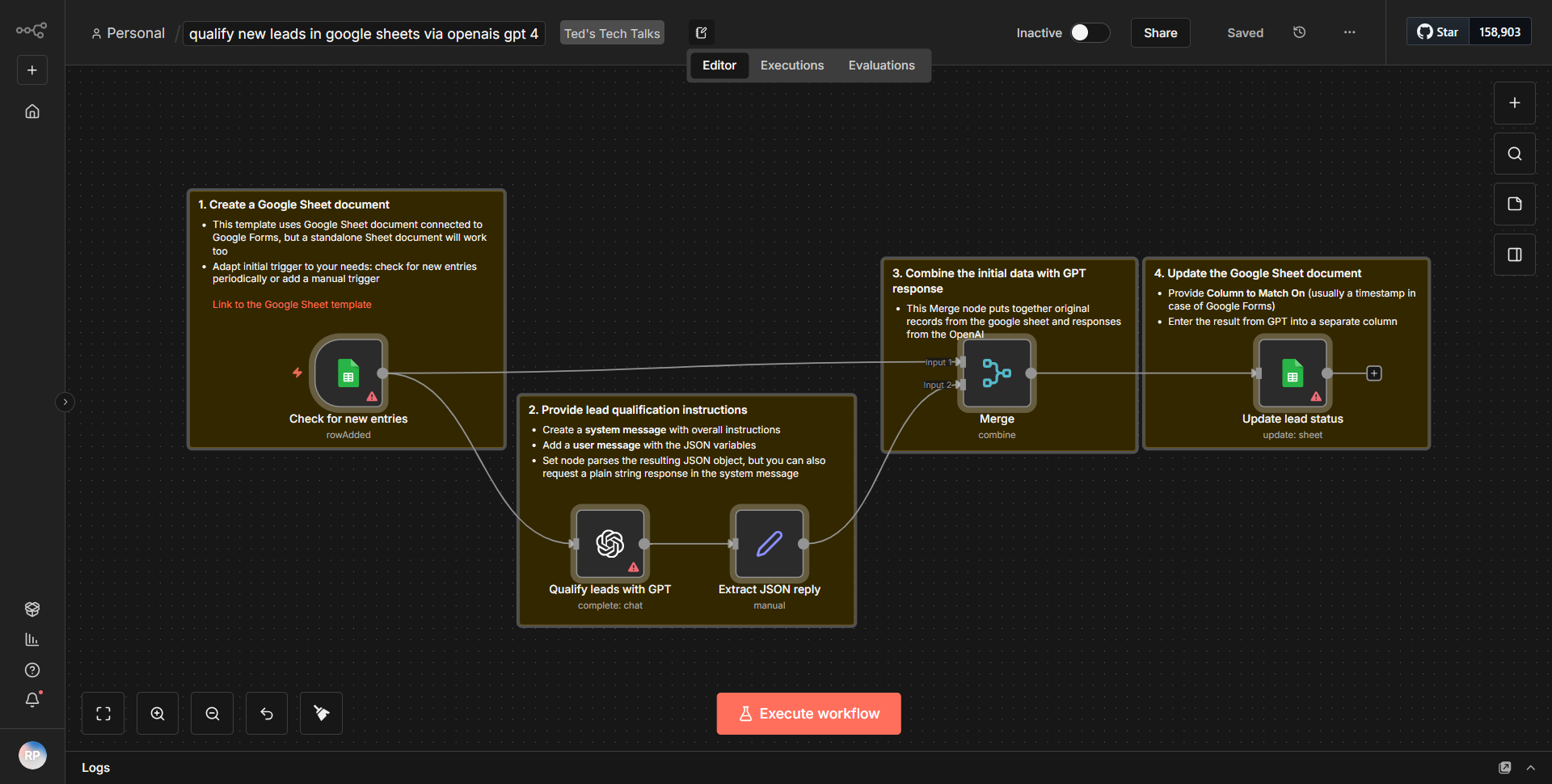
Throughout this process, data flows seamlessly from the trigger to the Google Sheets node, then to the AI model node, and finally to the response node, ensuring that the user receives a relevant and accurate answer to their query.
Key Features
- Natural Language Processing:
The workflow allows users to interact with data using natural language, making it accessible for those who may not be familiar with spreadsheet functions or data querying.
- Dynamic Data Retrieval:
It dynamically fetches data from a Google Sheet based on user input, ensuring that the information provided is up-to-date and relevant.
- AI-Driven Responses:
By integrating an AI model, the workflow can interpret complex queries and provide insightful responses, enhancing the overall user experience.
- User-Friendly Interaction:
The design of the workflow promotes a straightforward interaction model, where users can simply ask questions in plain language and receive answers without needing technical expertise.
Tools Integration
The workflow integrates the following tools and services:
- Google Sheets:
Utilized through the Google Sheets node, which connects to a specific spreadsheet to retrieve data.
- AI Model:
An AI processing node that interprets user queries and generates responses based on the retrieved data.
- HTTP Request Node:
This node serves as the entry point for user queries, allowing for seamless communication between the user and the workflow.
API Keys Required
To successfully run this workflow, the following API keys and credentials are required:
- Google Sheets API Key:
Necessary for authenticating and accessing the Google Sheets service.
- AI Model API Key:
If the AI model requires authentication, an API key will be needed to access its services.
If no API keys are required for certain nodes, this should be clearly indicated in the configuration.