Condense New Files from Google Drive and Store the Summary in Google Sheets
Tracks Google Drive for newly added documents, utilizes AI to summarize their content, and stores these summaries in a Google Sheet for easy review and analysis.
How it works
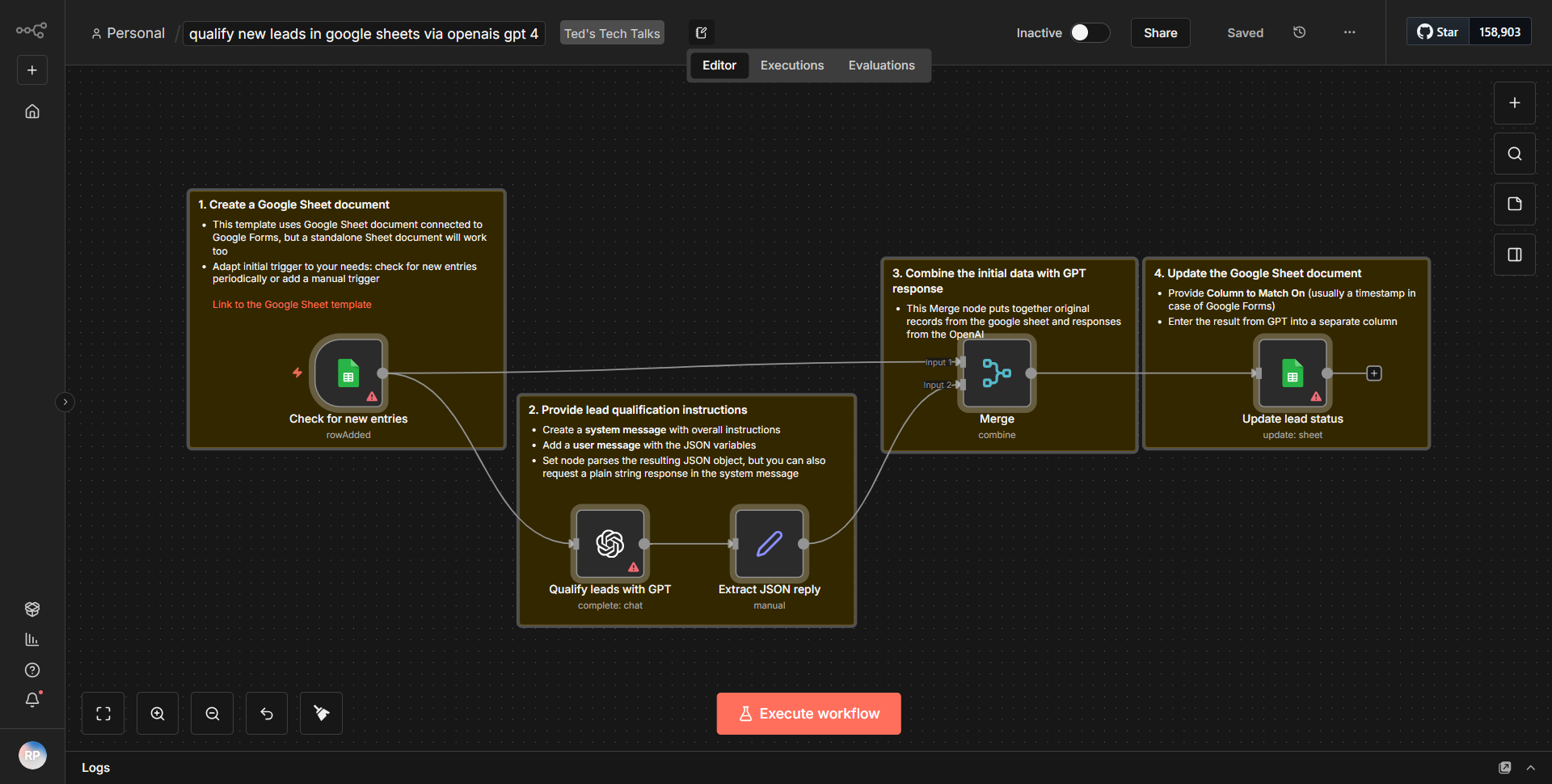
This workflow is designed to automate the process of tracking newly added documents in Google Drive, summarizing their content using AI, and storing these summaries in a Google Sheet for easy access and analysis. The workflow operates as follows:
1. Trigger Node:
The workflow begins with a Google Drive Trigger node that monitors a specified folder for any new files. This node is configured to activate whenever a new document is added to the designated folder.
2. Google Drive Node:
Once triggered, the workflow retrieves the newly added file's metadata and content using a Google Drive node. This node fetches the file details necessary for processing.
3. AI Summarization Node:
The content of the document is then passed to an AI summarization node. This node utilizes an AI service to analyze the text and generate a concise summary of the document's content.
4. Google Sheets Node:
After the summary is generated, the workflow proceeds to a Google Sheets node. This node is configured to insert a new row into a specified Google Sheet, where it records the file's name and the corresponding summary.
5. Completion:
The workflow completes its execution after successfully storing the summary in the Google Sheet, providing a streamlined method for document review and analysis.
Key Features
- Automated Document Tracking:
The workflow continuously monitors a specified Google Drive folder for new files, ensuring that no new documents are overlooked.
- AI-Powered Summarization:
By leveraging AI technology, the workflow can produce concise summaries of potentially lengthy documents, saving time and enhancing productivity.
- Seamless Integration with Google Sheets:
The summaries are automatically recorded in Google Sheets, allowing for easy access, organization, and further analysis of the summarized content.
- User-Friendly Setup:
The workflow is designed to be easily configurable, allowing users to specify the folder to monitor and the Google Sheet to update without extensive technical knowledge.
Tools Integration
- Google Drive:
Utilized for monitoring and retrieving new documents.
- AI Service:
Employed for summarizing the content of the documents.
- Google Sheets:
Used for storing the summaries in a structured format.
- n8n Nodes:
The workflow specifically uses the Google Drive Trigger node, Google Drive node, AI Summarization node, and Google Sheets node to facilitate the entire process.
API Keys Required
- Google Drive API Key:
Required for accessing and monitoring files in Google Drive.
- Google Sheets API Key:
Necessary for writing summaries to the specified Google Sheet.
- AI Service API Key:
Needed for authenticating requests to the AI summarization service.
No additional API keys or credentials are required beyond those mentioned above for the workflow to function correctly.