Automatically tag incoming Gmail emails using AI nodes
Automatically categorizes new Gmail messages with the help of AI. This workflow extracts the content of incoming messages, proposes labels such as Partnership or Inquiry, and applies them for improved organization.
How it works
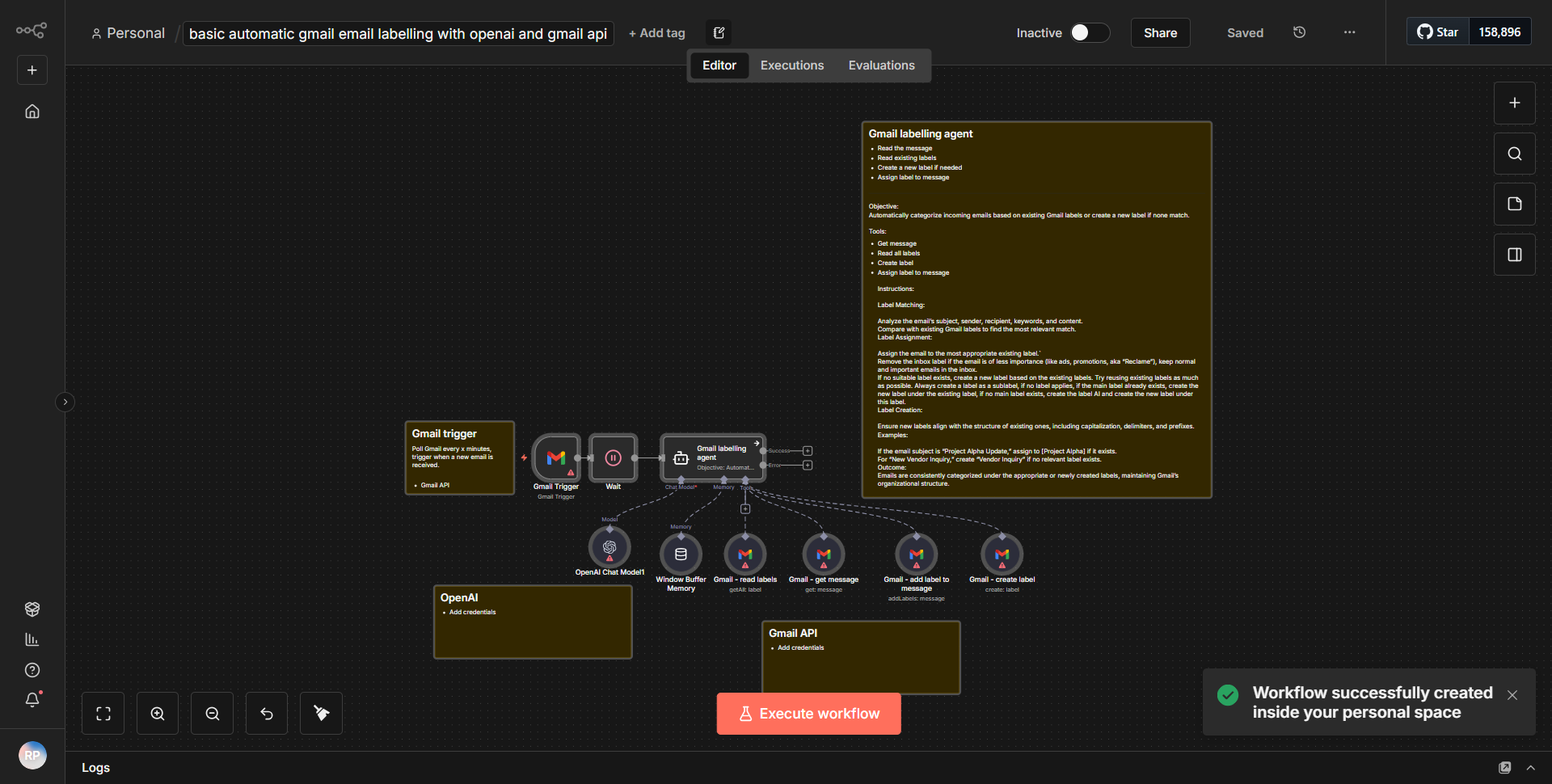
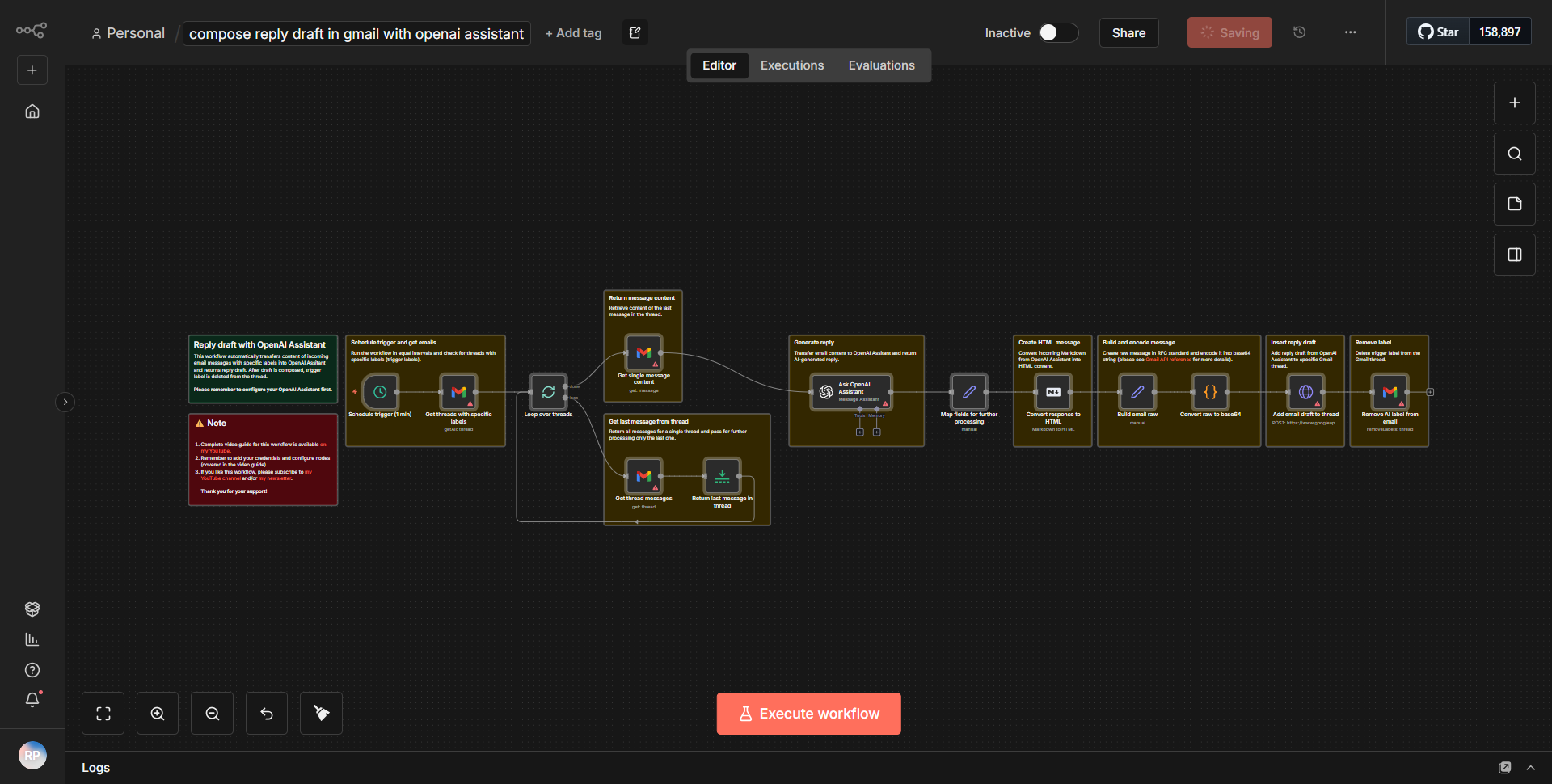
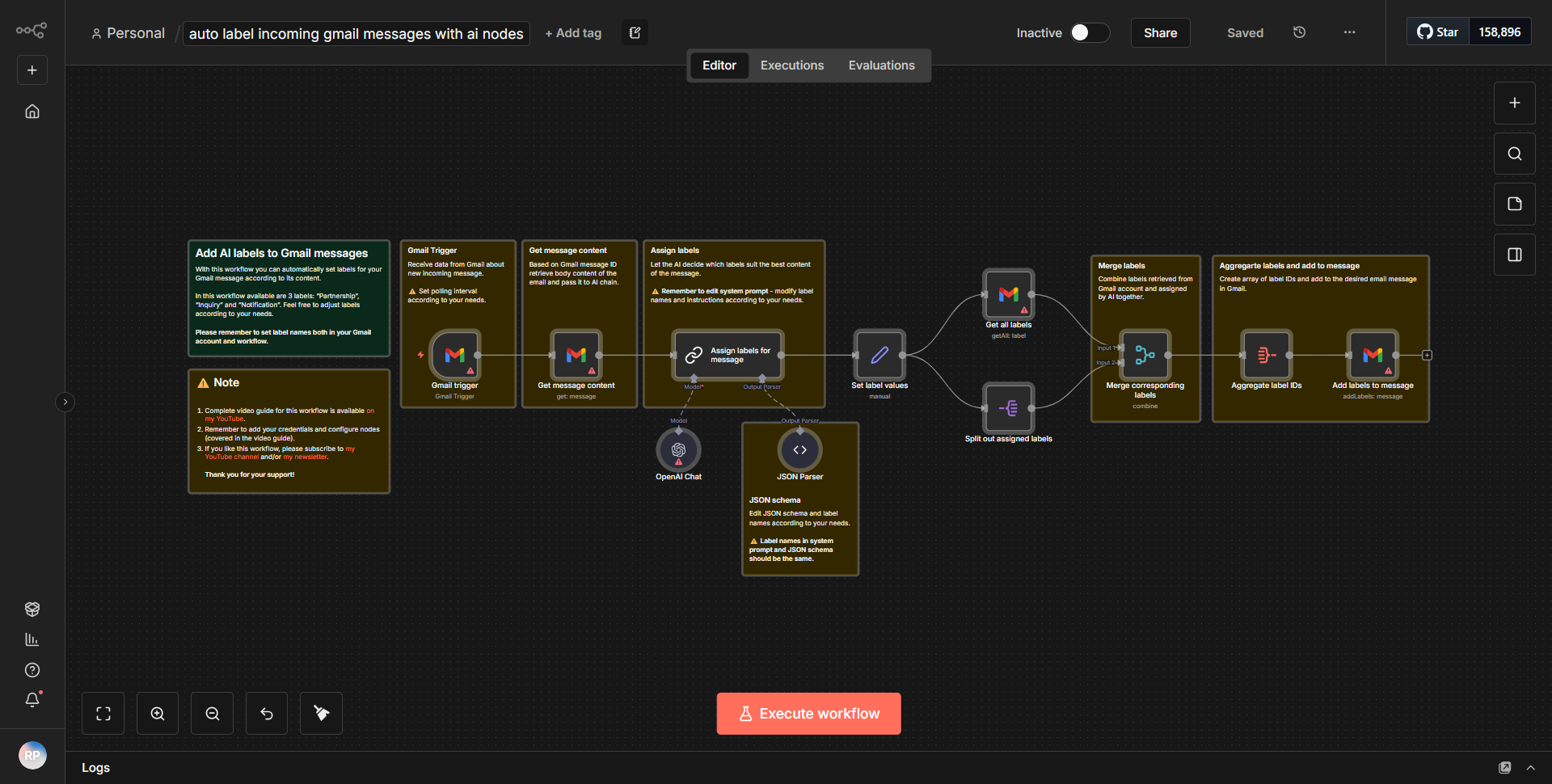
This workflow automates the process of tagging incoming Gmail emails using AI. It begins with the "Gmail Trigger" node, which activates whenever a new email arrives in the specified Gmail account. The workflow then extracts the content of the email, including the subject and body, and passes this information to an "AI Node" for analysis. The AI Node processes the email content and generates suggested labels based on the context of the message, such as "Partnership" or "Inquiry."
Once the AI Node has produced the suggested labels, the workflow proceeds to the "Gmail" node, which applies the proposed labels to the original email. This ensures that incoming messages are automatically categorized, enhancing organization and facilitating easier retrieval in the future. The entire process is designed to run seamlessly, with each node connected in a linear fashion, ensuring that data flows smoothly from the trigger to the final action of labeling the email.
Key Features
1. Automated Email Categorization:
The workflow eliminates the need for manual sorting of emails by automatically applying relevant labels based on the content of incoming messages.
2. AI-Powered Label Suggestions:
Utilizing AI technology, the workflow intelligently analyzes email content and proposes appropriate labels, enhancing the accuracy of categorization.
3. Seamless Integration with Gmail:
The workflow integrates directly with Gmail, allowing for real-time processing of incoming emails without the need for external applications.
4. Customizable Labels:
Users can define their own labels within the AI Node, tailoring the categorization process to fit specific organizational needs.
5. Improved Email Management:
By automatically tagging emails, the workflow aids in better organization and retrieval of messages, saving time and increasing productivity.
Tools Integration
- Gmail Trigger Node:
This node listens for new incoming emails in a specified Gmail account.
- AI Node:
This node processes the content of the email to generate suggested labels based on the context.
- Gmail Node:
This node applies the suggested labels to the incoming email, ensuring proper categorization.
API Keys Required
To utilize this workflow, the following API keys and authentication details are required:
• A valid Gmail API key and OAuth credentials to access the Gmail account for both the trigger and action nodes.
• No additional API keys are needed for the AI Node, as it operates independently within the workflow.