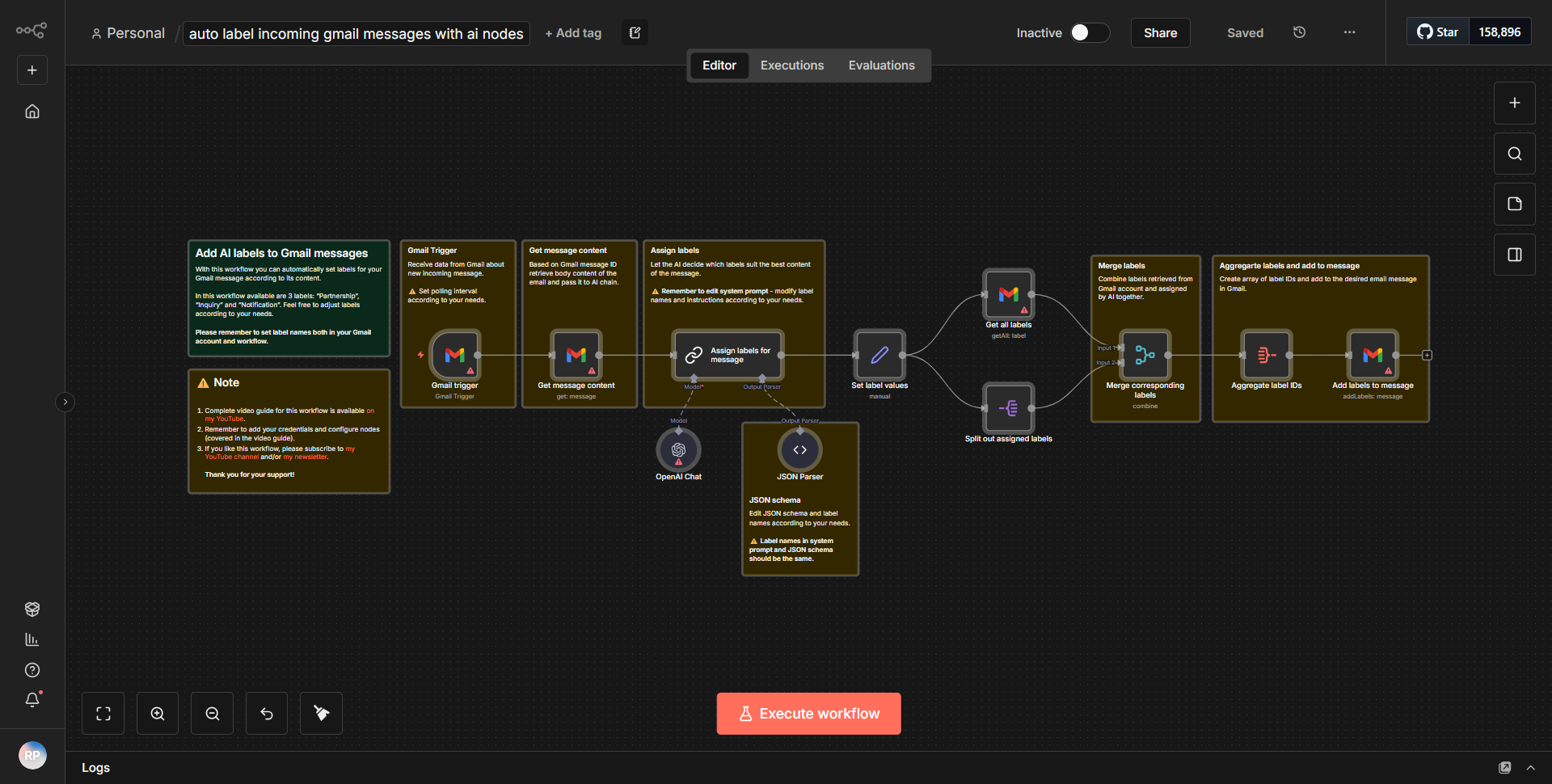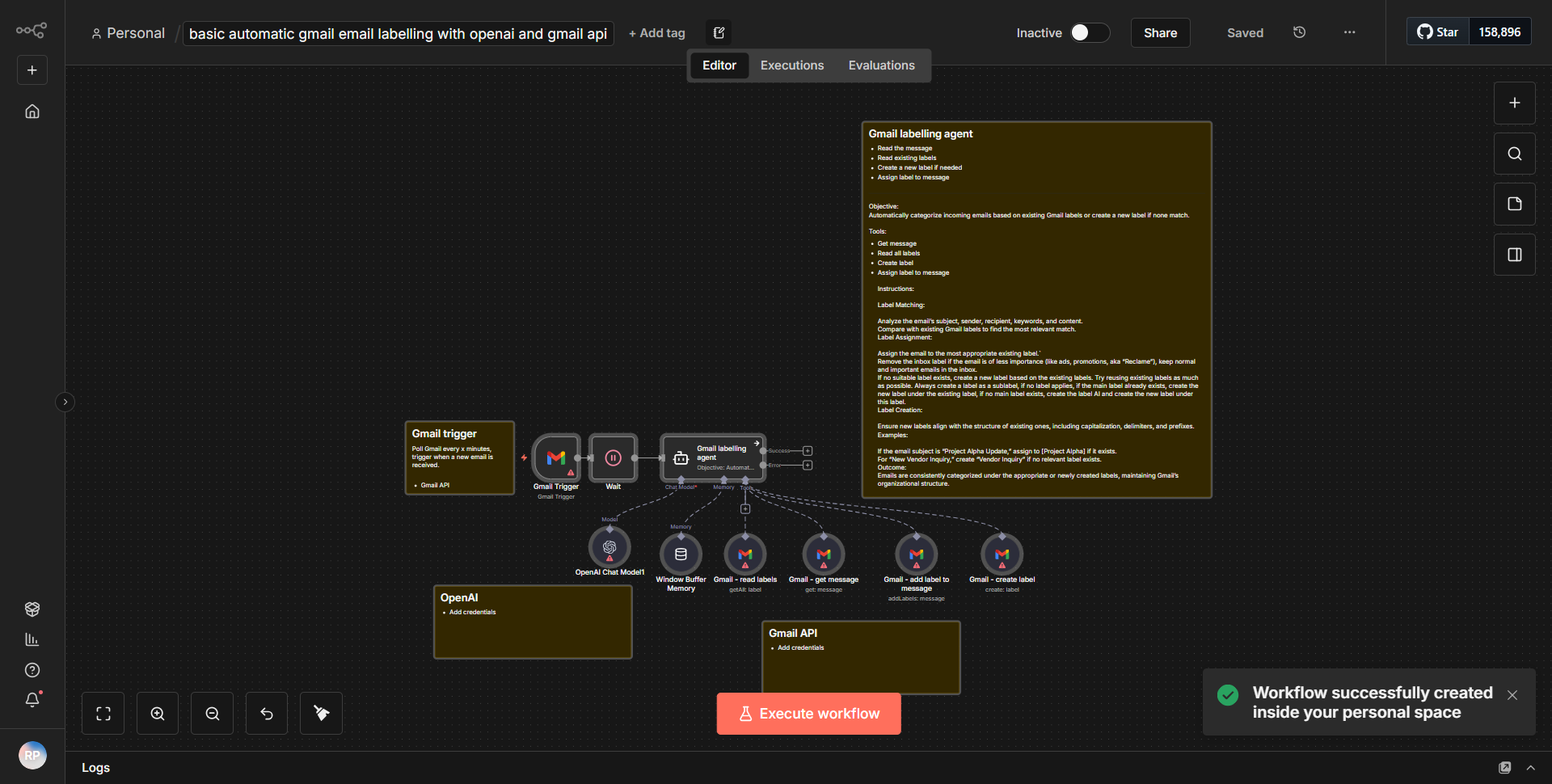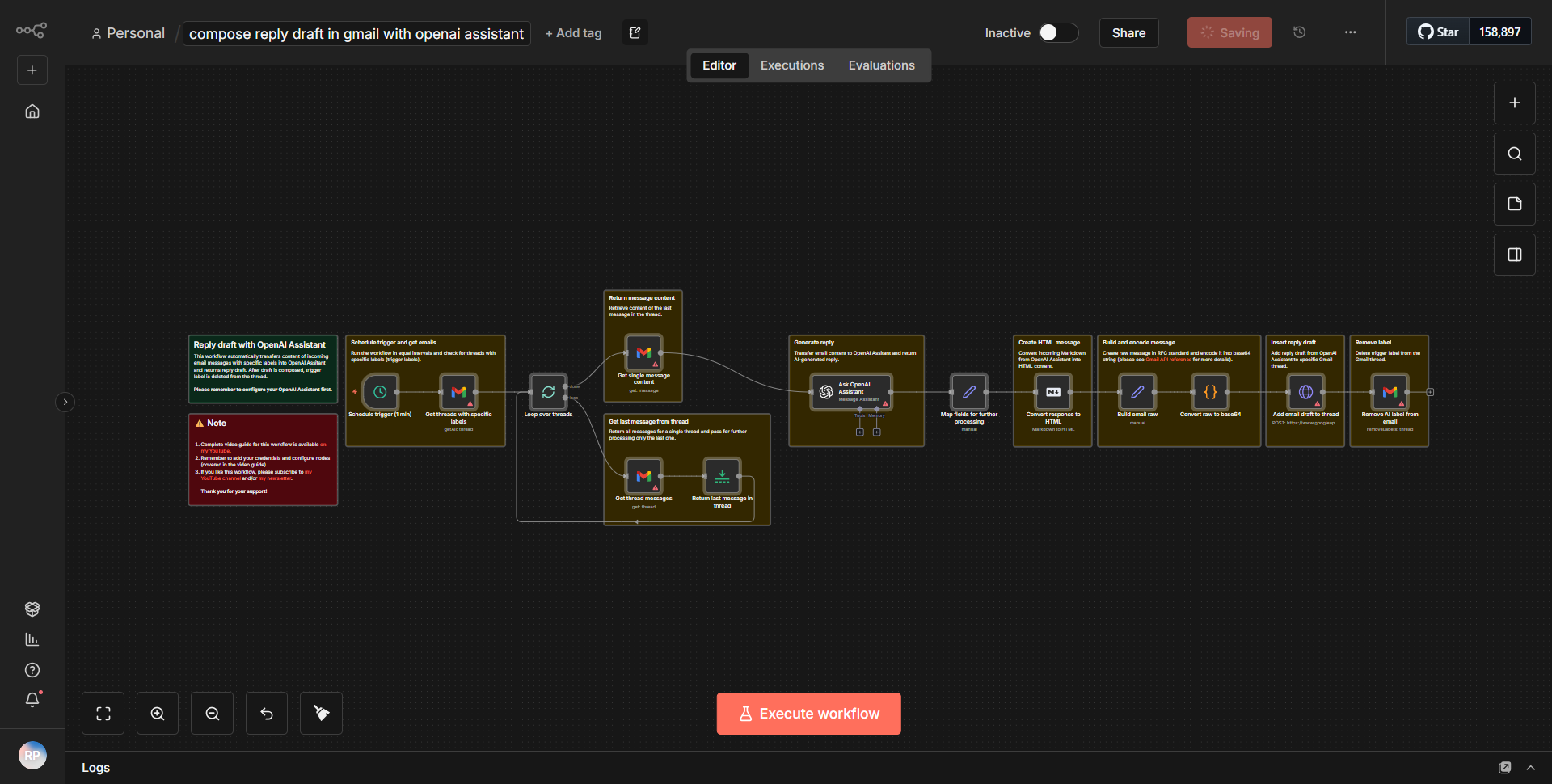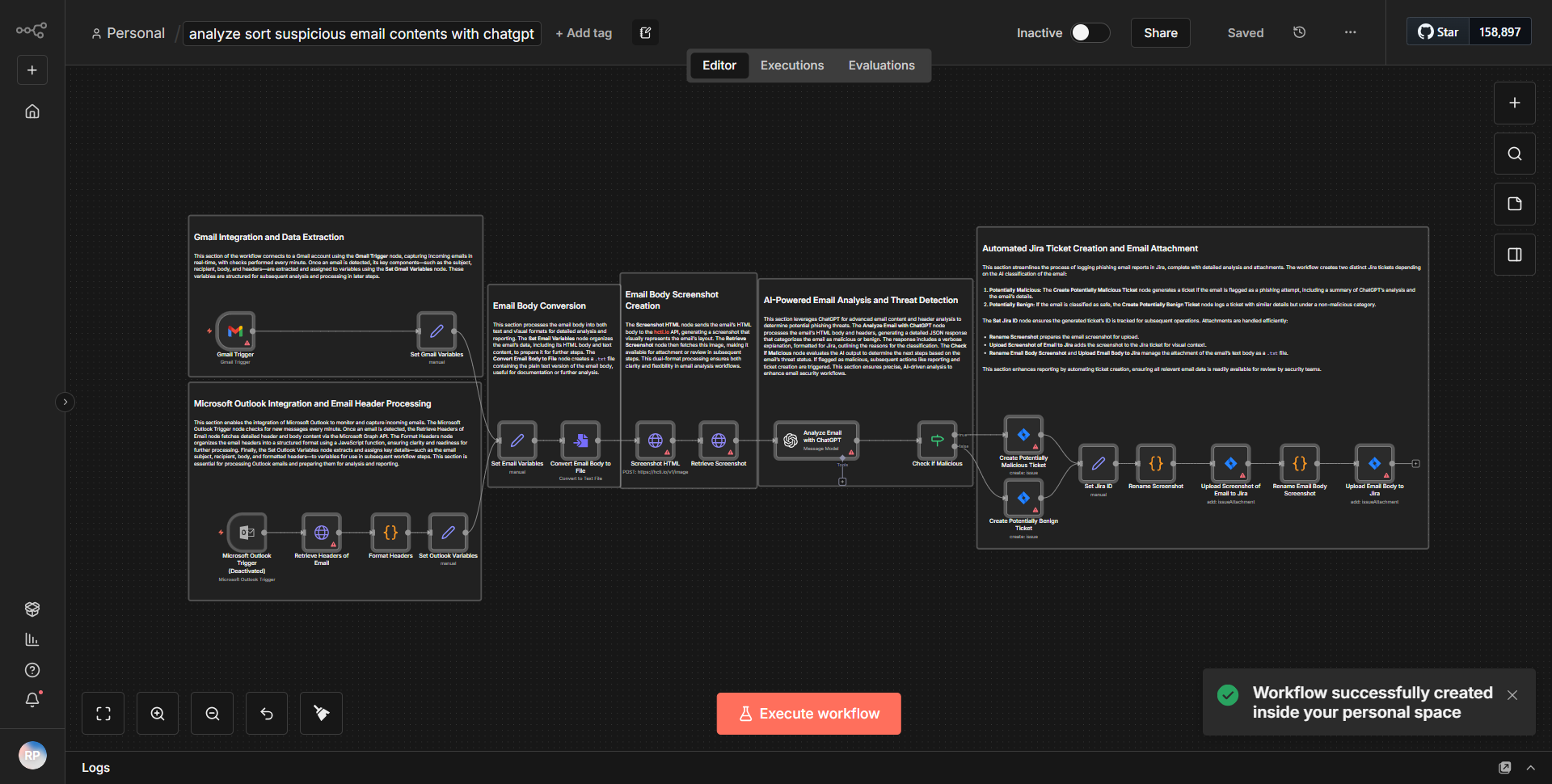
AI Email Assistant for Microsoft Outlook with contact integration from Monday and Airtable.
An AI-driven helper for Outlook that manages emails, cleans up content, and categorizes messages based on guidelines from Airtable. Connects with Monday.com for customer support.
How it works
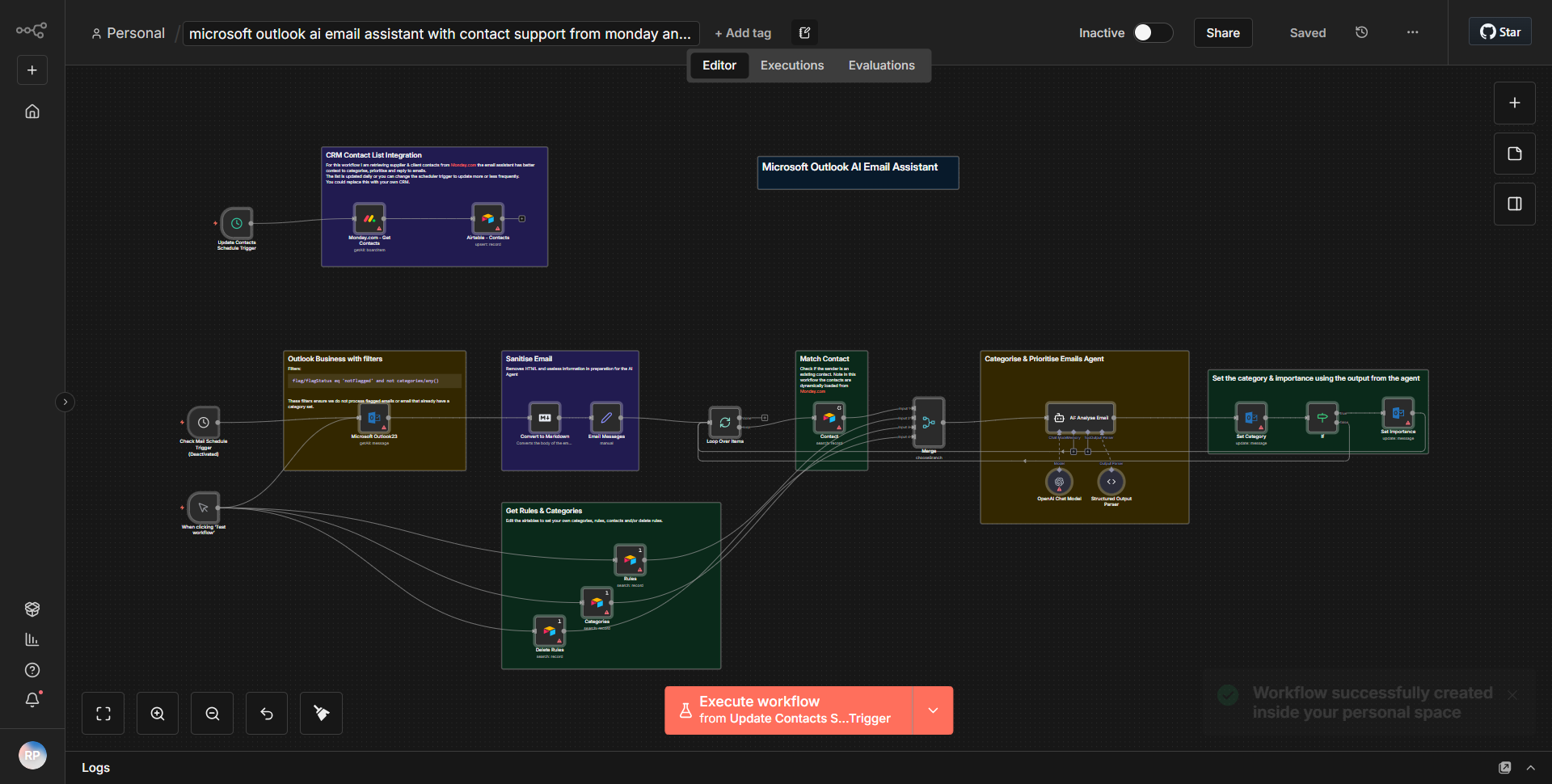
The workflow begins with the Microsoft Outlook node, which is configured to trigger when a new email arrives in the inbox. This node captures the incoming email's details, including the subject, sender, and body content. Once the email is received, the workflow proceeds to the next node, which is an AI processing node. This node utilizes an AI model to analyze the content of the email, identifying key information and categorizing the message based on predefined guidelines.
Following the AI analysis, the workflow connects to an Airtable node. This node retrieves categorization guidelines and relevant data from a specified Airtable base. The output from the AI processing node is then matched against the data retrieved from Airtable, allowing the workflow to classify the email appropriately.
After categorization, the workflow integrates with Monday.com via its API. This integration allows the workflow to create or update items in a Monday.com board, specifically for customer support tasks. The relevant details from the email, such as the sender's information and the categorized content, are sent to Monday.com to ensure that the support team is informed and can take necessary actions.
Finally, the workflow concludes by sending a response email back to the original sender, confirming receipt and providing any necessary information or next steps based on the categorization and AI analysis. This ensures that the communication loop is complete and that the user feels acknowledged.
Key Features
1. AI-Driven Email Processing:
The workflow leverages AI to analyze and categorize incoming emails, improving efficiency in handling customer inquiries.
2. Integration with Airtable:
It pulls categorization guidelines from Airtable, ensuring that the email classification aligns with the organization's standards.
3. Monday.com Integration:
The workflow automatically creates or updates customer support tasks in Monday.com, streamlining the support process and enhancing team collaboration.
4. Automated Responses:
It sends automated replies to email senders, providing timely acknowledgment and information, which enhances customer satisfaction.
5. Real-Time Data Handling:
The workflow operates in real-time, allowing for immediate processing of incoming emails and prompt action by the support team.
Tools Integration
- Microsoft Outlook:
Utilized for receiving and sending emails. The Outlook node is configured to trigger on new emails.
- AI Processing Node:
This node processes the email content to extract key information and categorize it.
- Airtable:
Integrated to retrieve categorization guidelines, ensuring that the email processing aligns with the organization's standards.
- Monday.com:
Used for task management, allowing the workflow to create or update items based on the email analysis.
- n8n Workflow Nodes:
Specific nodes include the Outlook node, AI processing node, Airtable node, and Monday.com node, each serving a distinct purpose in the workflow.
API Keys Required
- Microsoft Outlook API Key:
Required for authentication to access the user's email account.
- Airtable API Key:
Necessary to retrieve data from the specified Airtable base.
- Monday.com API Key:
Needed to create or update items in the Monday.com board.
No additional API keys or credentials are required beyond those listed above for the workflow to function effectively.