Tweet generator powered by OpenAI
Creates tweets utilizing OpenAI's language models.
How it works
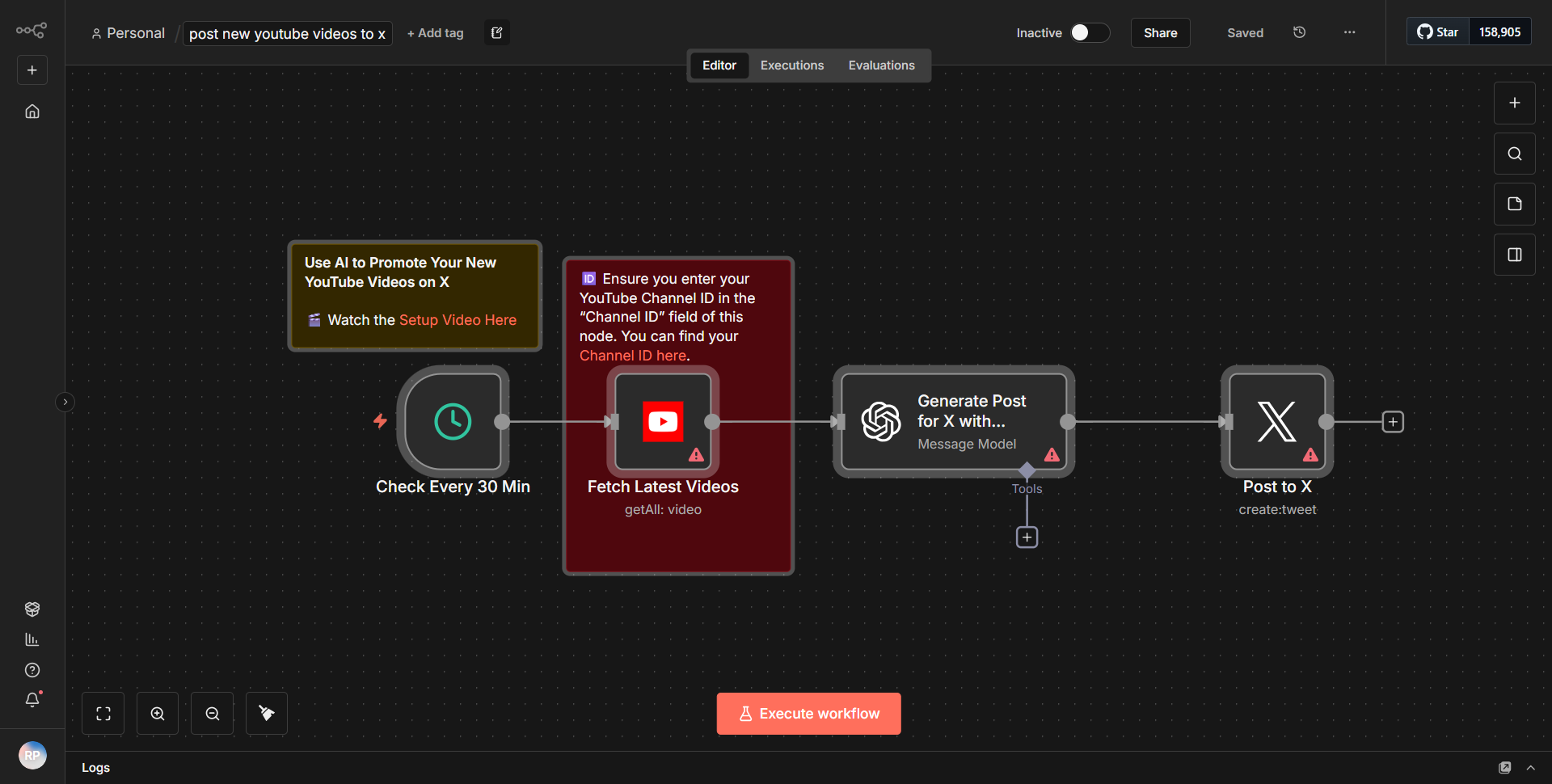
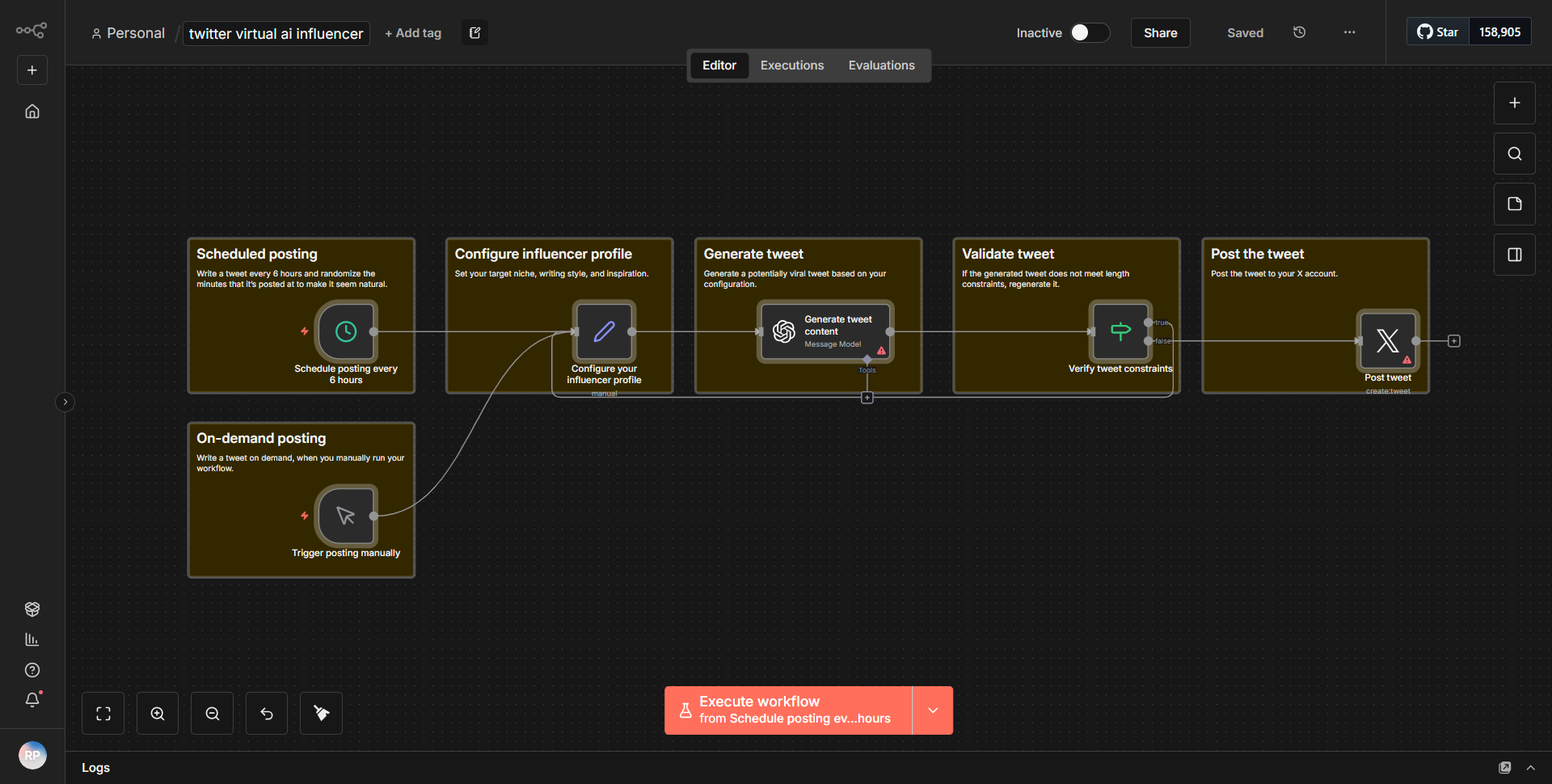
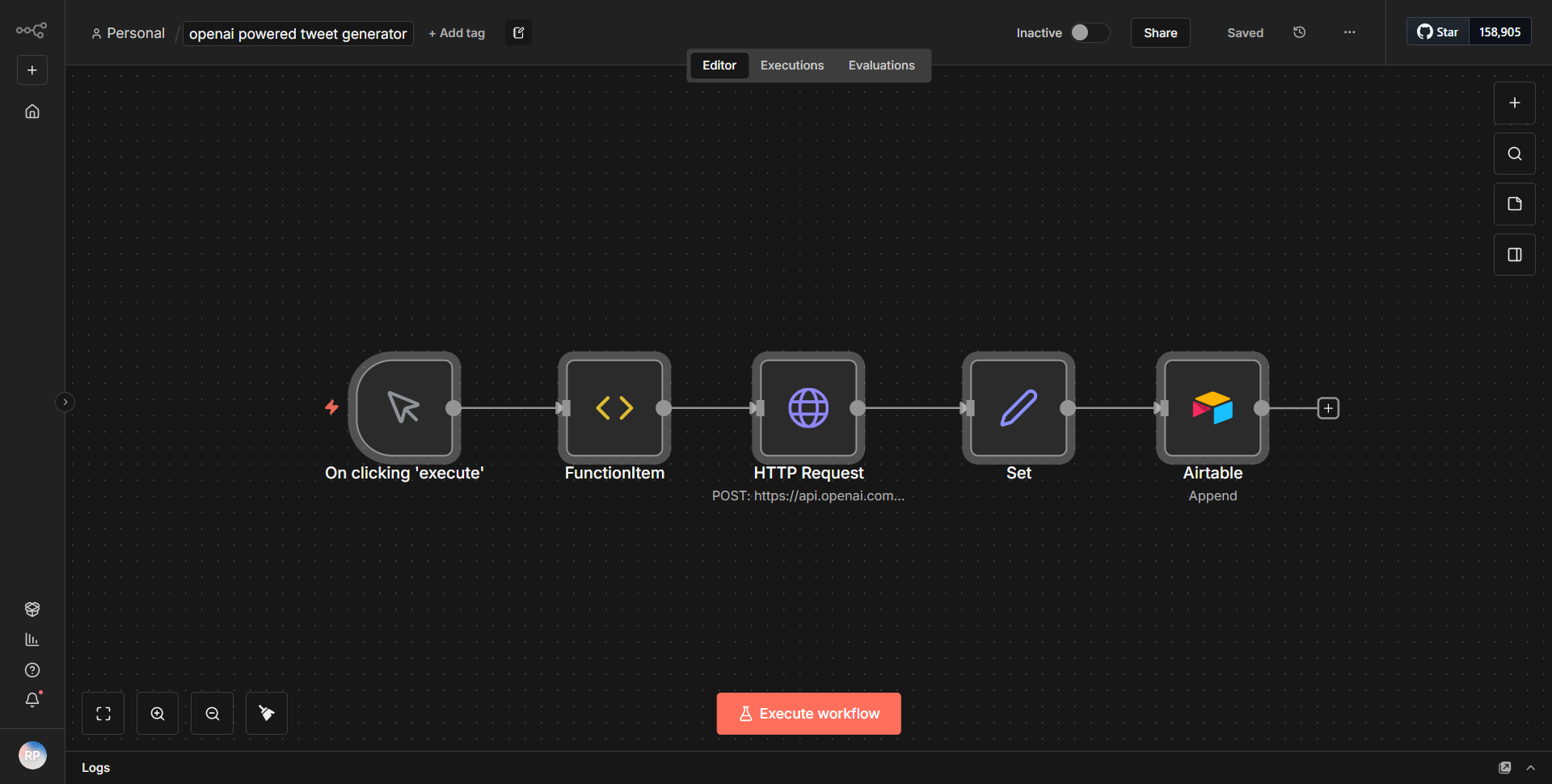
The "Tweet generator powered by OpenAI" workflow is designed to create tweets using OpenAI's language models. The workflow begins with a trigger node that initiates the process. The first node is typically a manual trigger or a scheduled trigger, which starts the workflow execution. Once triggered, the workflow proceeds to the next node, which is an OpenAI node configured to generate text based on a prompt.
In this workflow, the OpenAI node is set up to receive a specific input prompt, which can be dynamically generated or predefined. The output from the OpenAI node is a text string that represents the generated tweet. This output is then passed to a Twitter node, which is responsible for posting the tweet to a specified Twitter account.
The connection between the nodes is straightforward: the output of the OpenAI node feeds directly into the input of the Twitter node. This seamless flow allows the generated content to be automatically posted to Twitter without any manual intervention. The workflow concludes after the tweet is successfully posted, ensuring that the entire process from generation to publication is automated.
Key Features
1. Automated Tweet Generation:
This workflow automates the process of creating tweets, saving time and effort for users who want to maintain an active social media presence.
2. OpenAI Integration:
By leveraging OpenAI's language models, the workflow can generate high-quality, contextually relevant tweets that engage followers.
3. Customizable Prompts:
Users can customize the input prompts for the OpenAI node, allowing for tailored tweet generation based on specific themes or topics.
4. Seamless Posting to Twitter:
The integration with Twitter ensures that once a tweet is generated, it can be posted immediately, enhancing the workflow's efficiency.
5. User-Friendly Setup:
The workflow is designed to be easily set up and modified, making it accessible for users with varying levels of technical expertise.
Tools Integration
The workflow utilizes the following tools and integrations:
1. OpenAI Node:
This node is responsible for generating text using OpenAI's language models. It requires configuration to specify the model and input prompts.
2. Twitter Node:
This node is used to post the generated tweets to a Twitter account. It requires authentication to connect to the user's Twitter account.
API Keys Required
To successfully run this workflow, the following API keys and credentials are necessary:
1. OpenAI API Key:
Required for authenticating requests to the OpenAI service to generate text.
2. Twitter API Credentials:
Necessary for authenticating the Twitter node to post tweets on behalf of the user. This includes API Key, API Secret Key, Access Token, and Access Token Secret.
No additional API keys or credentials are required beyond those mentioned above.