Accelerate the Creation of Social Media Banners Using BannerBear.com
Streamlines the generation of social media banners via BannerBear.com.
How it works
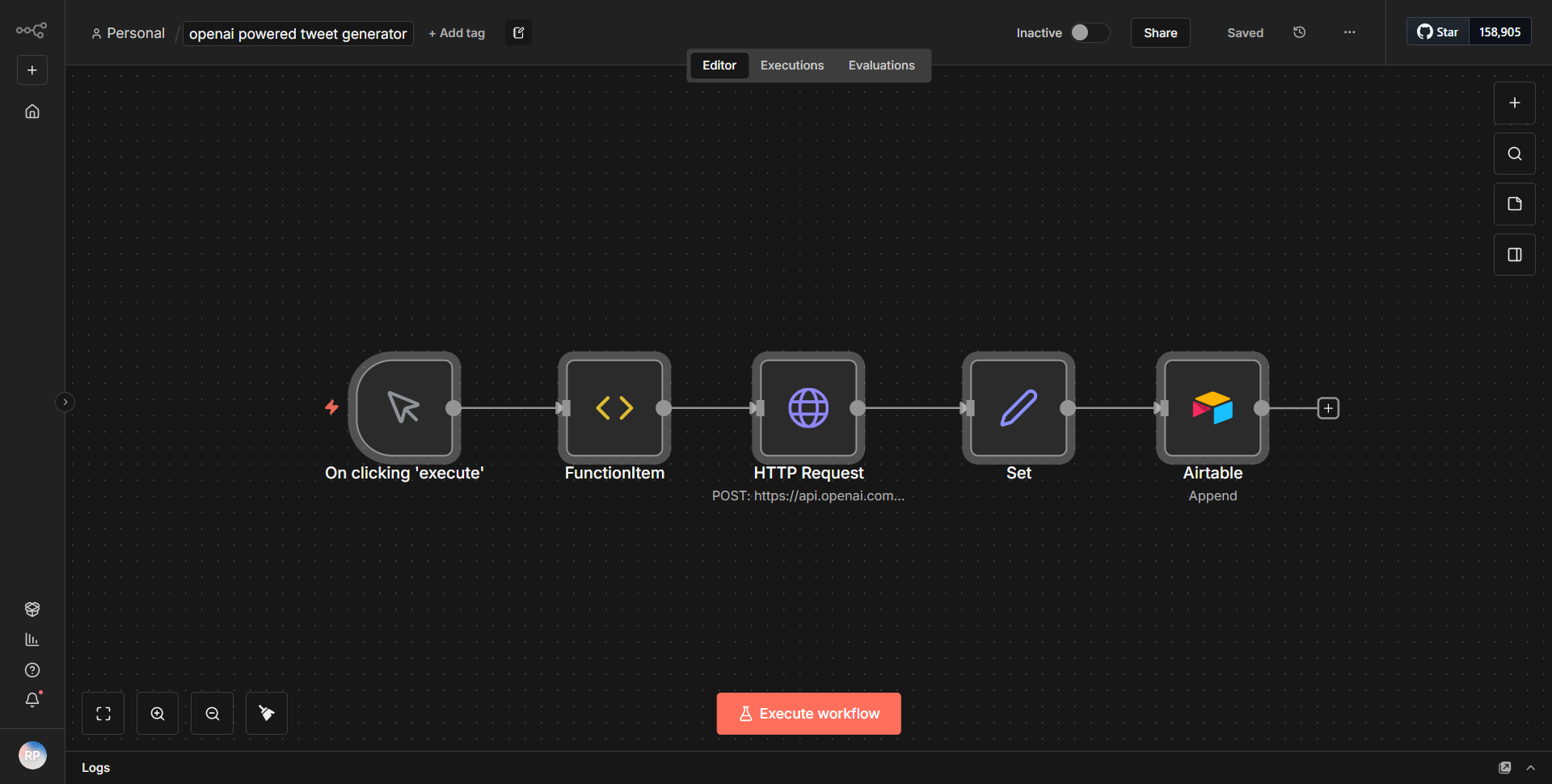
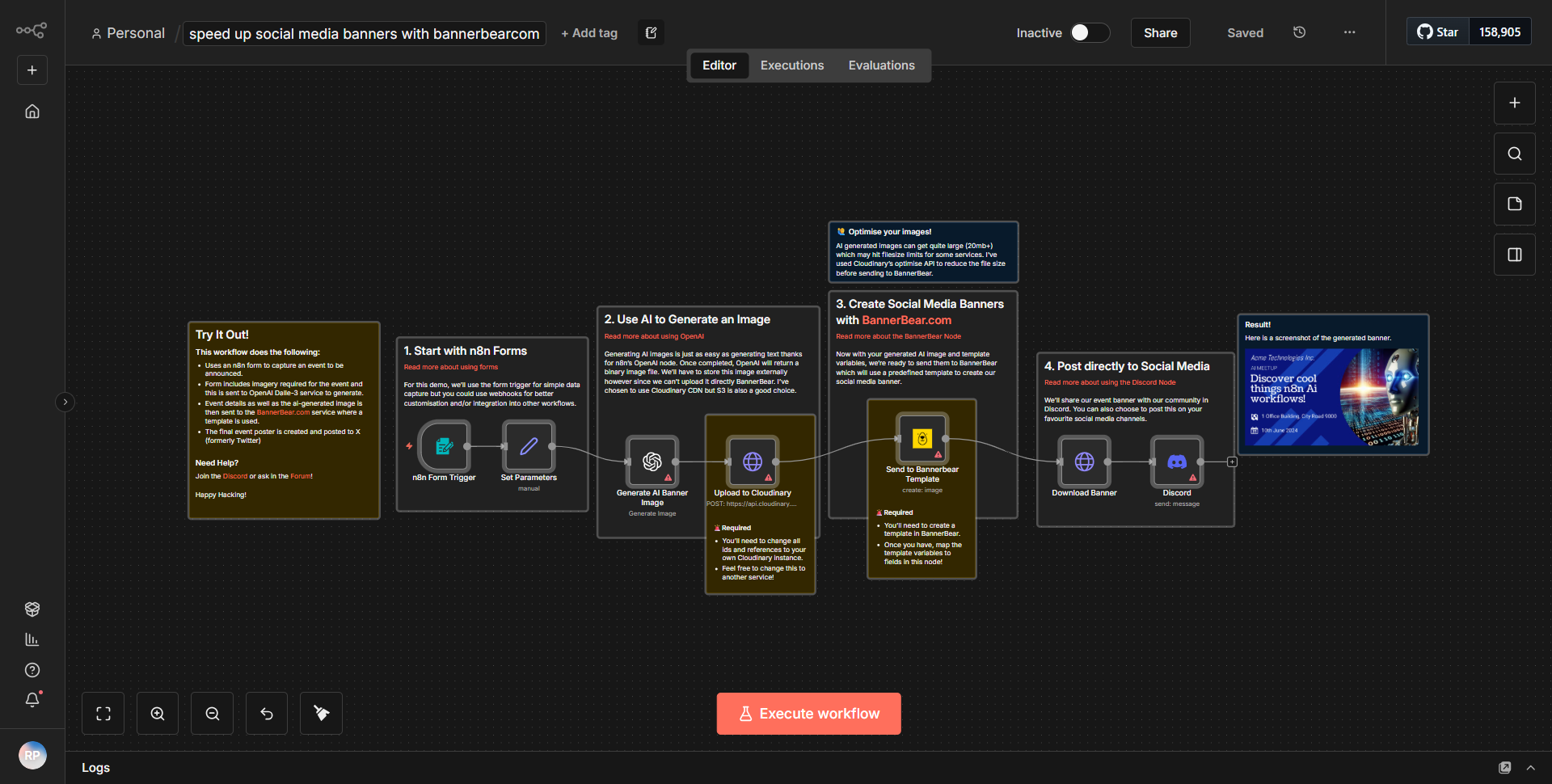
The workflow titled "Accelerate the Creation of Social Media Banners Using BannerBear.com" is designed to automate the process of generating social media banners through the BannerBear API. The workflow begins with a trigger node that initiates the process. This node is typically set to activate based on specific events, such as a webhook or a scheduled time.
Once triggered, the workflow proceeds to gather the necessary data for banner creation. It utilizes the "Set" node to define the parameters required for the BannerBear API call. This includes details such as the template ID, the text to be included on the banner, and any images that need to be incorporated.
Following the data preparation, the workflow employs the "HTTP Request" node to send a POST request to the BannerBear API. This node is configured with the appropriate endpoint, headers, and body parameters, which are essential for creating the banner. The response from the API is then captured, allowing the workflow to handle any subsequent actions based on the outcome of the banner creation.
Finally, the workflow may include additional nodes to manage the output, such as sending a confirmation message or storing the generated banner URL in a database or a cloud storage service. This structured flow ensures that the entire process from data gathering to banner creation is seamless and efficient.
Key Features
1. Automated Banner Creation:
The workflow automates the entire process of creating social media banners, significantly reducing the time and effort required compared to manual methods.
2. Customizable Templates:
Users can specify different templates and customize text and images, allowing for a high degree of personalization in the banners produced.
3. Integration with BannerBear API:
The workflow leverages the powerful capabilities of the BannerBear API, enabling dynamic content generation based on user input or predefined data.
4. Error Handling:
The workflow is designed to manage responses from the API, ensuring that any errors in banner creation are appropriately handled and reported.
5. Scalability:
This workflow can be easily scaled to generate multiple banners in a single run, making it suitable for businesses with high-volume social media marketing needs.
Tools Integration
The workflow integrates with the following tools and services:
- BannerBear:
The primary service used for generating social media banners through its API.
- n8n HTTP Request Node:
Utilized to communicate with the BannerBear API, sending requests and receiving responses.
- n8n Set Node:
Used for defining the data structure and parameters required for the API call.
API Keys Required
To successfully execute this workflow, an API key for BannerBear is required. This key must be included in the HTTP Request node's authentication settings to authorize the requests made to the BannerBear API. Additionally, users may need to configure other parameters such as template IDs and any specific data fields necessary for banner customization.