Generate a customizable Twitter profile banner
Streamlines the generation of customizable Twitter profile headers.
How it works
The workflow titled "Generate a customizable Twitter profile banner" is designed to automate the creation of personalized Twitter profile headers. It consists of several interconnected nodes that facilitate the generation and customization process.
1. Start Node:
The workflow begins with a trigger node that initiates the process. This node can be activated manually or through an external event, depending on the user's setup.
2. Input Node:
The next step involves an input node where users can provide customization options for their Twitter banner. This may include text, colors, images, and other design elements that the user wants to incorporate into the banner.
3. Image Generation Node:
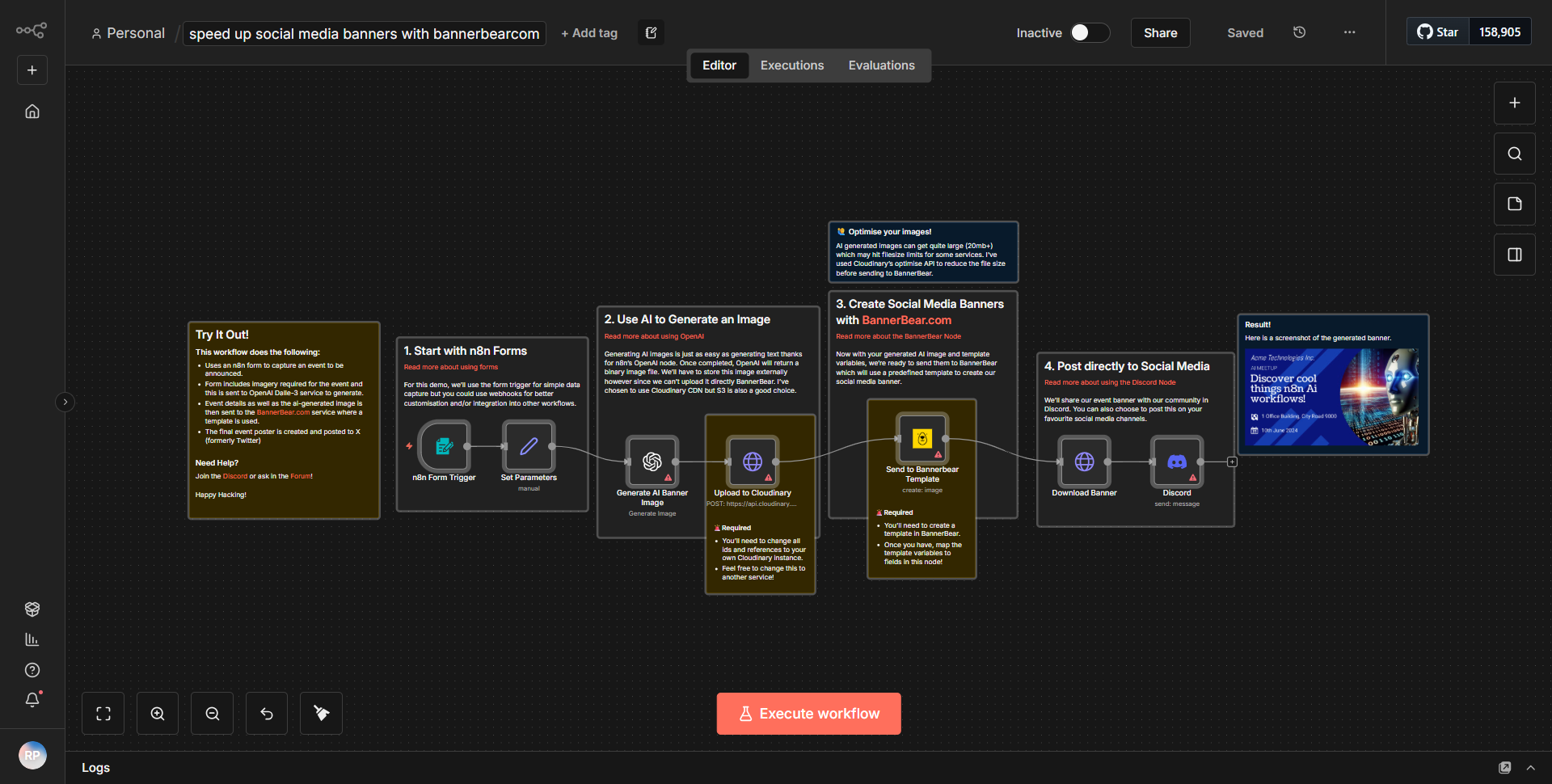
After receiving the input, the workflow proceeds to an image generation node. This node utilizes a service or API to create a visual representation of the banner based on the provided inputs. It processes the data and generates an image file that meets Twitter's specifications for profile banners.
4. Upload Node:
Once the image is generated, the workflow includes an upload node that handles the transfer of the newly created banner to the user's Twitter account. This node requires authentication to access the Twitter API and upload the image directly to the user's profile.
5. Confirmation Node:
Finally, the workflow concludes with a confirmation node that notifies the user of the successful upload. This can be done through a message in the n8n interface or via email, providing feedback on the completion of the task.
Throughout this process, data flows seamlessly from one node to the next, ensuring that each step is executed in the correct order and that the final output is a customized Twitter profile banner.
Key Features
- Customizable Inputs:
Users can personalize their Twitter banners by specifying various elements such as text, colors, and images, allowing for a unique representation of their brand or personality.
- Automated Image Generation:
The workflow automates the image creation process, saving users time and effort while ensuring that the banners adhere to Twitter's size and format requirements.
- Direct Upload to Twitter:
The integration with Twitter allows users to upload their newly created banners directly to their profiles without needing to manually download and upload files.
- User Feedback:
The confirmation node provides immediate feedback to users, enhancing the overall user experience by confirming successful operations.
Tools Integration
The workflow integrates with several tools and services to achieve its functionality:
- n8n:
The primary platform used to create and manage the workflow.
- Twitter API:
Utilized for uploading the generated banner directly to the user's Twitter profile.
- Image Generation Service:
An external API or service that processes the input data to create the visual banner (specific service details would be found in the JSON configuration).
API Keys Required
To successfully execute this workflow, the following API keys and credentials are necessary:
- Twitter API Key:
Required for authentication to access the Twitter API and upload images.
- Twitter API Secret:
Needed alongside the API key for secure access.
- Access Token:
This token is essential for making authorized requests to the Twitter API on behalf of the user.
- Access Token Secret:
Complements the access token for secure API interactions.
If there are no additional external services used for image generation, then no further API keys would be necessary.