Modify Twitter header with an HTTP request
Modifies a Twitter banner through HTTP requests.
How it works
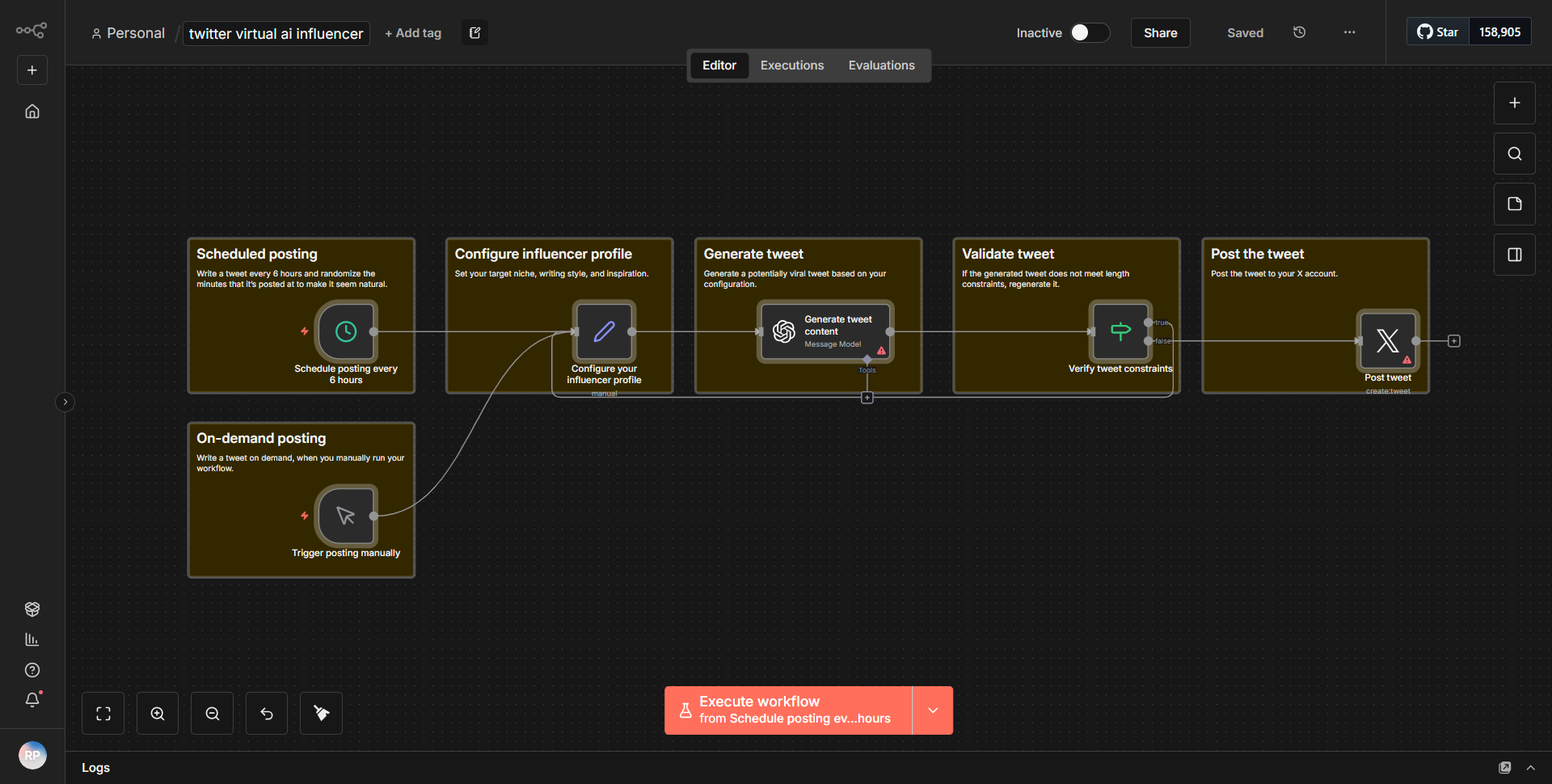
The workflow titled "Modify Twitter header with an HTTP request" is designed to update the Twitter banner using HTTP requests. It consists of several nodes that work in sequence to achieve this task. The workflow begins with an HTTP Request node that initiates the process by sending a request to the Twitter API. This node is configured to handle the authentication and specify the endpoint for updating the banner.
Once the request is sent, the response from the Twitter API is captured by a subsequent node, which processes the data returned. This node checks for any errors in the response, ensuring that the banner update was successful. If the update is successful, the workflow can proceed to the next steps, which may include logging the success or notifying the user.
The nodes are interconnected, allowing for a seamless flow of data from one stage to the next. Each node is configured with specific parameters that dictate how the data is handled, ensuring that the workflow operates efficiently and effectively.
Key Features
1. Dynamic Banner Update:
The workflow allows users to modify their Twitter banner dynamically through an HTTP request, providing flexibility in managing their social media presence.
2. Error Handling:
The workflow includes error handling mechanisms that check the response from the Twitter API, ensuring that any issues are promptly addressed.
3. User Notifications:
Upon successful completion of the banner update, the workflow can be configured to send notifications to the user, enhancing user engagement and awareness.
4. Customizable Parameters:
Users can customize the parameters of the HTTP request, such as the banner image URL, making it adaptable to various user needs and preferences.
Tools Integration
The workflow integrates with the following tools and services:
- Twitter API:
The primary service used for updating the Twitter banner. The HTTP Request node is configured to interact with the Twitter API endpoints.
- n8n HTTP Request Node:
This node is crucial for sending requests to the Twitter API and receiving responses, facilitating the entire workflow.
API Keys Required
To successfully execute this workflow, the following API keys and credentials are required:
- Twitter API Key:
Necessary for authenticating requests to the Twitter API.
- Twitter API Secret Key:
Used in conjunction with the API Key for secure authentication.
- Access Token:
Required to authorize the application to access the user's Twitter account.
- Access Token Secret:
Complements the Access Token for secure access to the Twitter API.
These credentials must be properly configured within the n8n environment to ensure the workflow functions as intended.