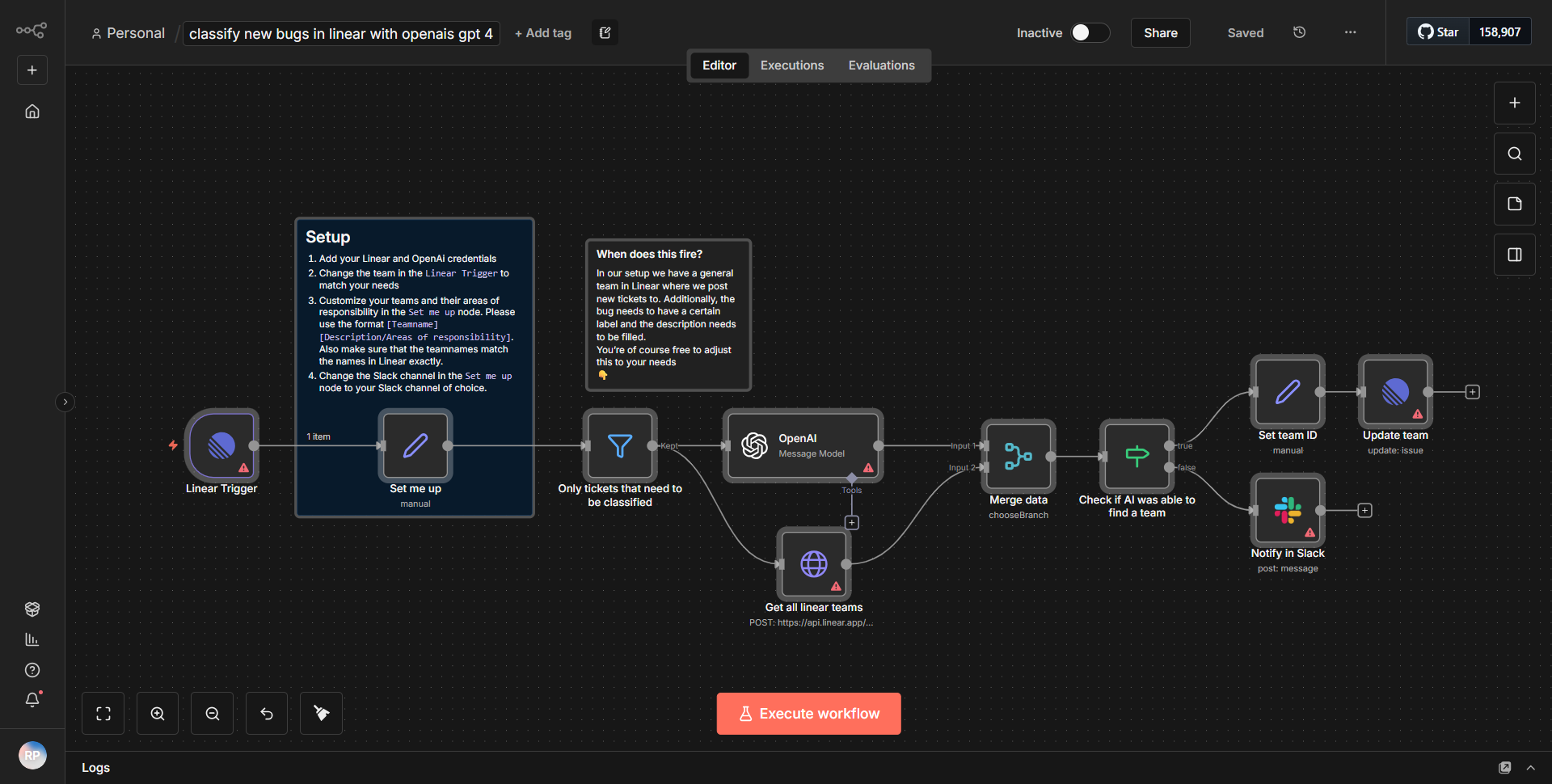
Evaluate responses and dispatch a notification on Mattermost.
Evaluates user input and delivers alerts to Mattermost channels.
How it works
The workflow titled "Evaluate responses and dispatch a notification on Mattermost" is designed to assess user input and send alerts to Mattermost channels based on the evaluation results. The workflow begins with a trigger node that listens for incoming data, typically from a web form or an API.
1. Trigger Node:
The workflow initiates with a trigger node that captures user responses. This node is responsible for receiving the input data that will be evaluated.
2. Function Node:
Following the trigger, a Function node processes the incoming data. This node evaluates the user input based on predefined criteria. The evaluation logic can include conditional statements that determine the nature of the response (e.g., positive, negative, or neutral).
3. IF Node:
The output from the Function node is then passed to an IF node, which directs the workflow based on the evaluation results. This node checks the conditions set in the previous step and routes the flow accordingly. If the evaluation meets certain criteria, it proceeds to send a notification; otherwise, it may terminate or take an alternative action.
4. Mattermost Node:
If the conditions are satisfied, the workflow continues to a Mattermost node. This node is responsible for sending a message to a specified Mattermost channel. The message content is dynamically generated based on the evaluation results from the Function node.
5. End Node:
Finally, the workflow concludes with an End node, which signifies the completion of the process. This node ensures that no further actions are taken unless triggered again by new user input.
The data flows sequentially from the trigger to the function, then through the IF node to the Mattermost node, effectively allowing for a streamlined evaluation and notification process.
Key Features
- Dynamic Evaluation:
The workflow includes a Function node that allows for custom logic to evaluate user responses, making it adaptable to various scenarios and criteria.
- Conditional Routing:
The use of the IF node enables the workflow to branch based on the evaluation results, ensuring that notifications are only sent when necessary.
- Real-time Notifications:
By integrating with Mattermost, the workflow provides real-time alerts to team channels, facilitating immediate communication regarding user feedback.
- User Input Handling:
The workflow is designed to handle diverse user inputs, making it versatile for different applications, such as surveys, feedback forms, or support requests.
Tools Integration
- Mattermost:
The workflow integrates with Mattermost for sending notifications. The Mattermost node is utilized to post messages to specific channels based on the evaluation results.
- Function Node:
This node is employed to implement custom logic for evaluating user responses, allowing for tailored processing of the input data.
- IF Node:
This node is used to create conditional paths in the workflow, determining the next steps based on the evaluation outcomes.
API Keys Required
- Mattermost API Key:
To enable the Mattermost node to send messages, an API key or token for authentication is required. This key must be configured in the Mattermost node settings.
• No additional API keys or credentials are mentioned in the workflow, indicating that the primary requirement is the Mattermost API key for successful integration.