Dynamic Prompt-Based AI Data Extraction with Airtable
Data extraction powered by AI with integration to Airtable.
How it works
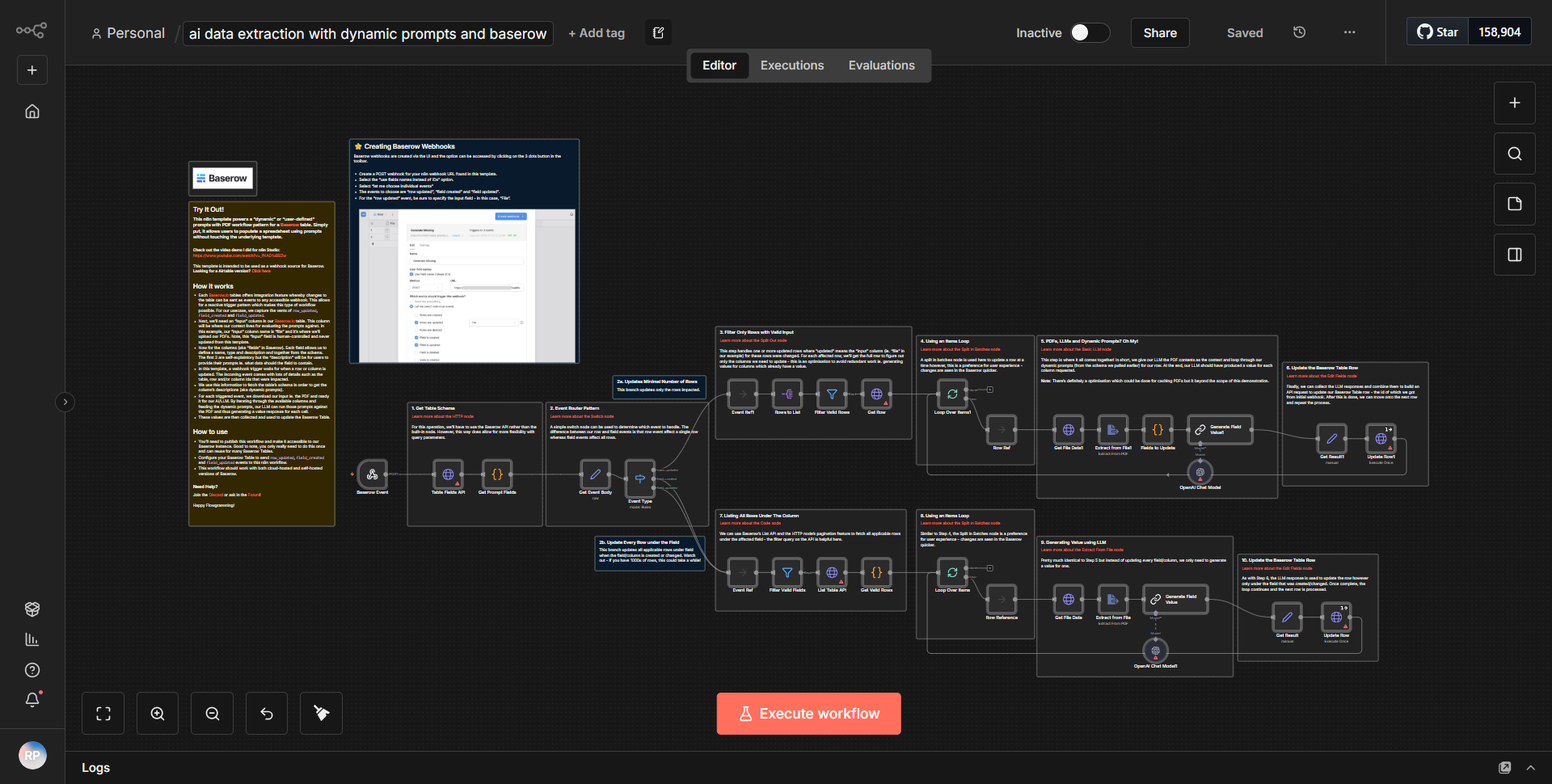
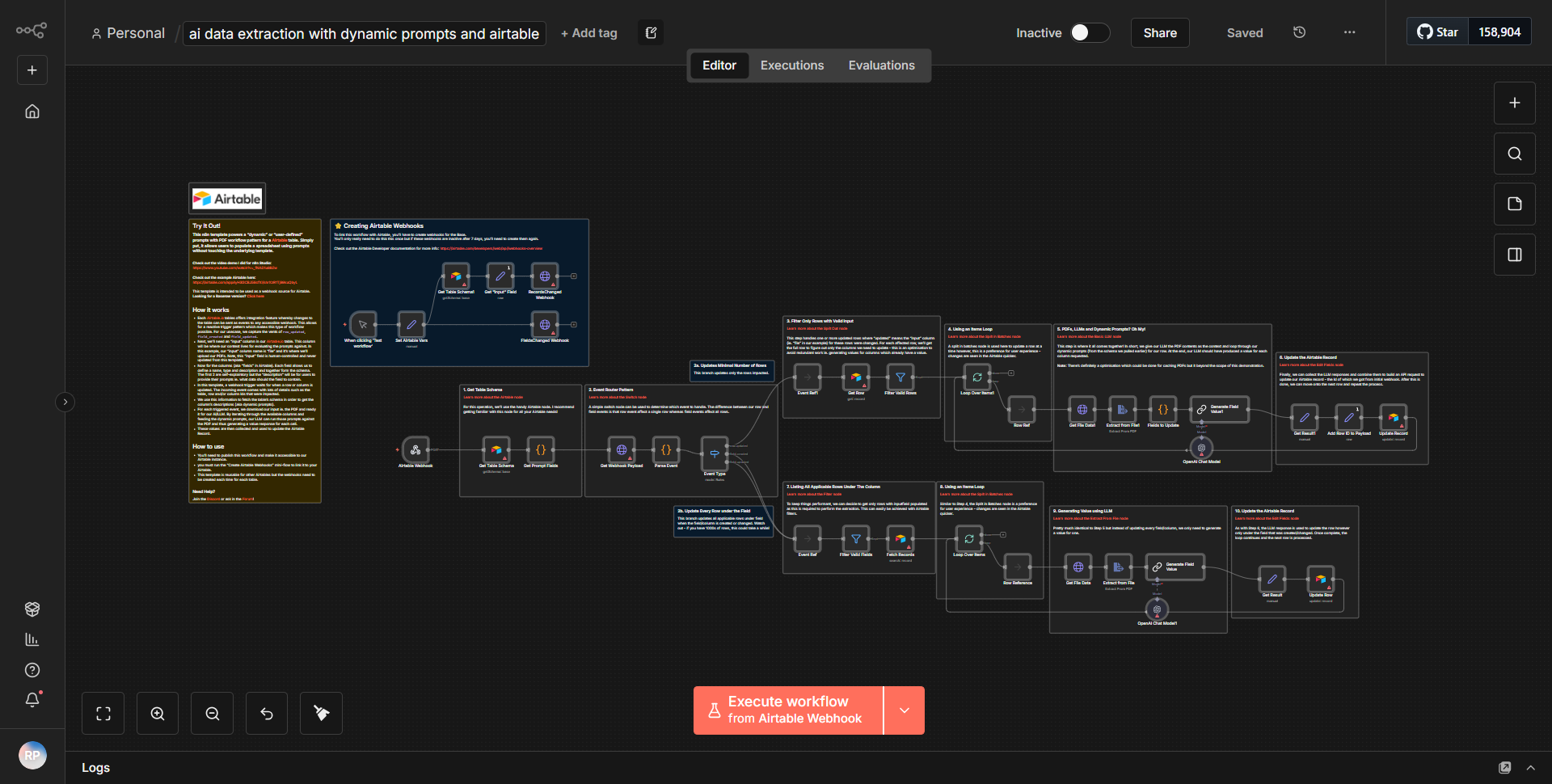
The workflow titled "Dynamic Prompt-Based AI Data Extraction with Airtable" is designed to automate the process of extracting data using AI and integrating it with Airtable. The workflow begins with a trigger node that initiates the process whenever new data is added to a specified Airtable base. The first step involves retrieving the relevant records from Airtable using the "Airtable" node, which fetches data based on certain criteria defined in the node configuration.
Once the data is retrieved, it is passed to an "AI" node, which utilizes a language model to generate dynamic prompts based on the extracted data. This node is responsible for processing the incoming data and formulating queries or prompts that are tailored to the specific context of the extracted records. The AI-generated prompts are then used to extract meaningful insights or additional data from the original records.
Following the AI processing, the workflow includes a step to format the results. This is typically done using a "Set" node, which allows for structuring the output data into a format suitable for further use or storage. Finally, the processed data is sent back to Airtable using another "Airtable" node, where it can be stored in a designated table or updated in existing records. The entire process is designed to be seamless, allowing for real-time data extraction and integration with minimal manual intervention.
Key Features
1. Dynamic Prompt Generation:
The workflow leverages AI to create dynamic prompts based on the data retrieved from Airtable, enabling more contextual and relevant data extraction.
2. Real-Time Data Integration:
By integrating directly with Airtable, the workflow allows for immediate updates and data synchronization, ensuring that the latest information is always available.
3. Automated Data Processing:
The entire process from data retrieval to AI processing and back to Airtable is automated, reducing the need for manual data handling and increasing efficiency.
4. Customizable Criteria:
Users can define specific criteria for data retrieval from Airtable, allowing for tailored data extraction based on unique project needs.
5. Structured Output:
The use of a "Set" node ensures that the output data is well-structured and ready for further analysis or reporting.
Tools Integration
The workflow integrates the following tools and services:
- Airtable:
Utilized for both data retrieval and storage, allowing the workflow to interact with Airtable bases and tables.
- AI Node:
This node is responsible for processing the data and generating dynamic prompts, leveraging AI capabilities for data extraction.
- Set Node:
Used to format and structure the output data before it is sent back to Airtable.
API Keys Required
To operate this workflow, the following API keys and credentials are required:
- Airtable API Key:
Necessary for authenticating and accessing the Airtable base and tables.
- Airtable Base ID:
Required to specify which Airtable base the workflow will interact with.
- Airtable Table Name:
Needed to define the specific table within the base where data will be retrieved and stored.
No additional API keys or authentication credentials are needed for the AI node, as it operates within the n8n environment.