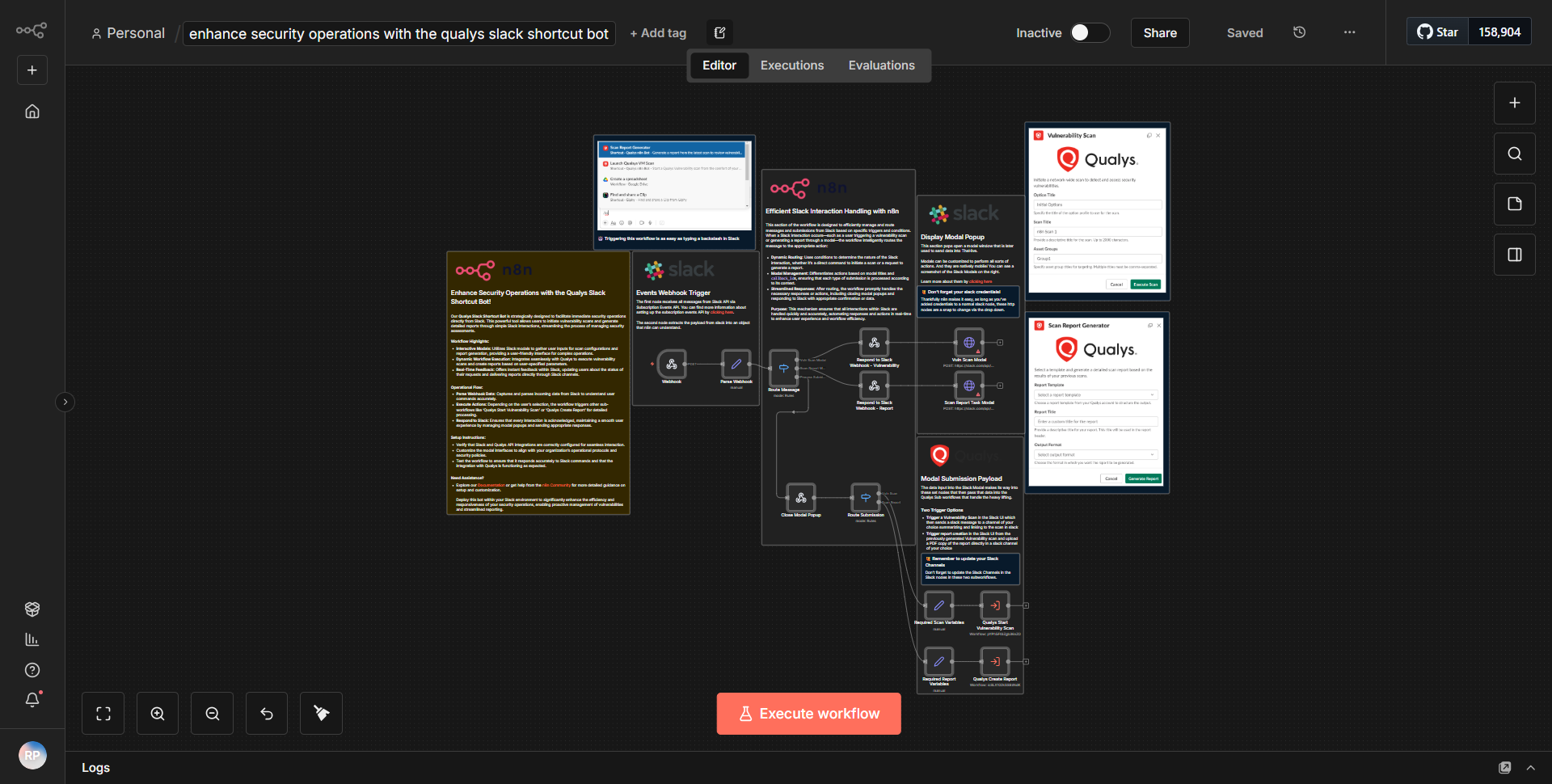
Boost Security Operations Using the Qualys Slack Shortcut Bot!
Establishes a Slack shortcut bot for Qualys to improve security operations, enabling users to initiate actions such as generating reports or commencing vulnerability scans straight from Slack.
How it works
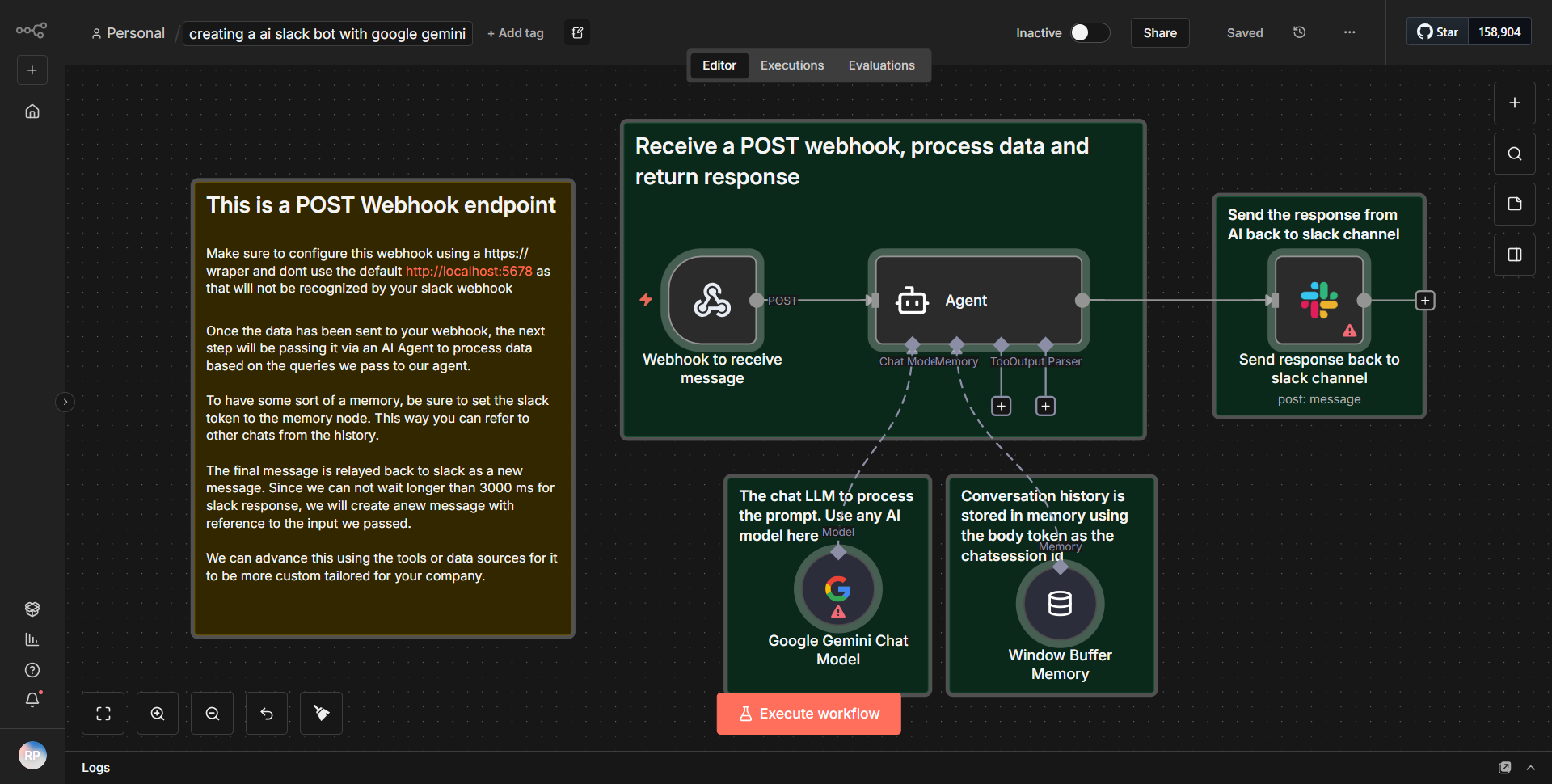
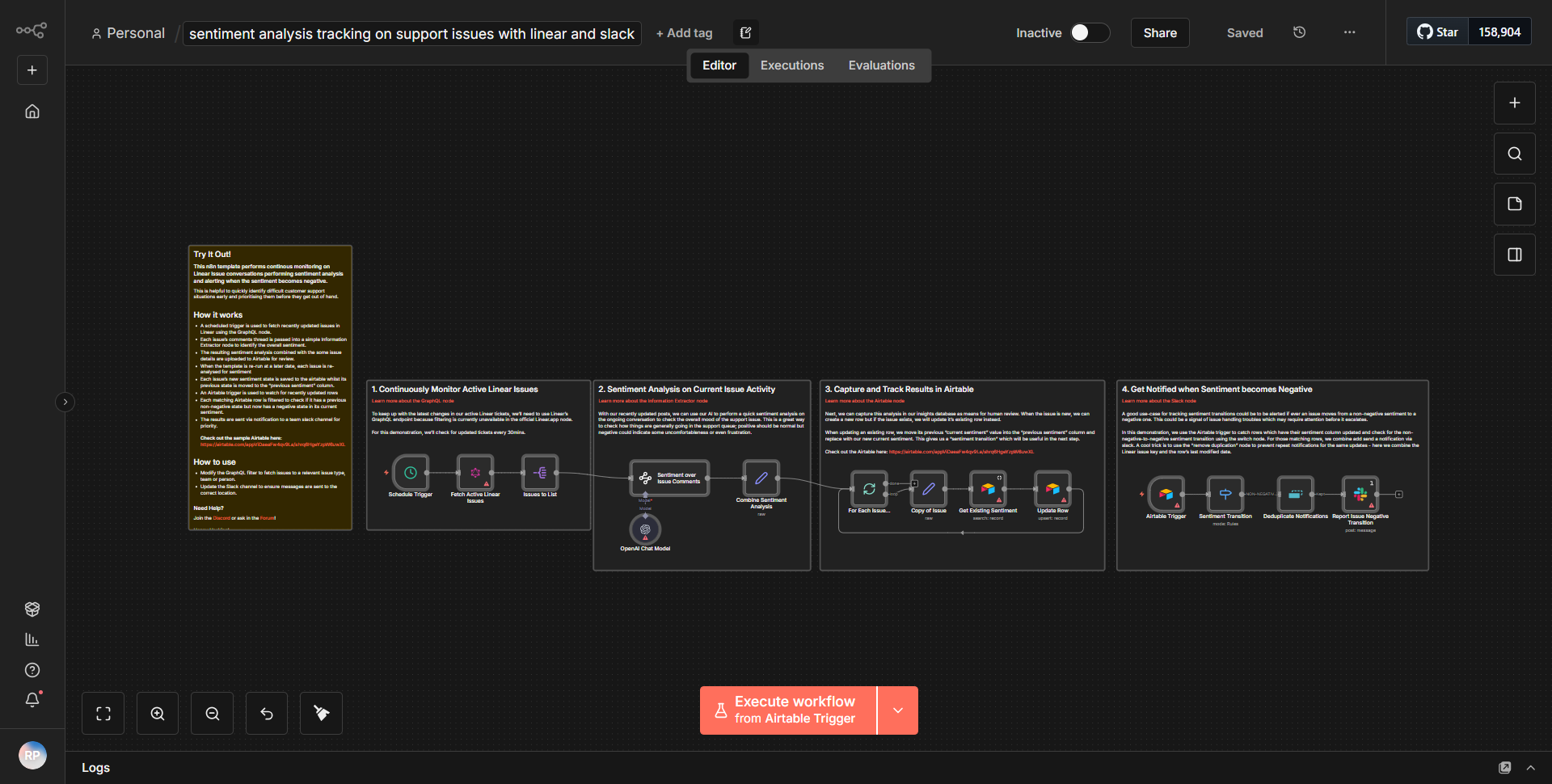
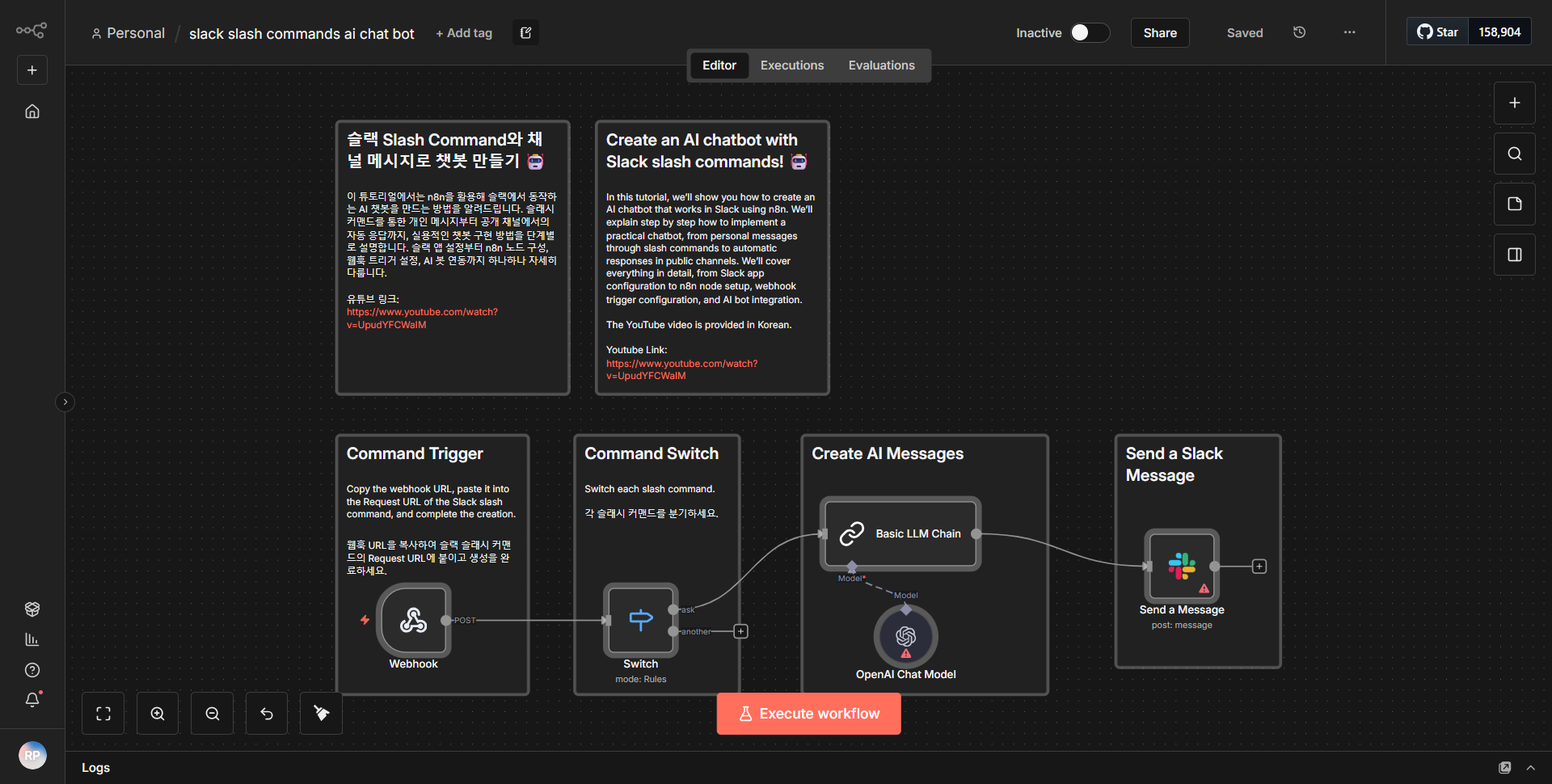
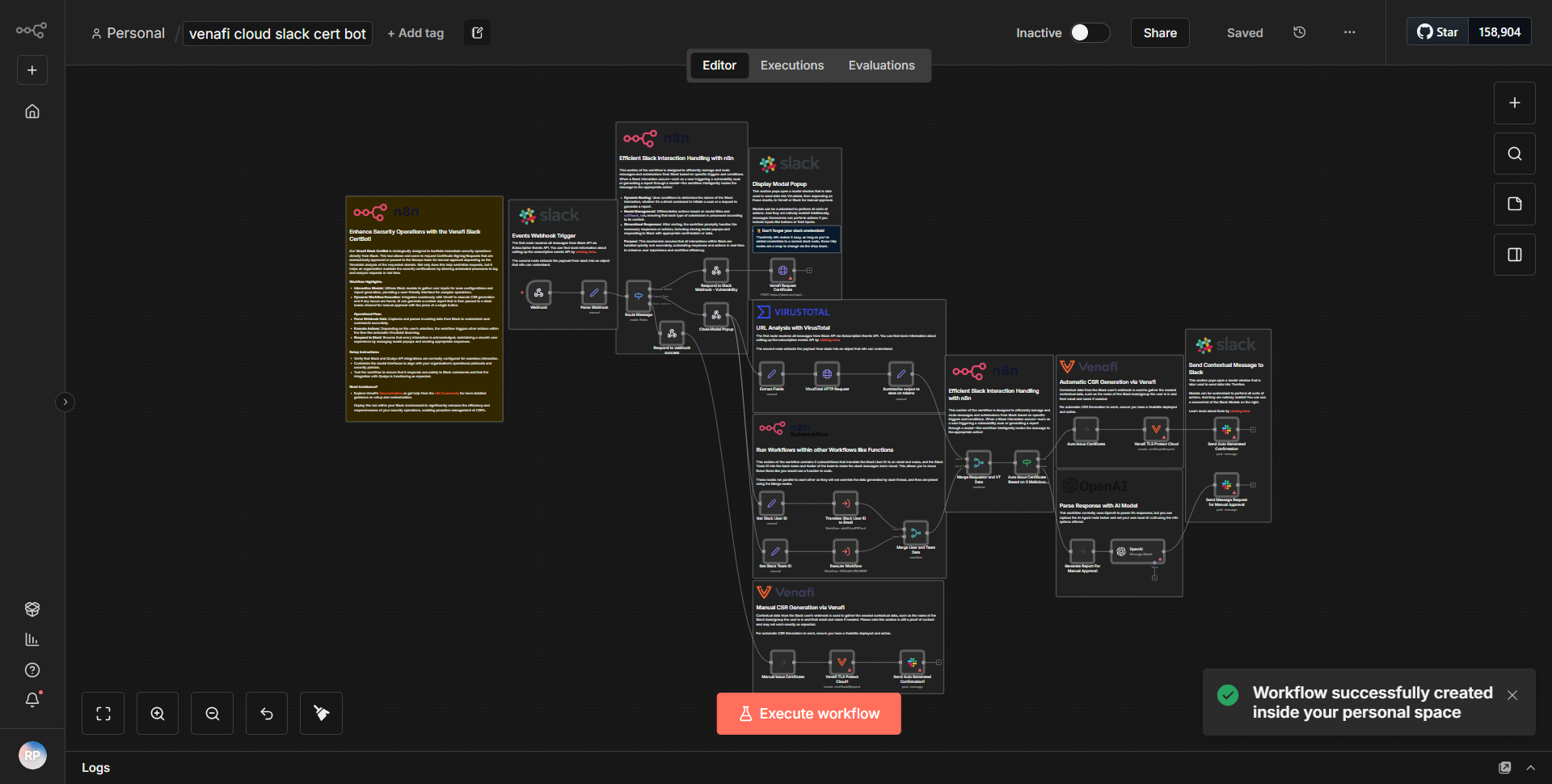
The workflow operates by integrating Slack with Qualys to streamline security operations. It begins with a Slack shortcut that allows users to initiate various actions directly from their Slack interface. When a user selects the Qualys shortcut, the workflow is triggered. The first node in the workflow is a Slack Trigger, which captures the interaction.
Once the trigger is activated, the workflow proceeds to a Function node that processes the input from the Slack shortcut. This node determines the specific action the user wishes to perform, such as generating a report or starting a vulnerability scan. Based on this input, the workflow dynamically routes to the appropriate Qualys API call.
Subsequent nodes include HTTP Request nodes that communicate with the Qualys API. These nodes are configured to send requests for the selected actions, utilizing the necessary parameters derived from the user's input. After the API responds, the workflow may include additional Function nodes to handle the response data, formatting it as needed for user-friendly output.
Finally, the results are sent back to the user via a Slack message, providing confirmation of the action taken or sharing the generated report. This seamless flow from Slack to Qualys and back enhances efficiency in security operations.
Key Features
1. Slack Integration:
The workflow allows users to interact with Qualys directly from Slack, eliminating the need to switch between applications.
2. Dynamic Action Selection:
Users can choose from multiple actions (e.g., generating reports, initiating scans) through a simple interface, making it user-friendly.
3. Real-time Feedback:
After executing an action, users receive immediate feedback in Slack, enhancing communication and operational efficiency.
4. Automated API Calls:
The workflow automates the process of making API calls to Qualys, reducing manual effort and potential errors.
5. Customizable Responses:
The workflow can format responses based on the action taken, ensuring that users receive relevant information in an easily digestible format.
Tools Integration
- Slack:
Utilized for user interaction through shortcuts and messaging.
- Qualys API:
Integrated to perform security operations such as vulnerability scanning and report generation.
- n8n Nodes:
• Slack Trigger: Captures the initial user interaction.
• Function Node: Processes user input and determines the action.
• HTTP Request Node: Sends requests to the Qualys API and retrieves data.
API Keys Required
To ensure the workflow functions correctly, the following API keys and credentials are necessary:
- Qualys API Key:
Required for authenticating requests to the Qualys API.
- Slack Bot Token:
Needed for the Slack integration to send and receive messages.
No additional API keys or credentials are required beyond those mentioned above.