AI Bot for conversing with Airtable and evaluating data
This workflow establishes an AI agent capable of interacting with Airtable, examining data, and executing queries in response to user inquiries. It is designed to manage aggregation functions and produce graphs/images.
How it works
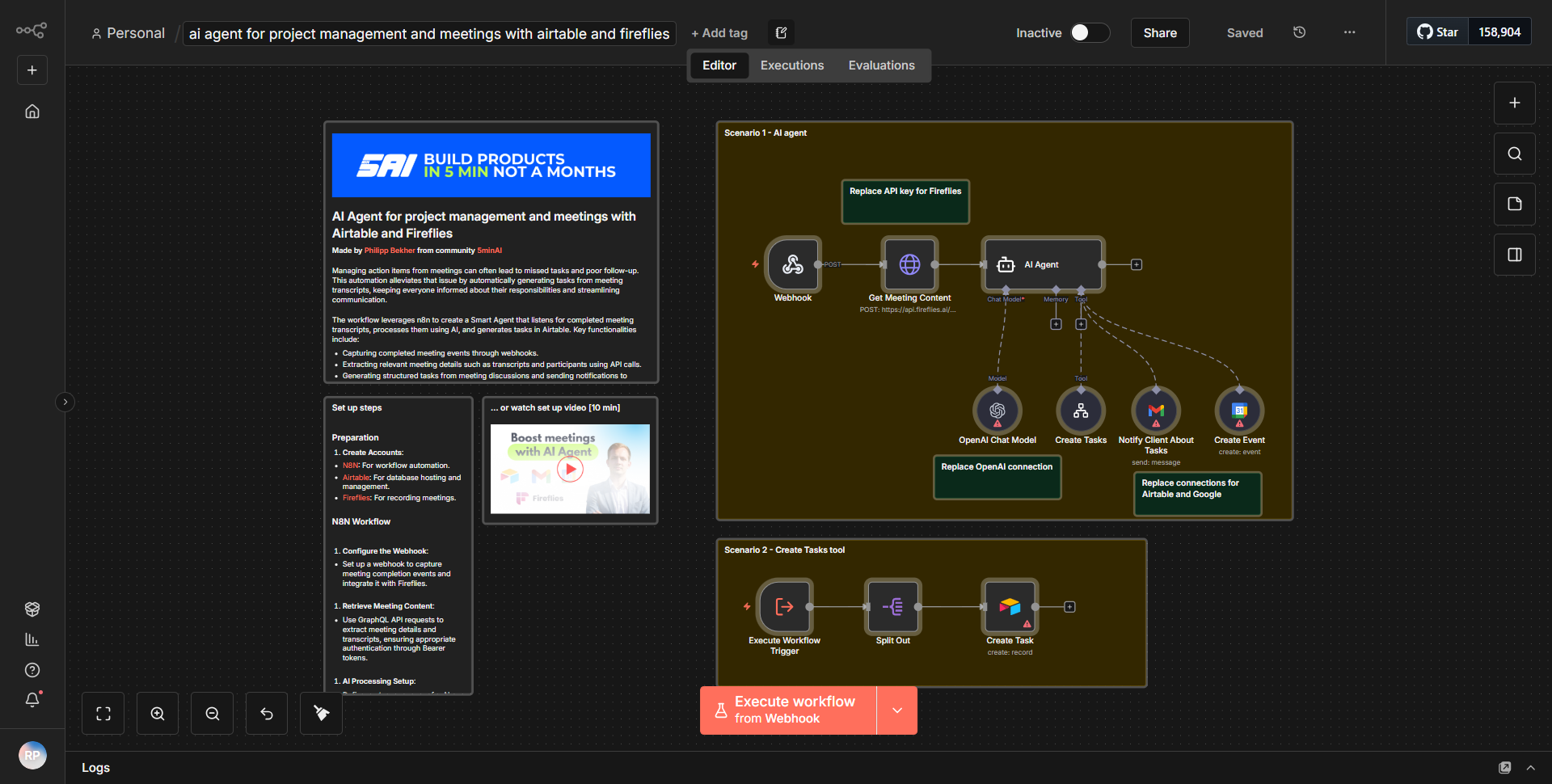
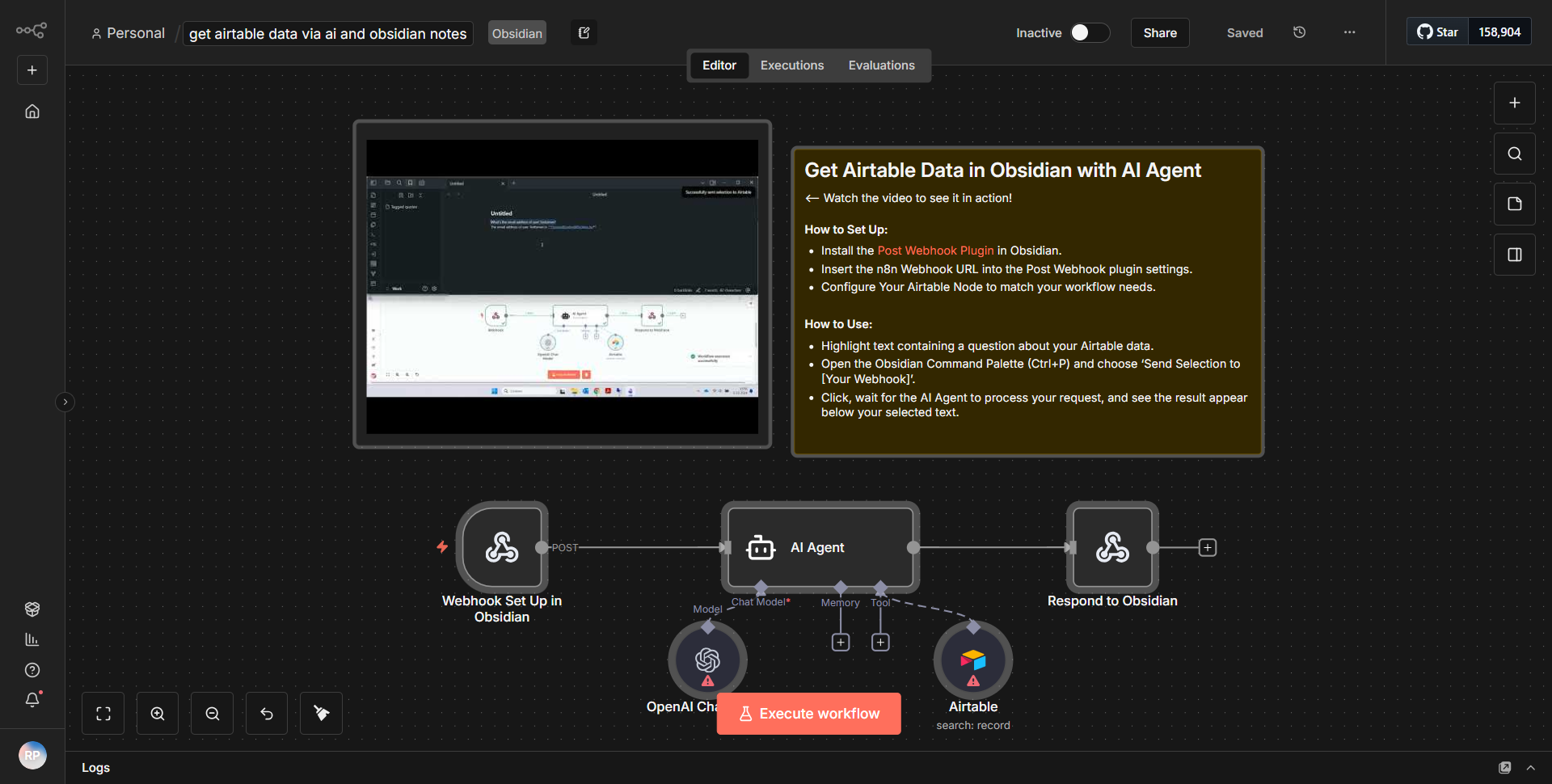
The workflow titled "AI Bot for conversing with Airtable and evaluating data" is designed to facilitate interaction between an AI agent and Airtable, allowing users to query data and receive insights in a conversational manner. The workflow begins with a trigger node that listens for incoming messages from the user. Once a message is received, the workflow processes it through a series of nodes that handle data retrieval, analysis, and response generation.
1. Trigger Node:
The workflow starts with a webhook trigger that captures user input. This input is typically a question or request regarding the data stored in Airtable.
2. Airtable Node:
The next step involves an Airtable node that queries the specified base and table to retrieve relevant data based on the user's inquiry. The query parameters are dynamically constructed using the user's input.
3. Data Processing Node:
After fetching the data, the workflow includes a data processing node that evaluates the retrieved information. This node may perform aggregation functions, such as summing values or calculating averages, depending on the user's request.
4. Graph/Image Generation Node:
Following data evaluation, the workflow utilizes a node dedicated to generating graphs or images. This visual representation of the data helps in better understanding and analysis.
5. Response Node:
Finally, the processed information and any generated visuals are sent back to the user through a response node. This node formats the output in a user-friendly manner, ensuring that the information is clear and actionable.
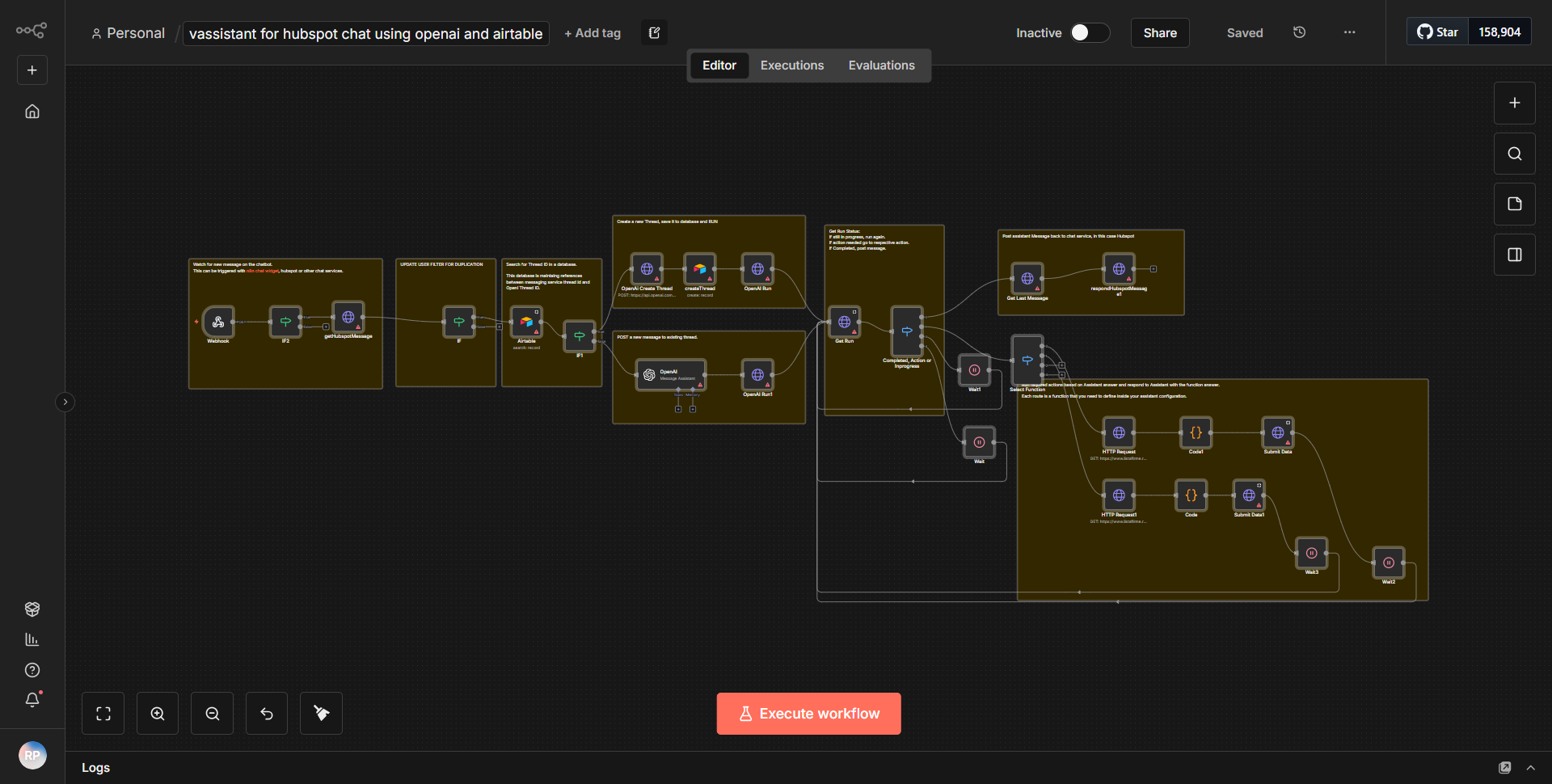
Throughout this process, data flows seamlessly from one node to the next, with each node performing a specific function that contributes to the overall goal of providing insightful responses to user queries.
Key Features
- Conversational Interface:
The workflow enables users to interact with Airtable through natural language queries, making data access intuitive and user-friendly.
- Dynamic Data Retrieval:
It can dynamically construct queries based on user input, ensuring that the most relevant data is fetched from Airtable.
- Data Evaluation:
The workflow includes capabilities for performing various aggregation functions, allowing users to gain insights from the data without manual calculations.
- Visual Data Representation:
By generating graphs and images, the workflow enhances data comprehension, making it easier for users to visualize trends and patterns.
- Automated Responses:
The AI agent automates the response process, providing quick and accurate answers to user inquiries.
Tools Integration
The workflow integrates with the following tools and services:
- Airtable:
Utilized for data storage and retrieval. The Airtable node is responsible for querying the database based on user requests.
- Webhook:
The initial trigger for the workflow, capturing user input from a messaging platform.
- Graph/Image Generation Tools:
Specific nodes are used to create visual representations of data, although the exact tools are not detailed in the provided information.
API Keys Required
To operate this workflow, the following API keys and credentials are necessary:
- Airtable API Key:
Required for authenticating requests to the Airtable API. This key must be configured in the Airtable node settings to allow data access.
- Webhook URL:
A unique URL generated by the webhook node, which must be set up to receive incoming messages from the user.
No additional API keys or authentication credentials are mentioned in the provided information.