Miller Dev Shell
Free up over 30 hours by setting up your development environment.
On
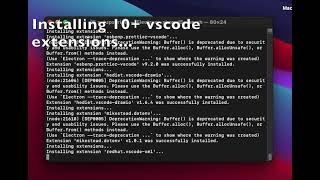
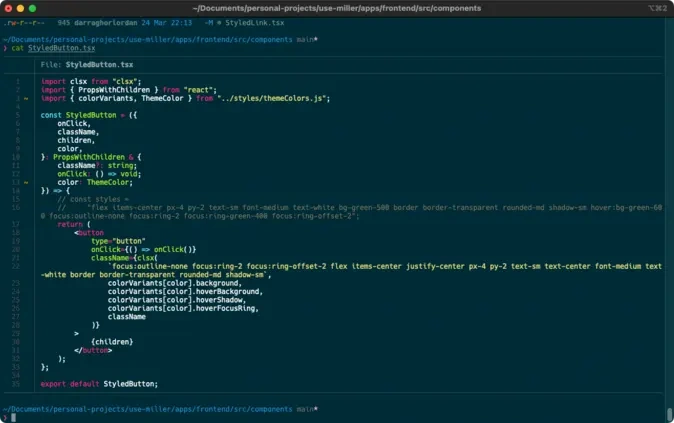
Miller is a powerful development shell tool designed to enhance the terminal experience for developers on both macOS and Windows systems. It provides a comprehensive collection of meticulously tested scripts that streamline the setup of essential development tools and utilities. With features such as automatic detection of Miniconda by path, integration of popular packages like Exa, Pure, and Bat, and the installation of Homebrew (or APT for WSL), Miller allows users to create a sophisticated and efficient command-line environment. The tool also optimizes global configurations for Git and npm, ensuring that developers can focus on their projects without being bogged down by tedious setup processes. In addition to its core functionalities, Miller offers a seamless configuration for Visual Studio Code, complete with recommended settings and plugins, enhancing the development workflow further. This allows users to maintain consistency across their development environments while taking advantage of the latest features and tools available. By simplifying the shell environment setup, Miller empowers developers to work more efficiently, providing them with the flexibility to tailor their development experience to their specific needs and preferences. Whether you are a seasoned developer or just starting, Miller equips you with the necessary tools to maximize productivity and streamline your coding sessions.
Tool Benefits
Miller Dev Shell allows developers to run commands in a powerful and flexible shell environment, enhancing productivity and scripting capabilities.
It provides built-in support for a wide range of programming languages, making it easier for developers to work across different projects without switching tools.
The tool integrates seamlessly with existing workflows, allowing for quick setup and minimal disruption to current development practices.
Miller Dev Shell offers advanced debugging features that help identify and resolve issues more efficiently during the development process.
Its user-friendly interface and comprehensive documentation facilitate a smoother learning curve for new users, enabling them to quickly leverage its features.