Automatically Tag WordPress Blog Articles Using AI
This workflow utilizes AI to automatically assign tags to WordPress blog posts, enhancing SEO and making content more discoverable.
How it works
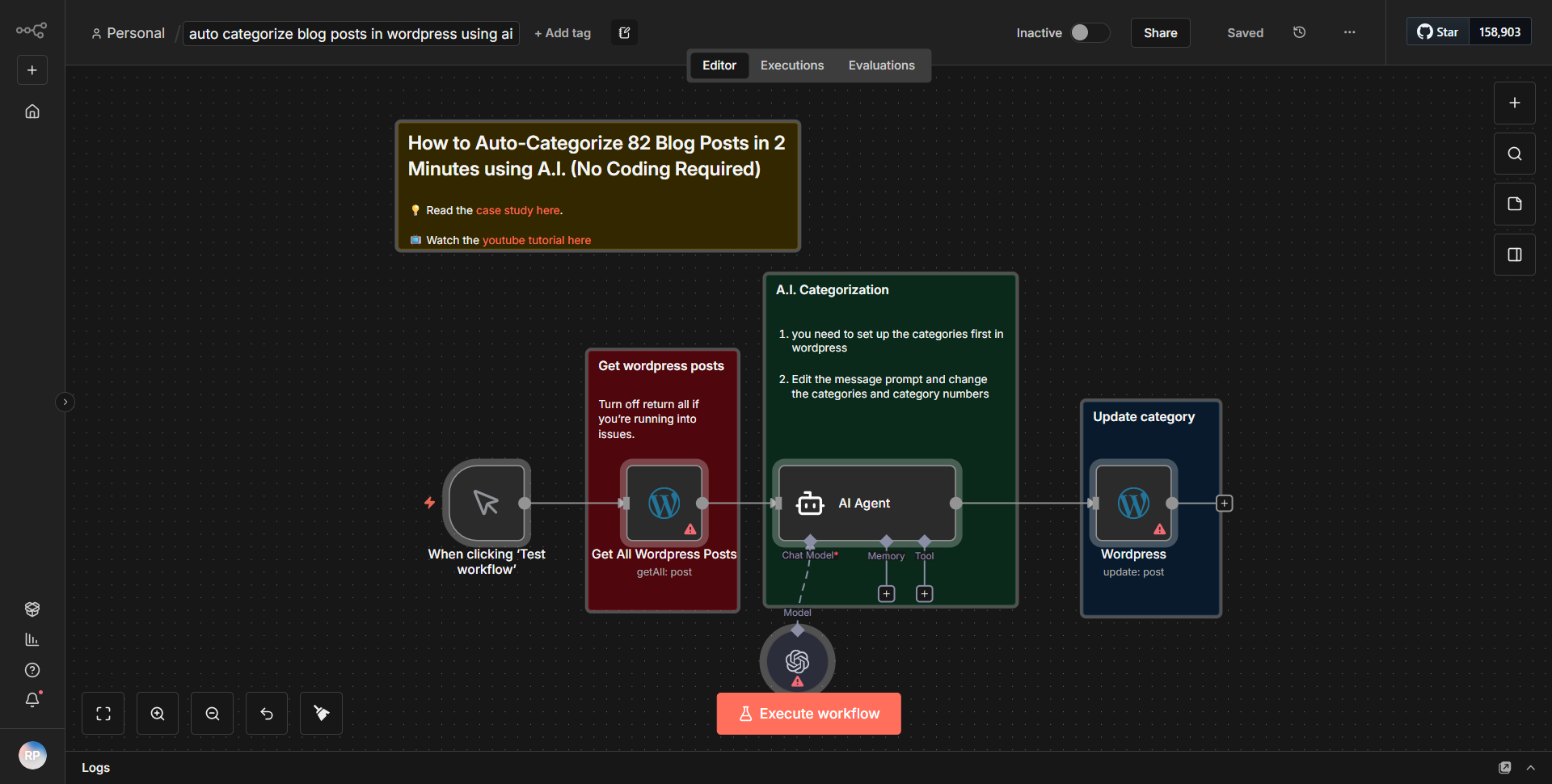
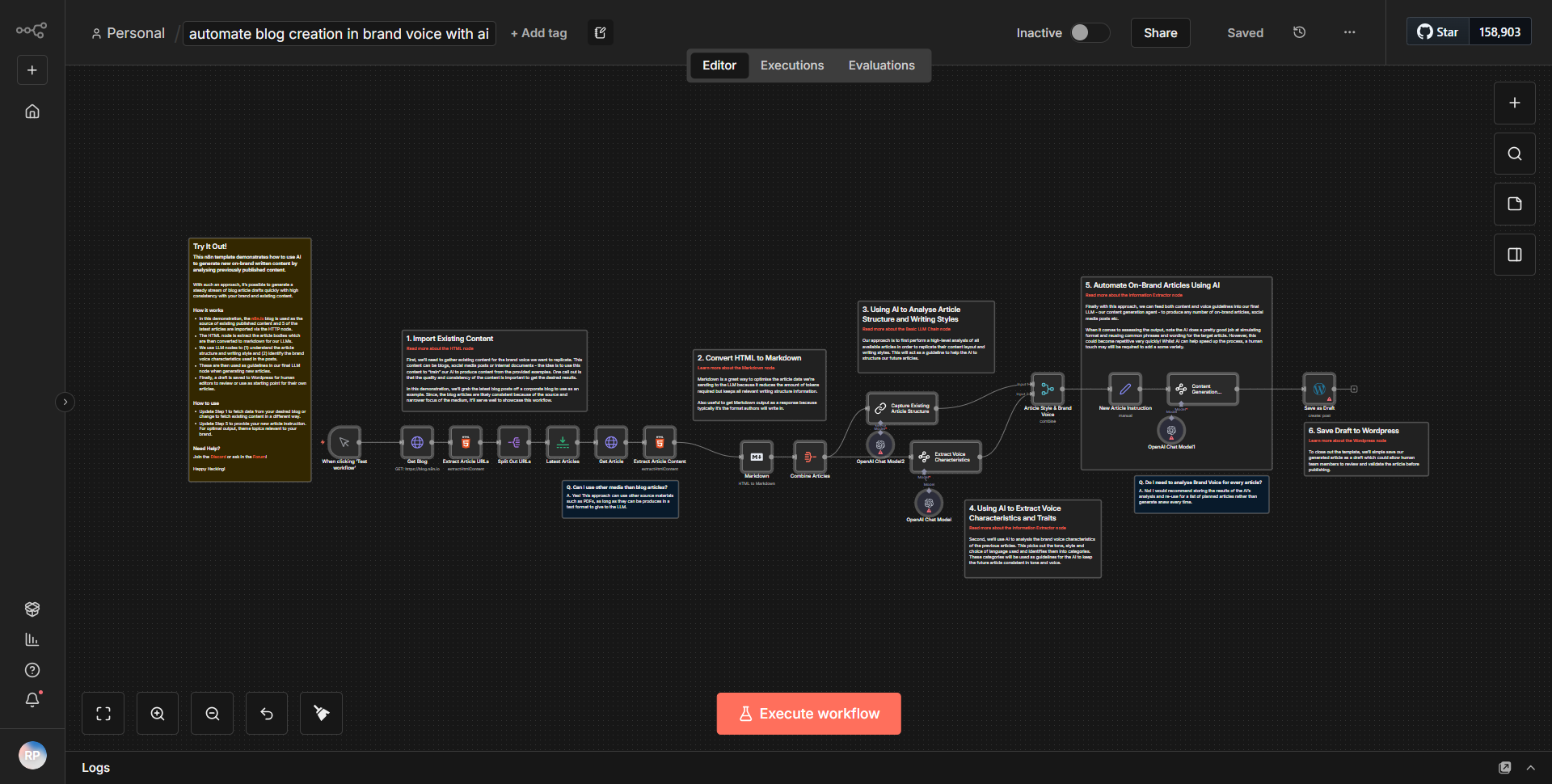
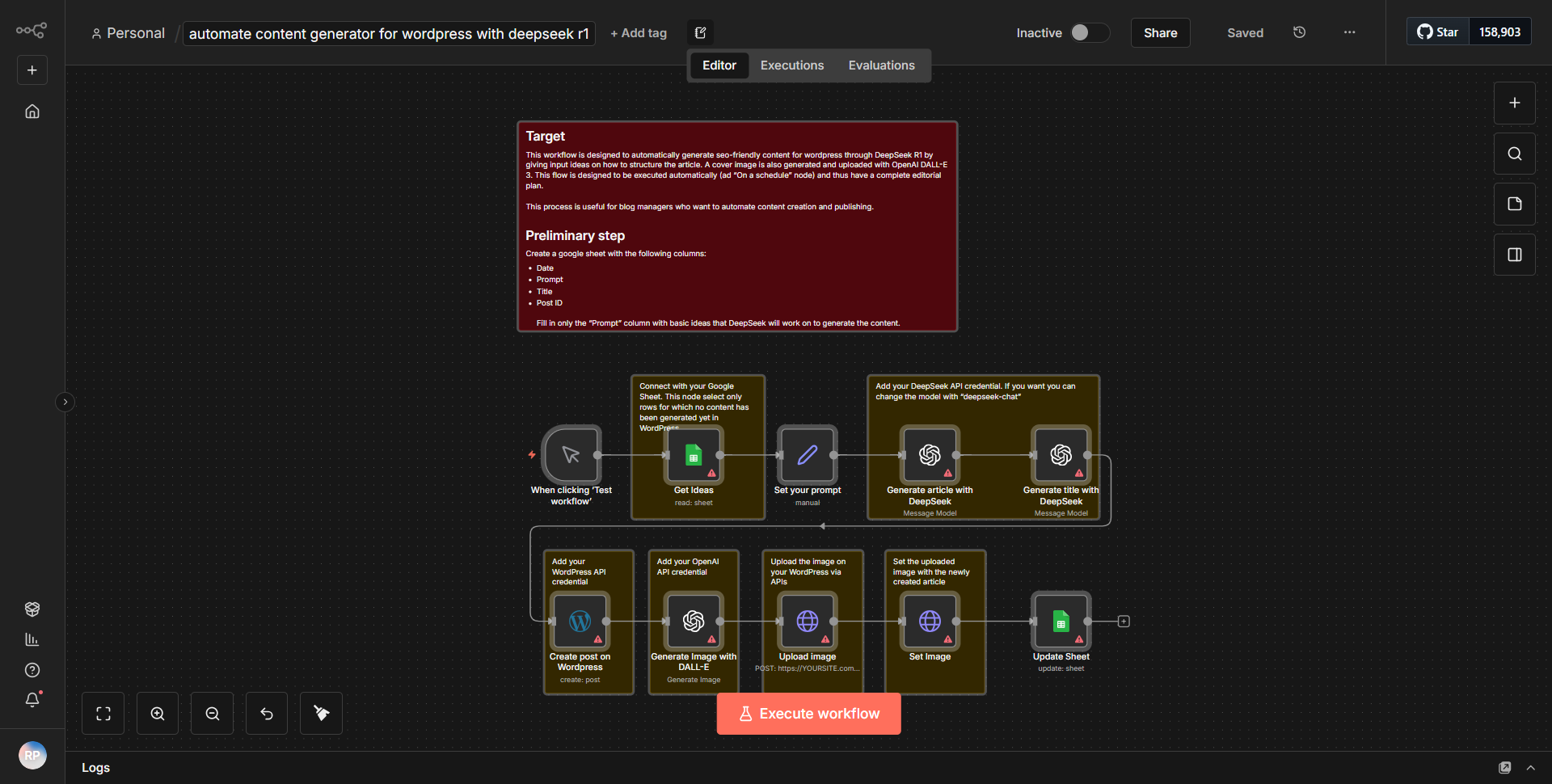
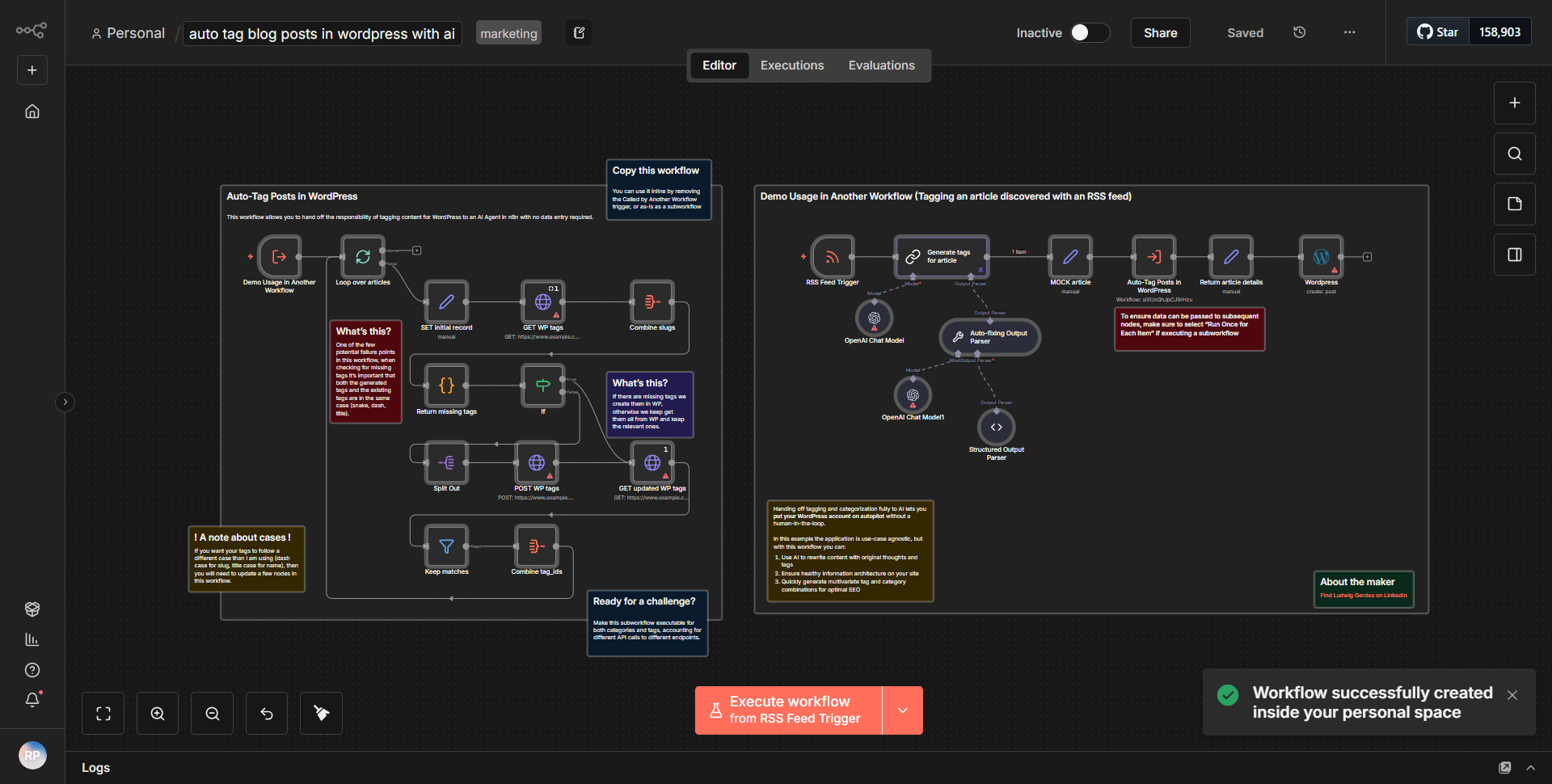
This workflow is designed to automatically tag WordPress blog articles using AI, enhancing the discoverability of content through improved SEO. The process begins with a trigger node that detects when a new blog post is published in WordPress. Once the trigger is activated, the workflow retrieves the content of the post, including its title and body.
The next step involves sending the post content to an AI service for analysis. This is typically done using an HTTP Request node configured to communicate with an AI API that processes the text and generates relevant tags based on the content's context. The AI returns a list of suggested tags.
After receiving the tags from the AI service, the workflow proceeds to update the original WordPress post. This is accomplished using another WordPress node that takes the generated tags and assigns them to the post. The final step ensures that the post is updated with the new tags, making it more searchable and improving its SEO performance.
Throughout this workflow, data flows seamlessly from one node to another, with each step relying on the output of the previous one, ensuring a cohesive and efficient tagging process.
Key Features
- Automated Tagging:
The workflow eliminates the need for manual tagging by automatically generating relevant tags based on the content of the blog post.
- AI Integration:
Utilizes advanced AI technology to analyze text and suggest tags, ensuring that the tags are contextually relevant and beneficial for SEO.
- WordPress Compatibility:
Directly integrates with WordPress, allowing for real-time updates to blog posts as soon as they are published.
- Improved SEO:
By automatically tagging posts, the workflow enhances the discoverability of content, potentially increasing traffic and engagement.
- Customizable:
Users can modify the AI parameters or the WordPress settings to better fit their specific needs or preferences.
Tools Integration
- WordPress Node:
Used for triggering the workflow when a new post is published and for updating the post with the generated tags.
- HTTP Request Node:
Facilitates communication with an external AI service that analyzes the blog post content and returns suggested tags.
- JSON Node:
May be used for formatting or processing data between nodes, depending on the specific requirements of the workflow.
API Keys Required
• API key for the AI service: This is necessary for authenticating requests made to the AI API that generates the tags.
• WordPress credentials: Required for the WordPress node to authenticate and allow the workflow to access and update posts on the WordPress site.