MakeaTierList
Generate tier lists for all your passions.
On
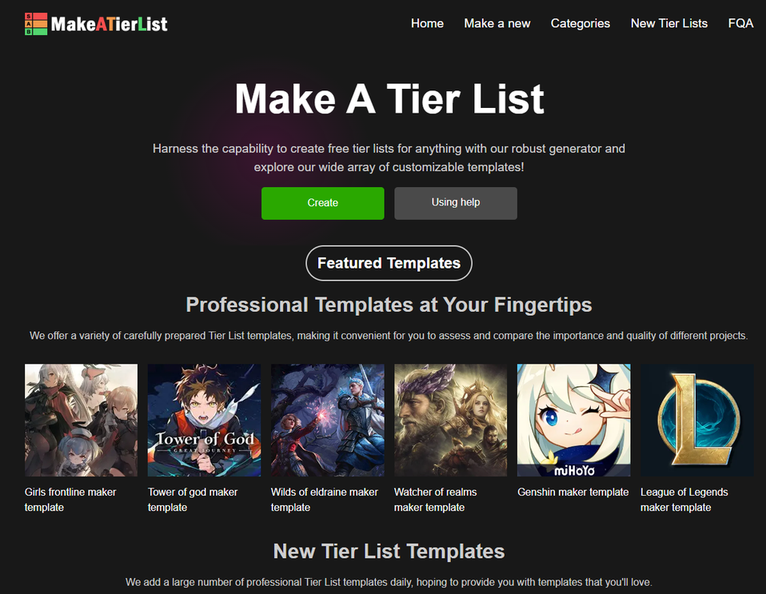
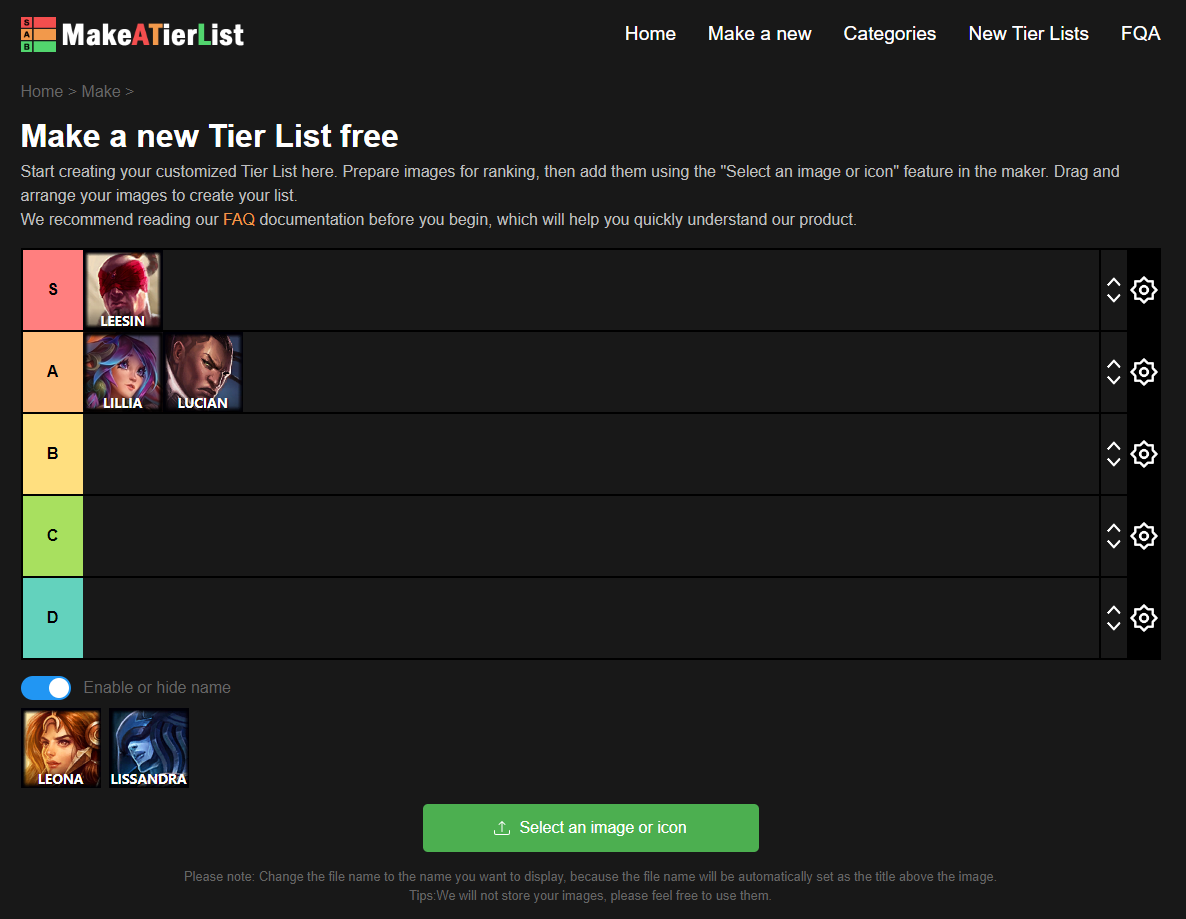
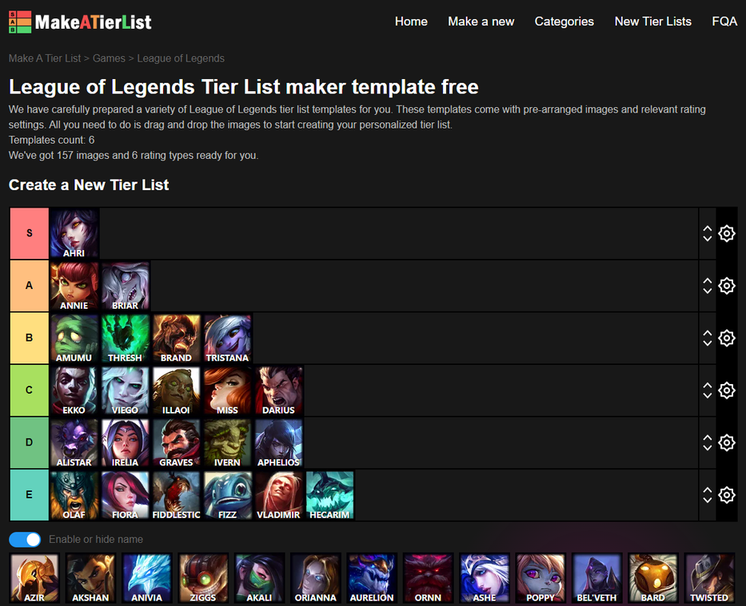
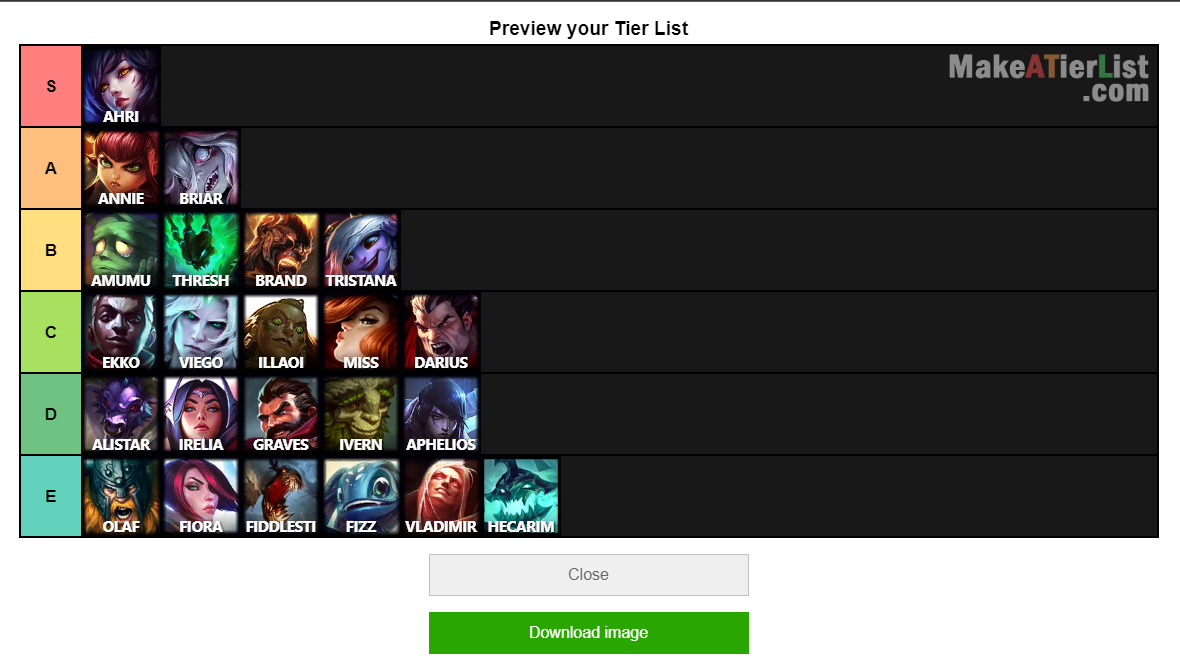
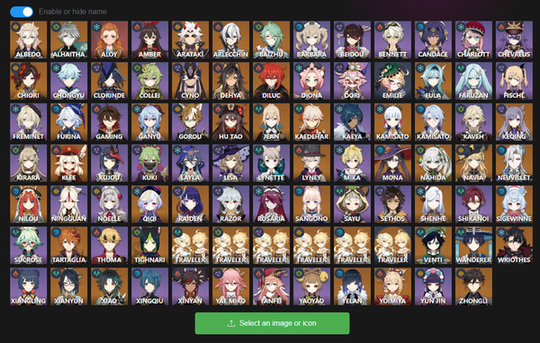
Make a Tier List is an innovative, user-friendly platform that empowers users to create customized tier lists effortlessly. The tool caters to a diverse range of interests, allowing individuals to rank characters from video games, movies, brands, or any other subject matter that captures their attention. The intuitive interface streamlines the tier list creation process, enabling users to drag and drop items into their preferred categories, making it both accessible for beginners and robust enough for experienced users seeking to share their rankings with friends or the broader community. One of the standout features of Make a Tier List is its extensive customization options. Users can select from a variety of templates, adjust tier names, and personalize the visual elements to ensure their lists reflect their unique style and preferences. Additionally, the platform supports the inclusion of images, allowing users to enhance their tier lists with relevant visuals, which adds an engaging dimension to the ranking experience. By offering a free and versatile tool for tier list creation, Make a Tier List fosters creativity and encourages users to express their opinions in a structured and visually appealing format.
Tool Benefits
MakeaTierList provides a user-friendly interface that allows users to easily create and customize tier lists without any prior experience in design or coding.
The tool offers a wide variety of templates and categories, making it suitable for different topics ranging from games to movies and music.
Users can collaborate with others by sharing their tier lists, promoting community engagement and collective decision-making.
MakeaTierList is accessible on multiple devices, allowing users to create and edit tier lists on-the-go, ensuring flexibility and convenience.
The platform supports the addition of images and custom text, enabling users to personalize their lists to better fit their preferences and needs.