Bootstrap
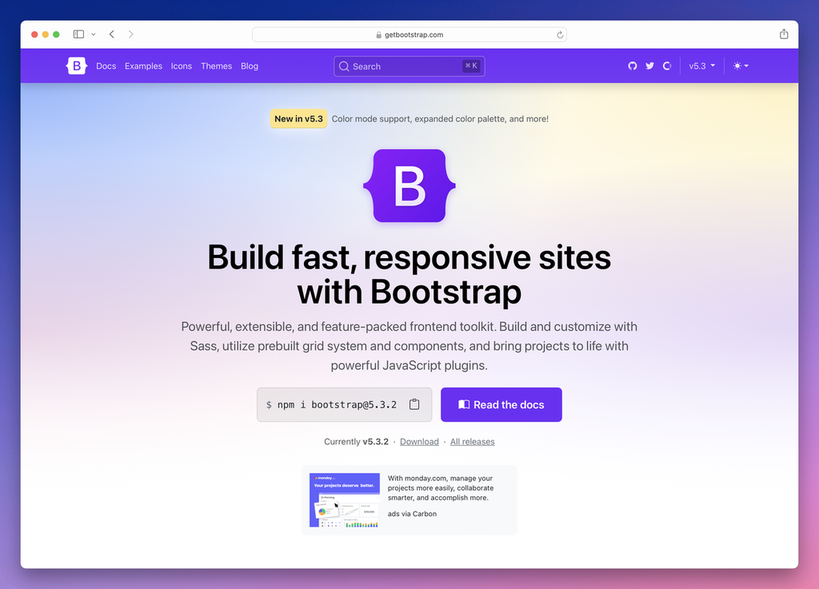
The world's leading library for HTML, CSS, and JavaScript.
On
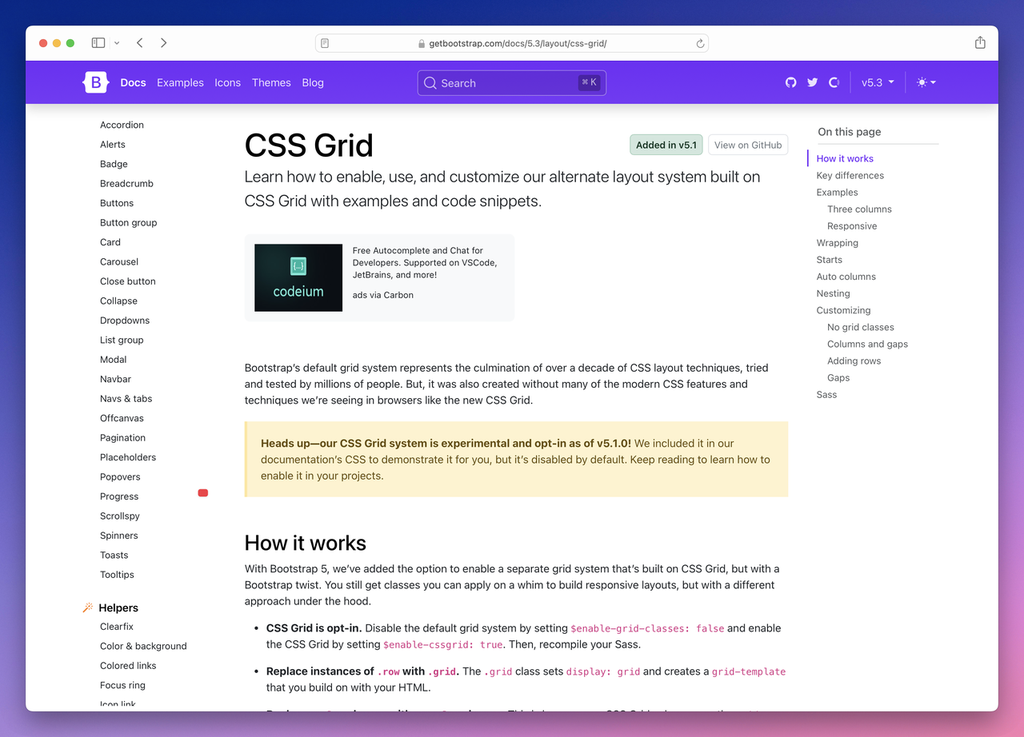
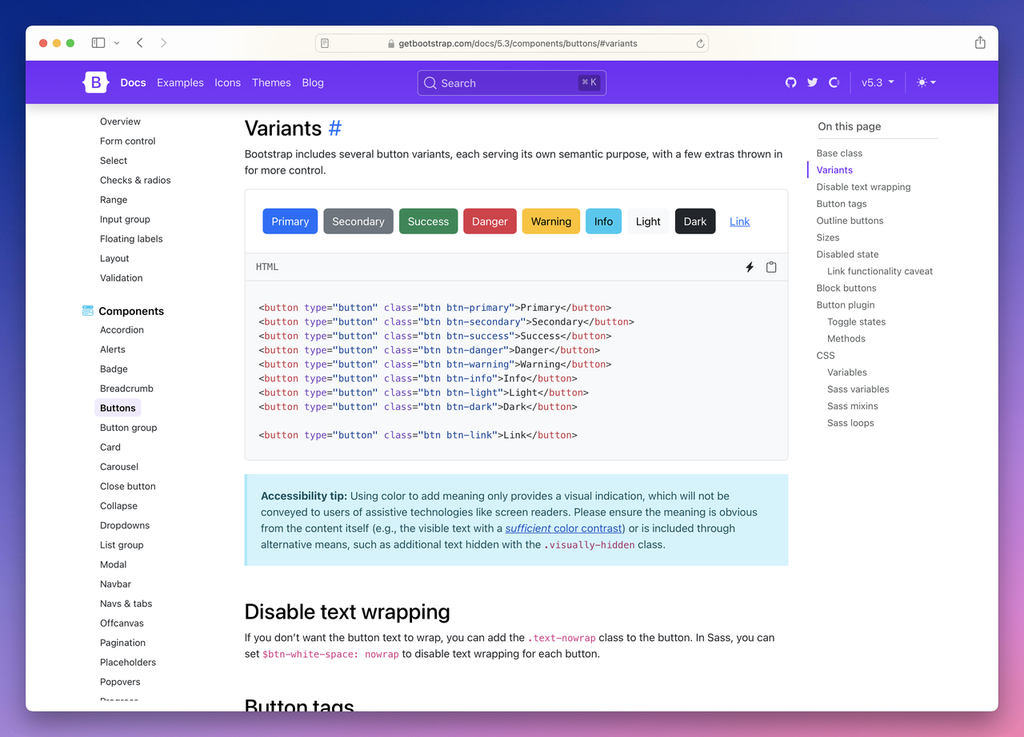
Bootstrap is a powerful front-end framework designed to streamline the web development process. It provides a comprehensive set of tools, including a responsive grid system, pre-styled components, and extensive customization options through Sass. Developers can effortlessly create fluid layouts that adapt to various screen sizes while utilizing a library of reusable components such as buttons, forms, navbars, and modals. Additionally, Bootstrap's JavaScript plugins enhance user experience with dynamic features like carousels, tooltips, and dropdowns, making it easier to implement complex functionality without extensive coding. One of Bootstrap's standout features is its emphasis on mobile-first design, which allows developers to build applications that prioritize performance on mobile devices. The framework is not only flexible but also encourages best practices in web development, ensuring that projects maintain consistency and usability. With extensive documentation and a supportive community, Bootstrap enables both novice and experienced developers to leverage its capabilities effectively. Whether you're building a simple landing page or a complex web application, Bootstrap provides the foundation to create responsive and visually appealing interfaces with ease.
Tool Benefits
Bootstrap allows developers to create responsive and mobile-first designs quickly with its prebuilt grid system and components.
The extensive documentation and examples provided by Bootstrap make it easy for both beginners and experienced developers to implement and customize the framework.
Bootstrap includes a wide range of reusable components, such as modals, buttons, and navigation bars, which streamline the development process.
With built-in support for Sass, Bootstrap enables developers to write maintainable styles and customize their projects efficiently.
The framework is designed to be compatible with all modern browsers, ensuring a consistent user experience across different platforms.