Page UI
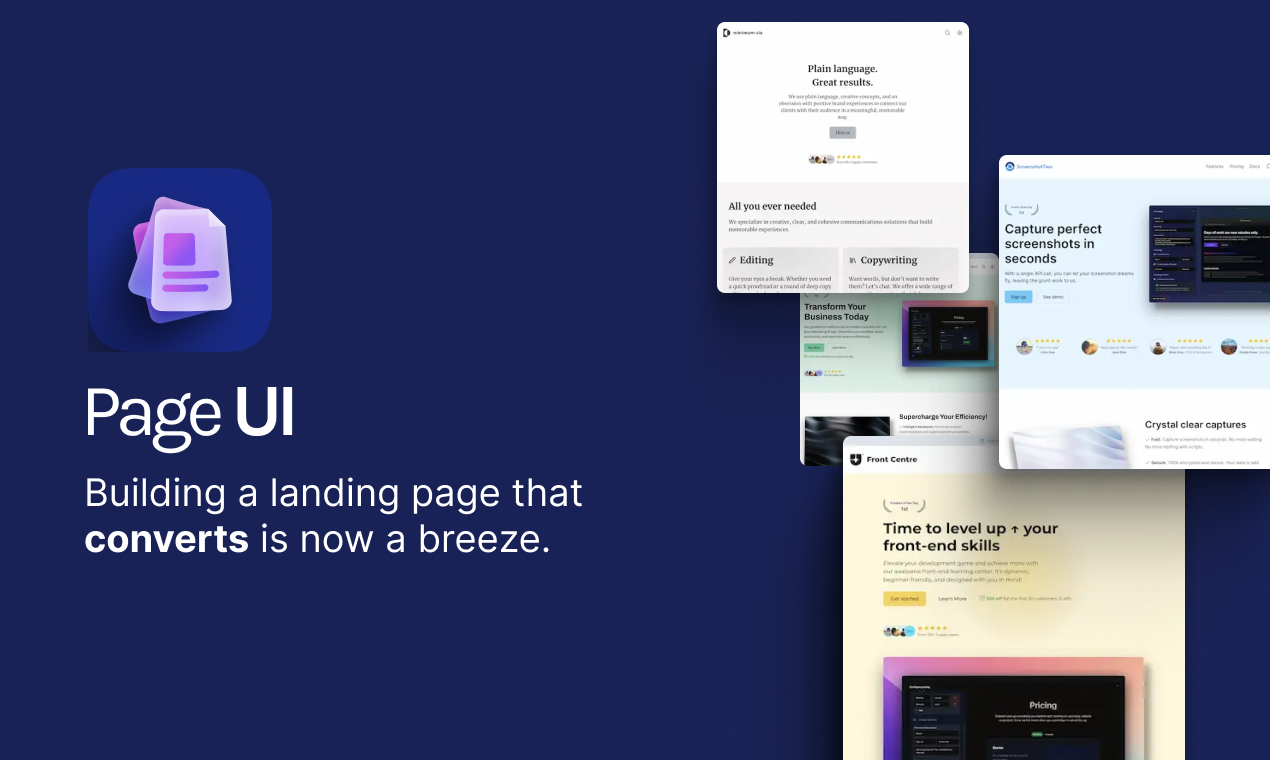
React/Next.js components to create an attractive landing page that drives conversions.
On
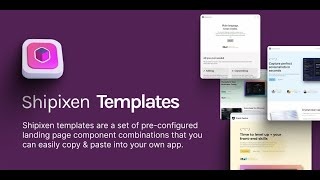
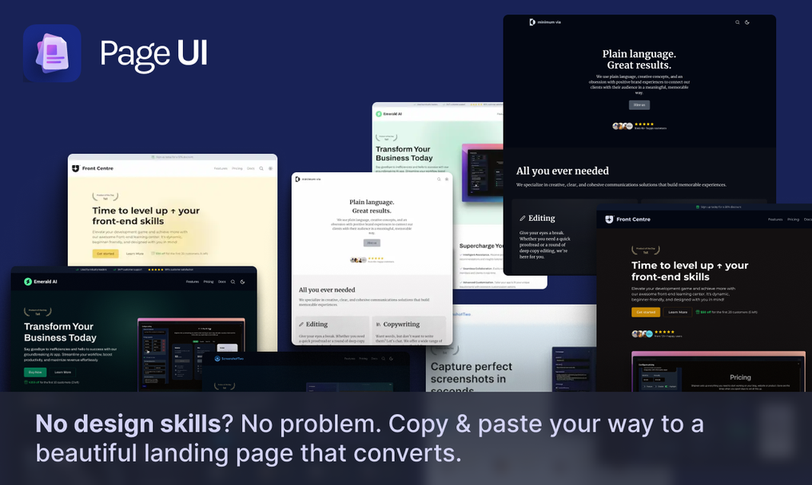
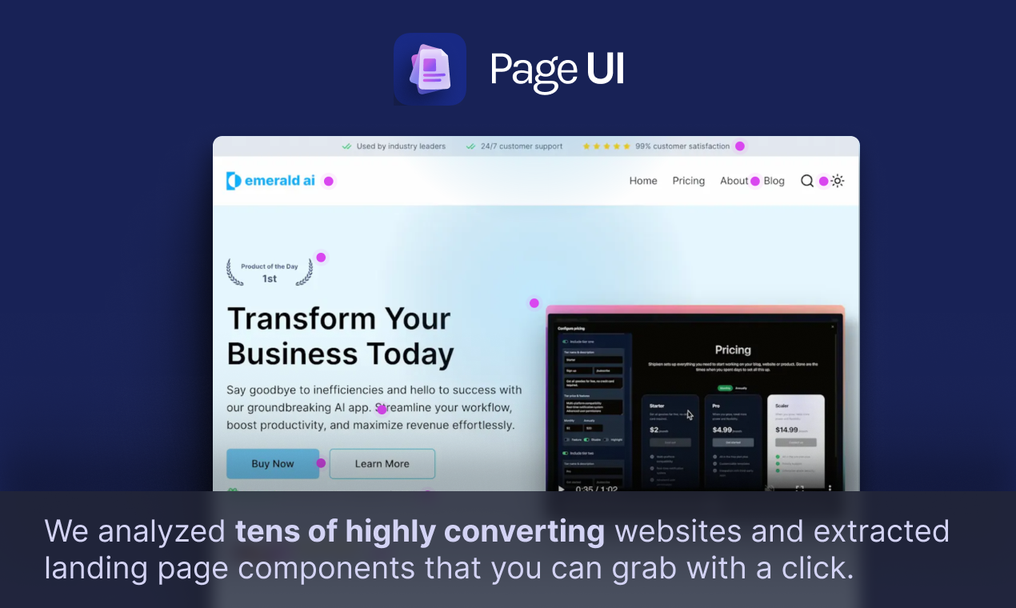
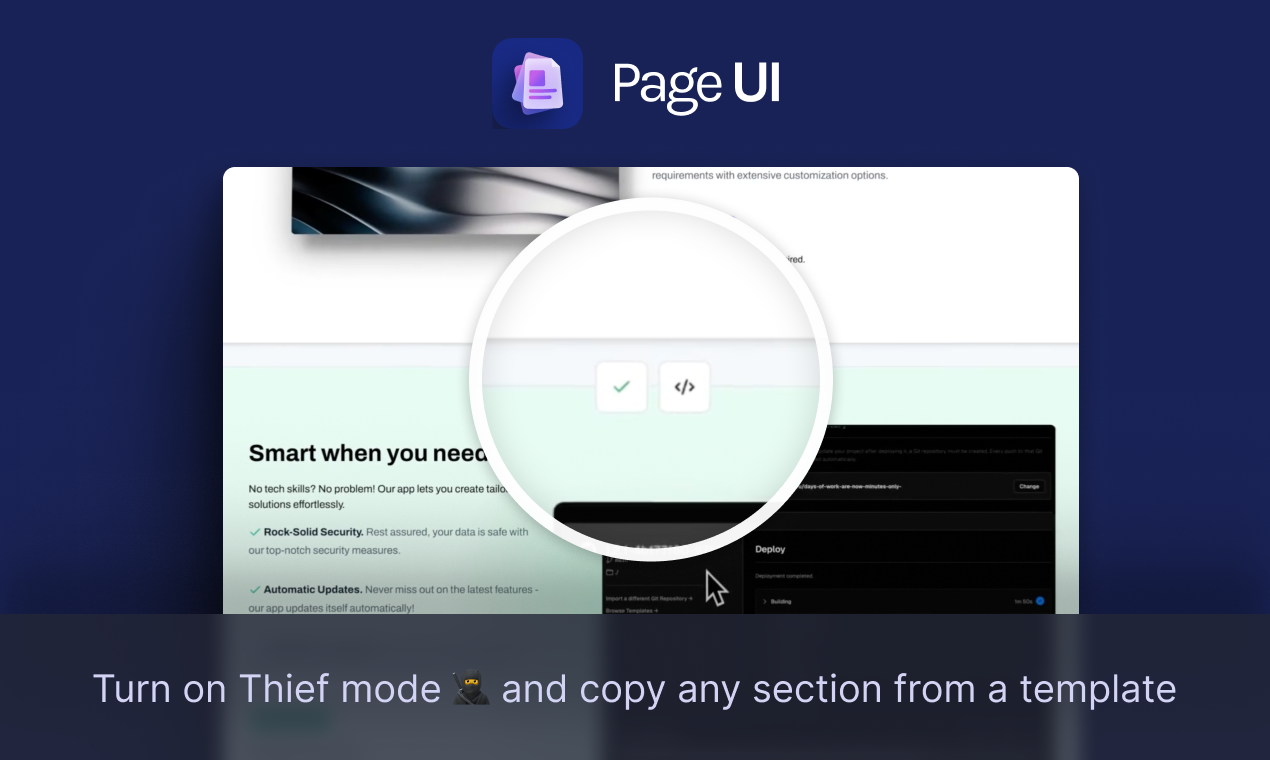
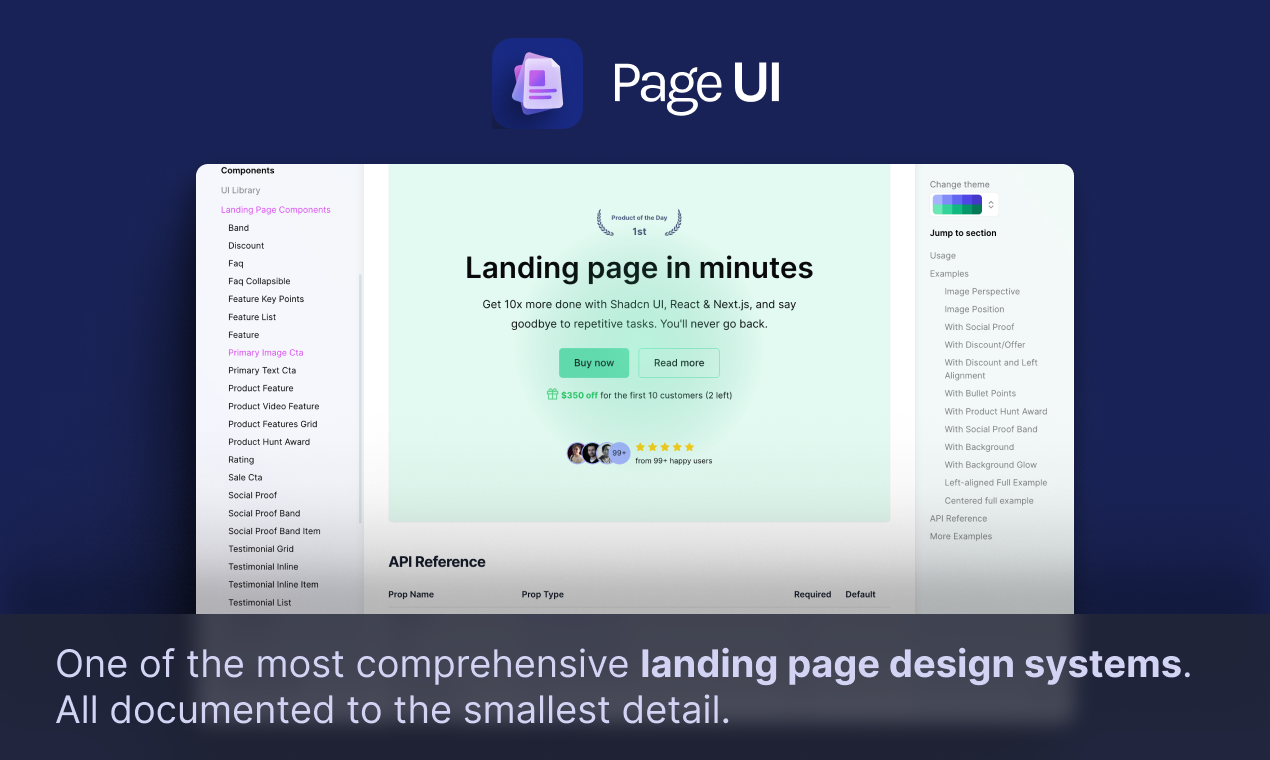
PageUI is an innovative toolkit designed specifically for developers working with React and Next.js applications. It offers a comprehensive collection of ready-to-use components and landing page templates, meticulously crafted using TypeScript and styled with TailwindCSS. This seamless integration allows developers to enhance their applications without the need for extensive design skills. With PageUI, you can effortlessly copy and paste components, making it easy to create visually appealing and high-converting landing pages that meet modern web standards. The platform not only simplifies the design process but also focuses on performance and responsiveness, ensuring that your landing pages look great on any device. Each component is built with a mobile-first approach, providing optimal user experience across various screen sizes. Additionally, PageUI allows for customization, enabling developers to tweak styles and functionalities according to their branding needs. By leveraging this toolkit, teams can save valuable time and resources, ultimately accelerating the development process while delivering stunning results.
Tool Benefits
Page UI provides a seamless design system that enhances the consistency and efficiency of UI development across applications.
The tool offers a comprehensive library of pre-built components that accelerate the development process, allowing developers to focus on functionality rather than design.
With its user-friendly interface, Page UI simplifies the design workflow, making it accessible for both developers and designers.
Page UI is built with performance in mind, ensuring that applications load quickly and run smoothly on various devices.
The tool supports responsive design principles, enabling developers to create applications that perform well on different screen sizes and resolutions.