Statussync
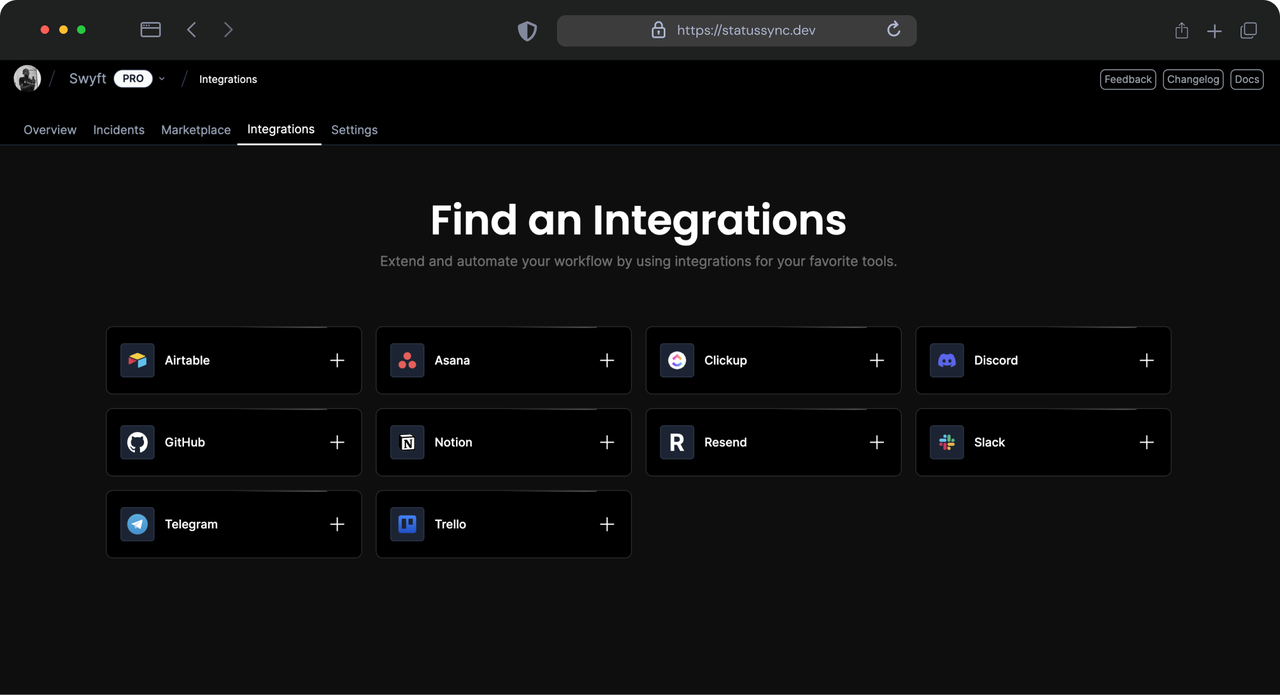
Integrate with External Services
On
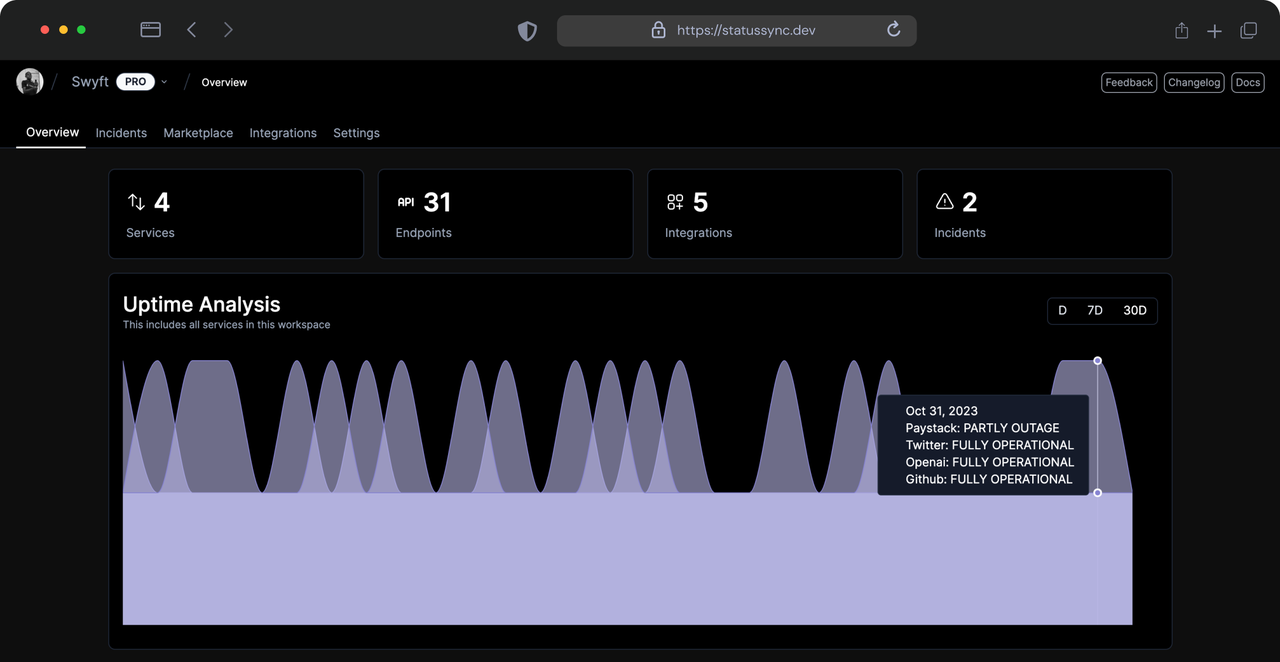
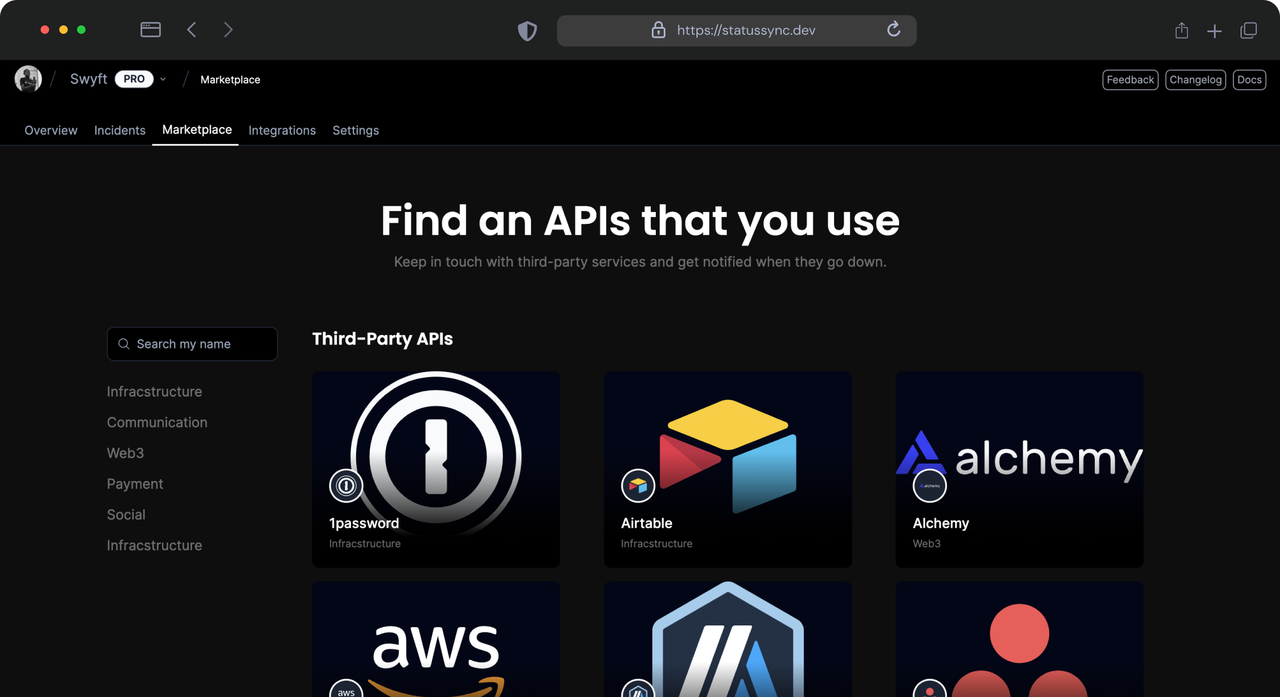
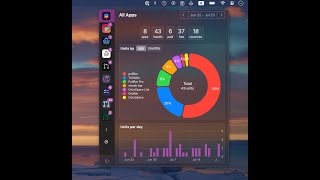
StatusSync is a powerful tool designed to keep developers and teams informed about the operational status of external services. By integrating with various APIs and service status pages, StatusSync allows users to monitor uptime, outages, and service disruptions in real time. The platform provides customizable alerts, ensuring that users receive timely notifications through preferred communication channels, such as email or messaging apps. This proactive approach to service monitoring helps teams react swiftly to any issues, minimizing downtime and enhancing overall productivity. One of the standout features of StatusSync is its intuitive dashboard, which presents a comprehensive overview of the status of monitored services. Users can easily visualize service performance metrics, historical uptime data, and incident reports, all consolidated in one place. Additionally, the tool offers seamless integration with popular project management systems, enabling teams to link service disruptions directly to their workflows. By streamlining communication and providing actionable insights, StatusSync empowers organizations to maintain high service reliability and improve their operational resilience.
Tool Benefits
Statussync allows you to automatically sync your project status across multiple platforms, ensuring that your team and stakeholders are always informed.
The tool provides real-time updates, which enhances communication and reduces the chances of misalignment within teams.
With Statussync, you can customize the status updates to fit your workflow, making the integration seamless and efficient.
It supports various integrations with popular project management tools, allowing for a more streamlined approach to project tracking and updates.
Statussync's user-friendly interface simplifies the process of managing and updating project statuses, saving time and effort for development teams.