Telegram AI Bot
A versatile AI chatbot template designed for Telegram, adaptable to a range of applications.
How it works
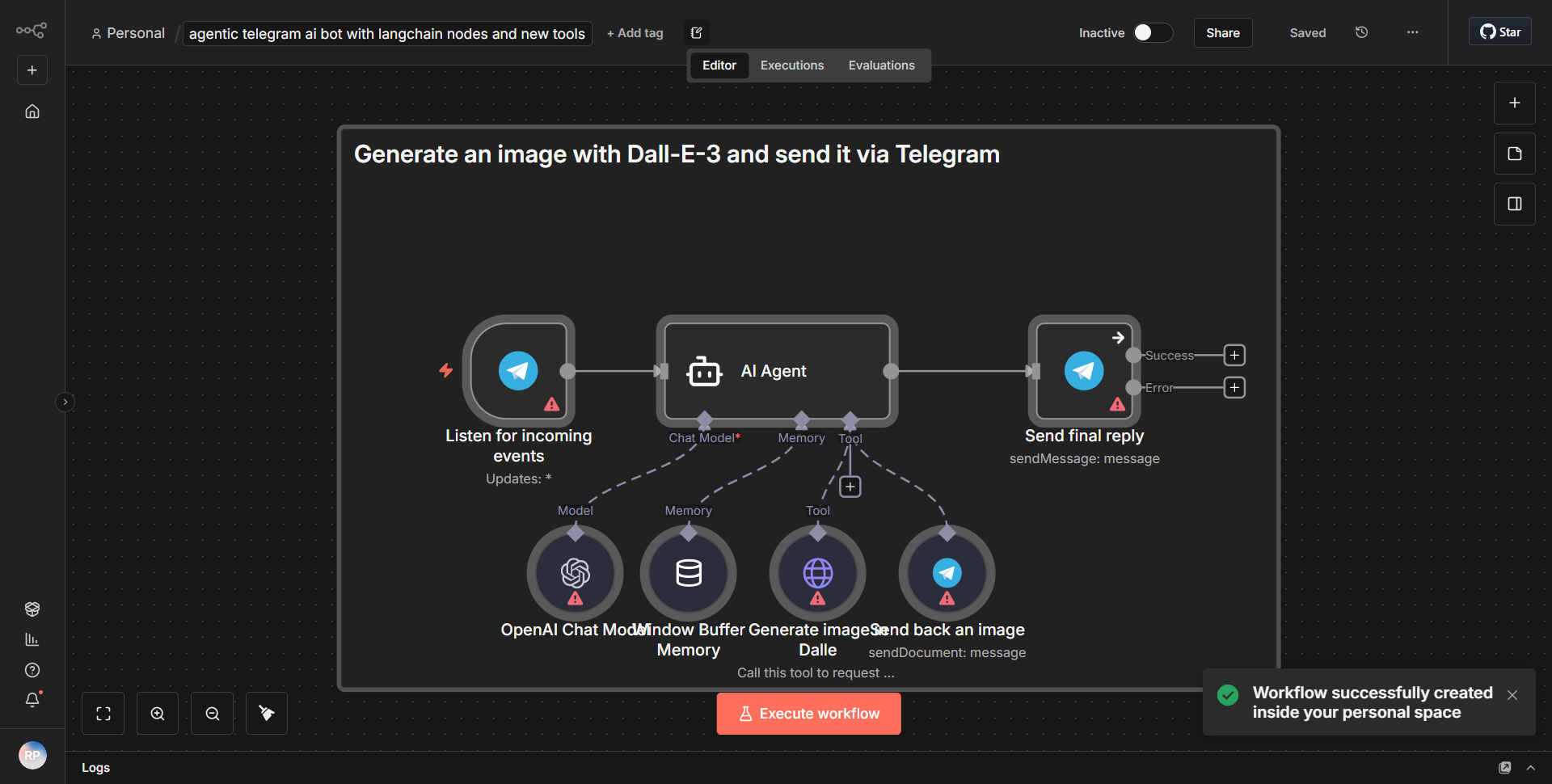
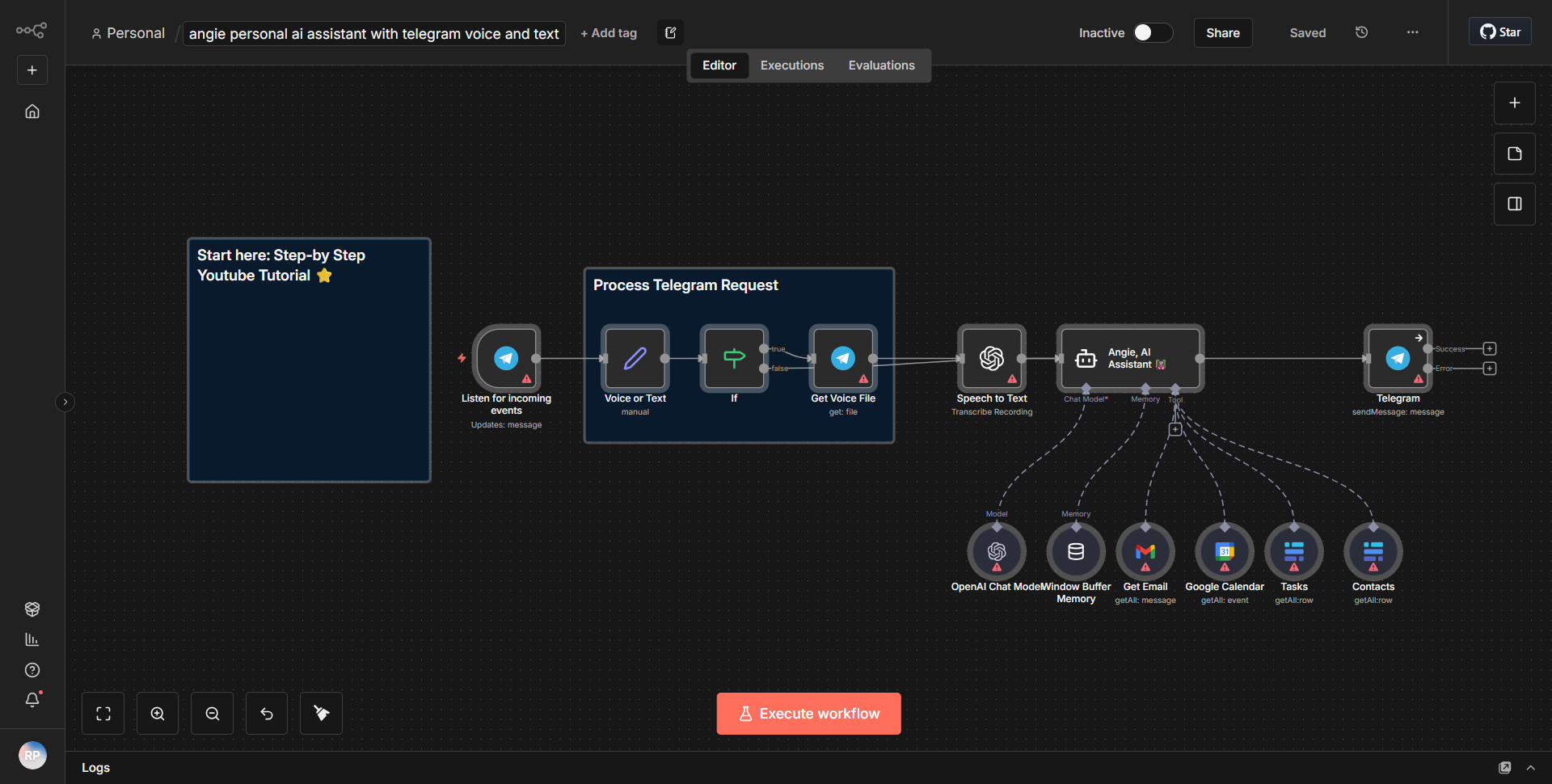
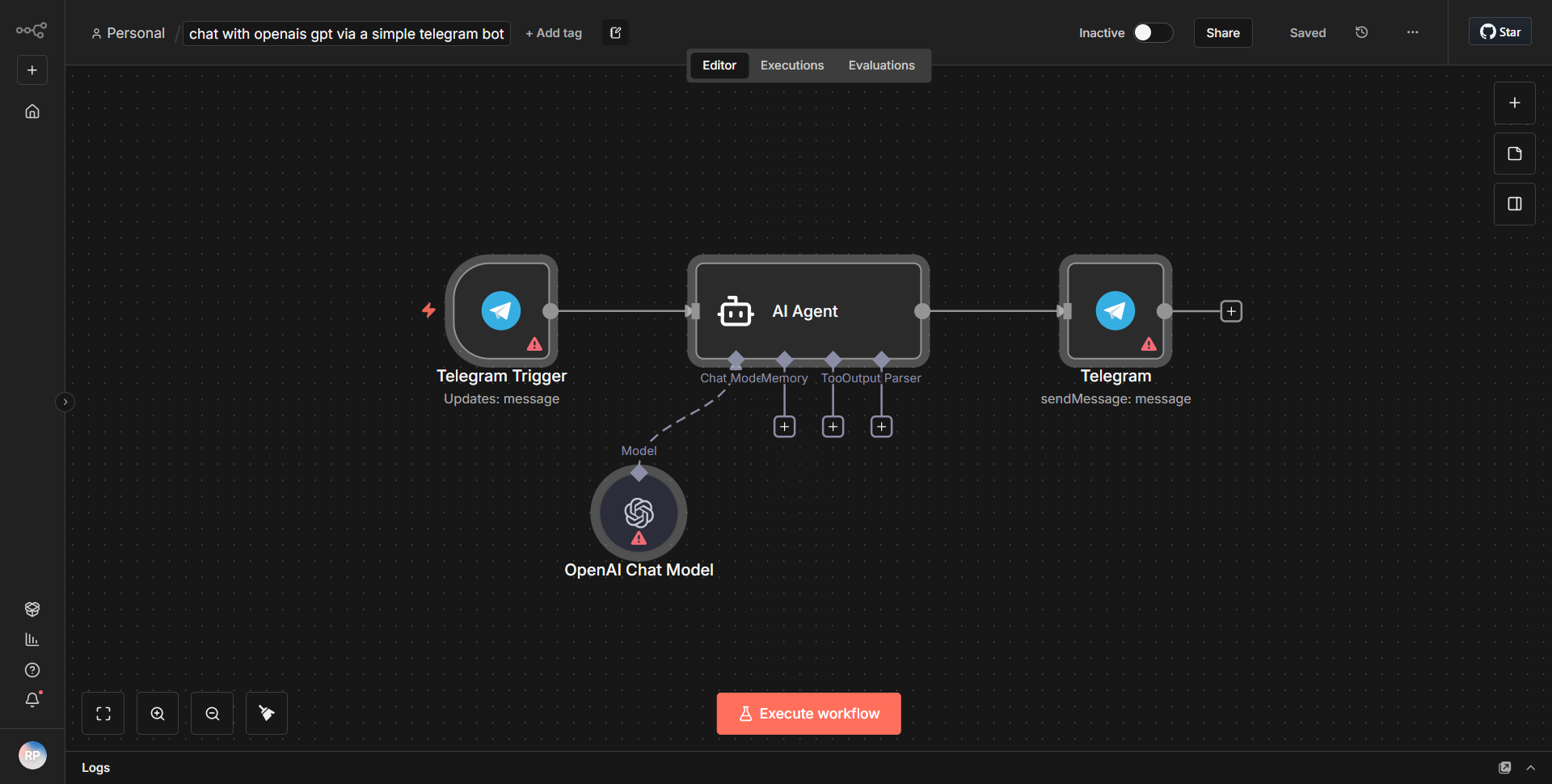
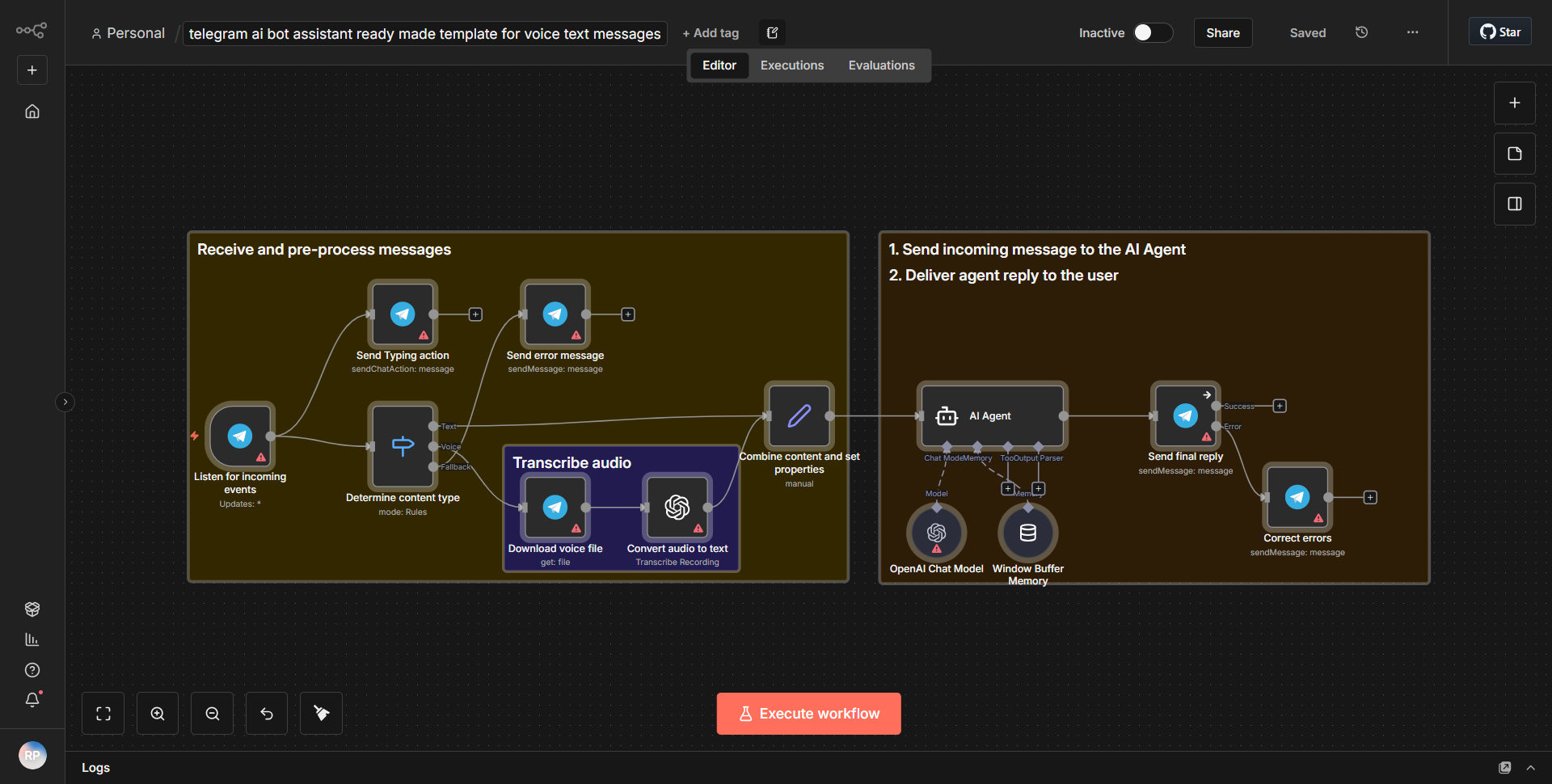
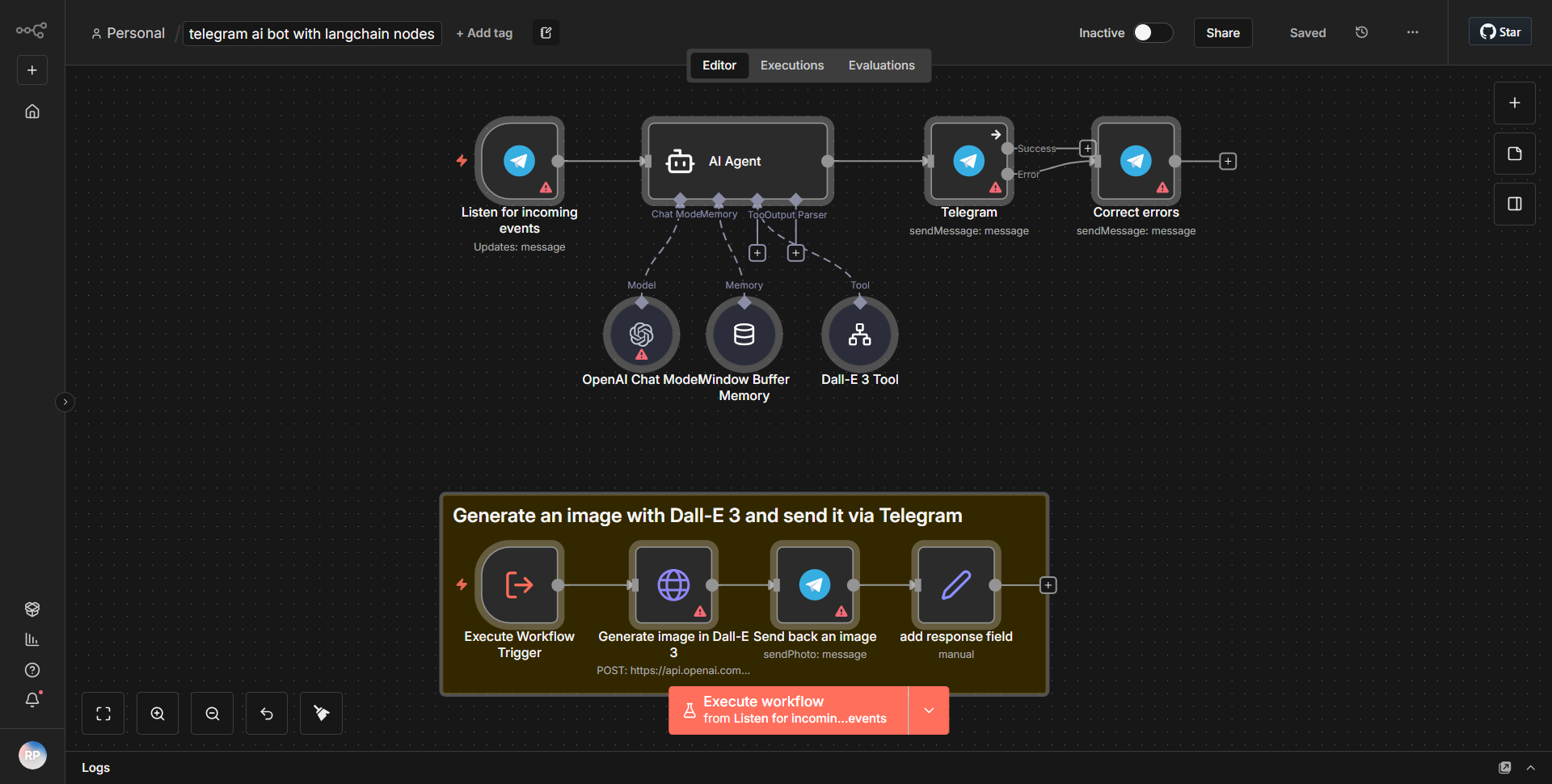
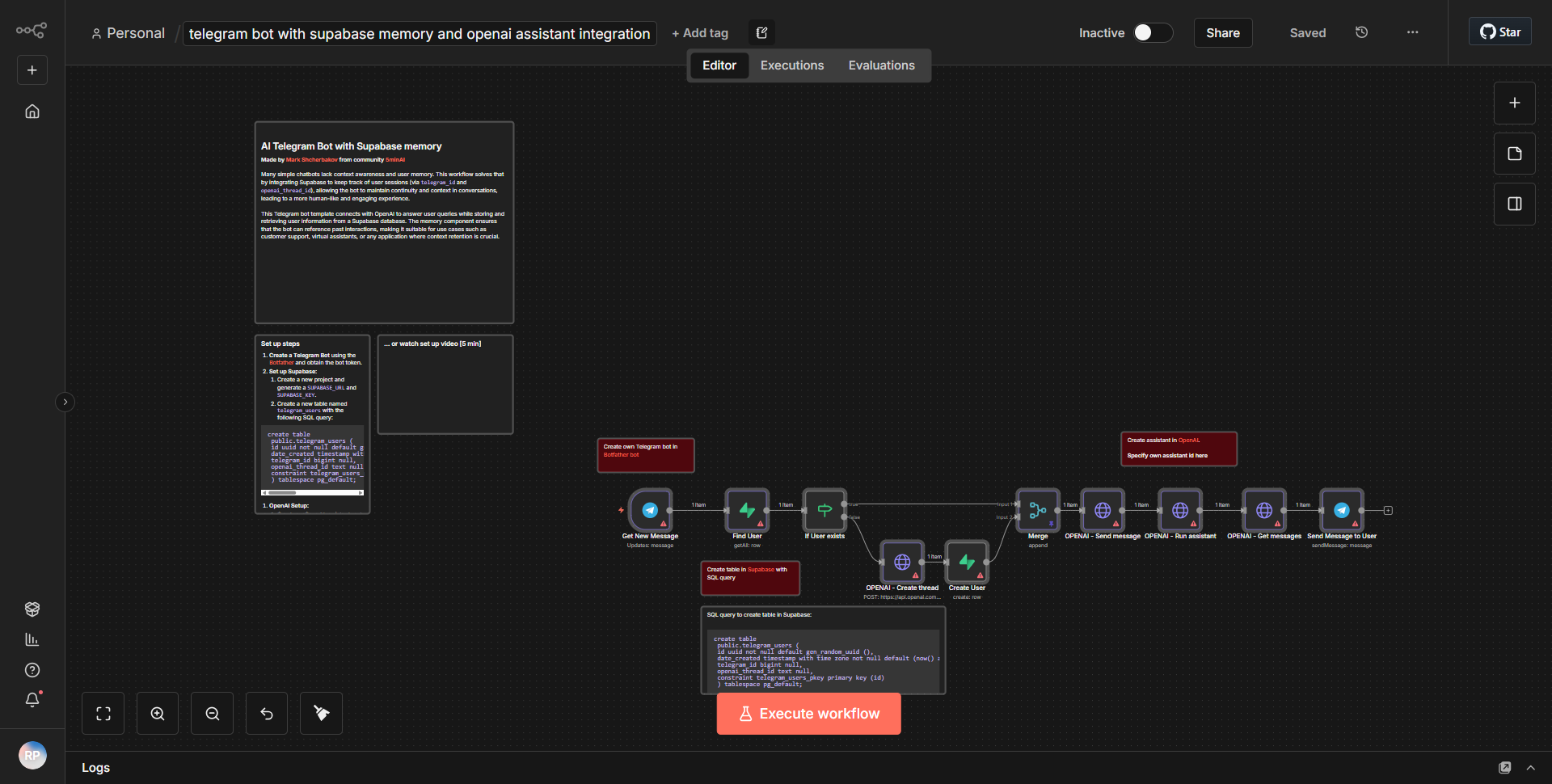
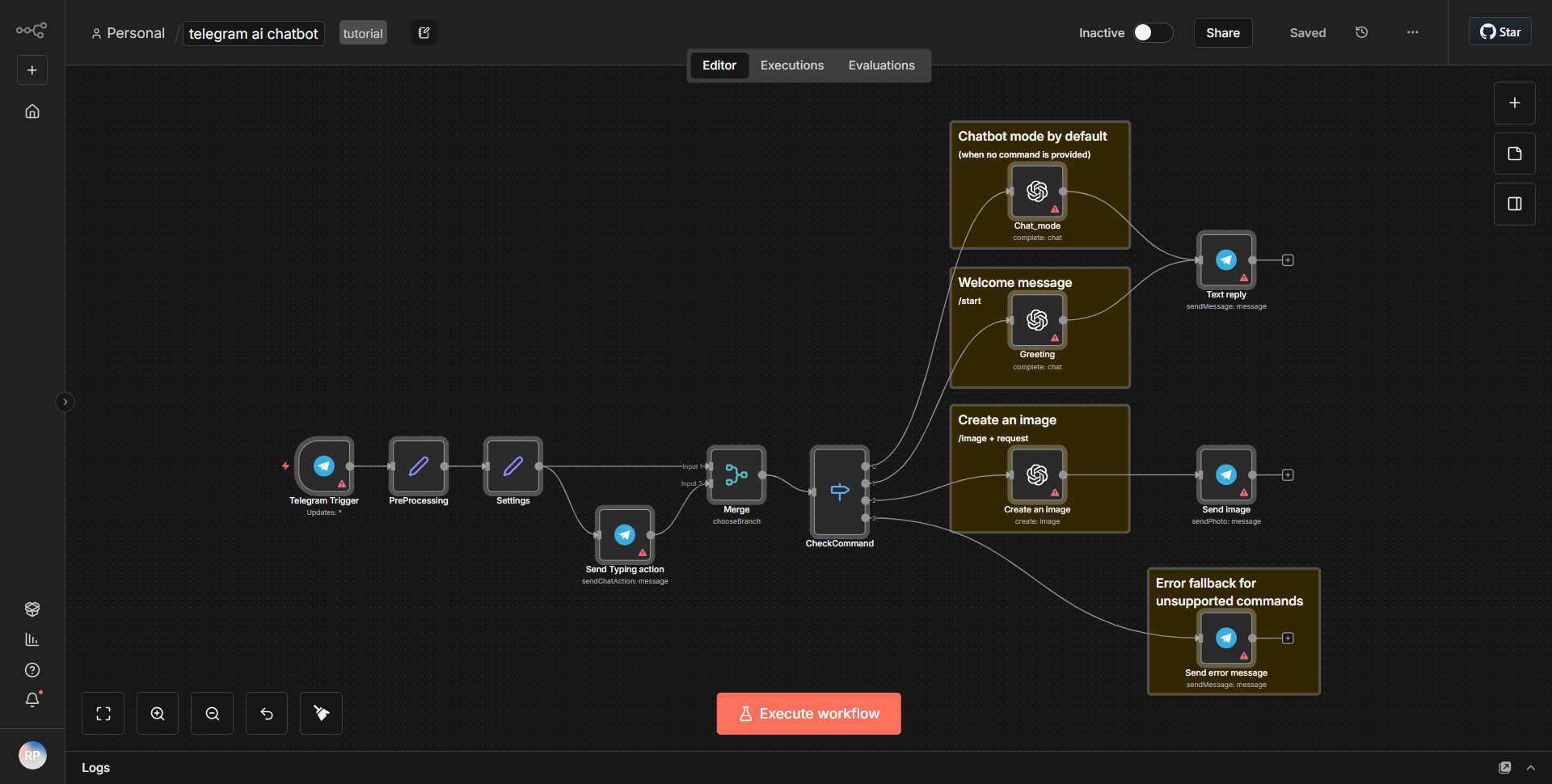
The Telegram AI Bot workflow is designed to facilitate interactions between users on Telegram and an AI model, enabling a seamless chat experience. The workflow begins with the Telegram Trigger node, which listens for incoming messages from users. When a user sends a message to the bot, this node activates and captures the message content along with the user's ID.
Following the trigger, the workflow utilizes the Function node to process the incoming message. This node is responsible for formatting the message and preparing it for the AI model. It extracts relevant information from the incoming message and structures it appropriately for the next step.
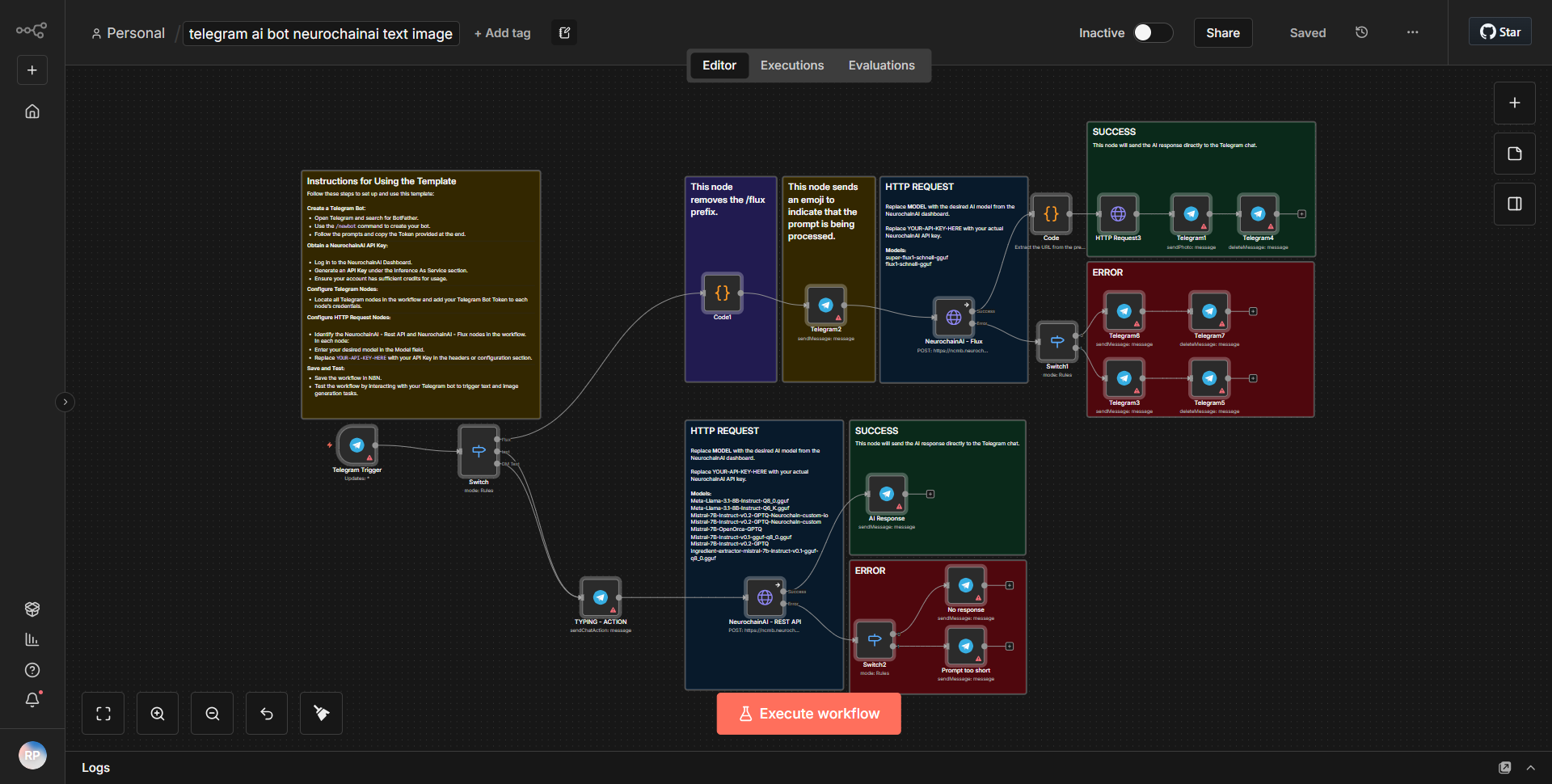
Next, the workflow connects to an AI service through the HTTP Request node. This node sends the formatted message to the AI model's API, requesting a response based on the user's input. The HTTP Request node is configured with the necessary endpoint and method (typically POST) to communicate with the AI service effectively.
Once the AI service processes the request, it returns a response containing the generated text. The workflow then uses another Function node to handle this response, extracting the relevant text to be sent back to the user. This node ensures that the response is properly formatted for Telegram.
Finally, the workflow concludes with the Telegram Send Message node, which takes the processed response from the AI and sends it back to the user in the chat. This completes the interaction cycle, allowing users to receive AI-generated replies based on their original messages.
Key Features
1. Real-time Interaction:
The workflow allows for immediate responses to user queries, creating a dynamic chat experience.
2. AI Integration:
By connecting to an AI service, the bot can provide intelligent responses, making it versatile for various applications, such as customer support, information retrieval, or casual conversation.
3. Customizable Responses:
The use of Function nodes enables customization of both incoming messages and outgoing responses, allowing developers to tailor the interaction based on specific needs.
4. Seamless User Experience:
The integration with Telegram ensures that users can interact with the bot in a familiar environment, enhancing user engagement and satisfaction.
Tools Integration
- Telegram Trigger:
Captures incoming messages from users on Telegram.
- Function Node:
Processes and formats messages for the AI model and handles responses.
- HTTP Request Node:
Connects to the AI service's API to send and receive messages.
- Telegram Send Message:
Sends the AI-generated response back to the user on Telegram.
API Keys Required
To successfully operate the workflow, the following API keys and credentials are required:
- AI Service API Key:
Necessary for authenticating requests to the AI model's API.
- Telegram Bot Token:
Required to authenticate the bot with the Telegram API, enabling it to send and receive messages.
No additional API keys or credentials are needed beyond those specified above.