Launchpage
Establish a waitlist within minutes.
On
LaunchPage is a robust tool designed to streamline the process of managing waitlists with unparalleled efficiency. Within just 20 seconds, users can set up and monitor their waitlists, allowing them to focus on product development without the complexity of traditional waitlist management. The platform offers a user-friendly interface that simplifies the entire experience, making it accessible even for those with minimal technical expertise. Additionally, LaunchPage provides valuable insights and analytics, enabling businesses to track engagement and optimize their outreach strategies effectively. One of the standout features of LaunchPage is its seven-day free trial, which allows users to experience the full capabilities of the platform before committing financially. This trial period encourages exploration and experimentation, empowering teams to integrate their waitlist seamlessly into their overall marketing strategy. Furthermore, LaunchPage is designed to be scalable, catering to the needs of startups and established businesses alike, ensuring that as user demands grow, the platform can adapt accordingly. With LaunchPage, companies can enhance their customer acquisition efforts and maintain a competitive edge in their respective markets.
Tool Benefits
Launchpage allows users to create high-converting landing pages quickly and easily, reducing the time needed for development.
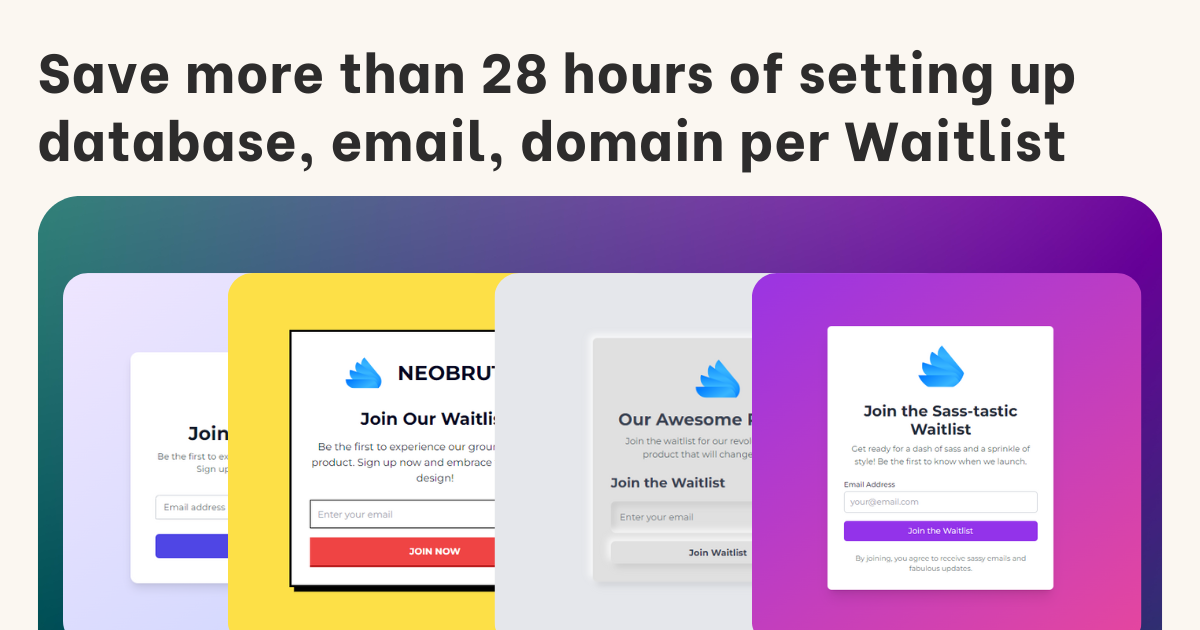
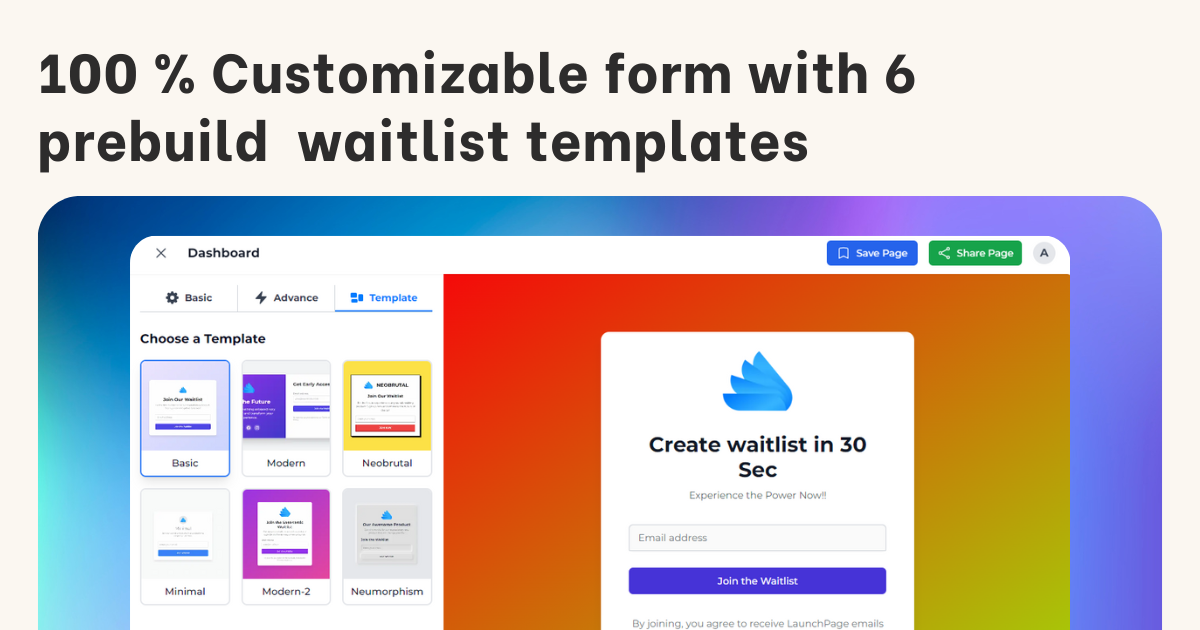
The platform offers a variety of customizable templates, enabling users to tailor their pages to fit their branding and marketing strategies.
With built-in analytics, Launchpage provides insights into page performance, allowing users to make data-driven decisions to optimize conversions.
The tool integrates seamlessly with popular marketing platforms, facilitating effective lead generation and customer engagement.
Launchpage's user-friendly interface requires no coding knowledge, making it accessible for marketers and business owners alike.