Build Chatbot
Customizable AI Chatbot Compatible with Multiple File Types
On
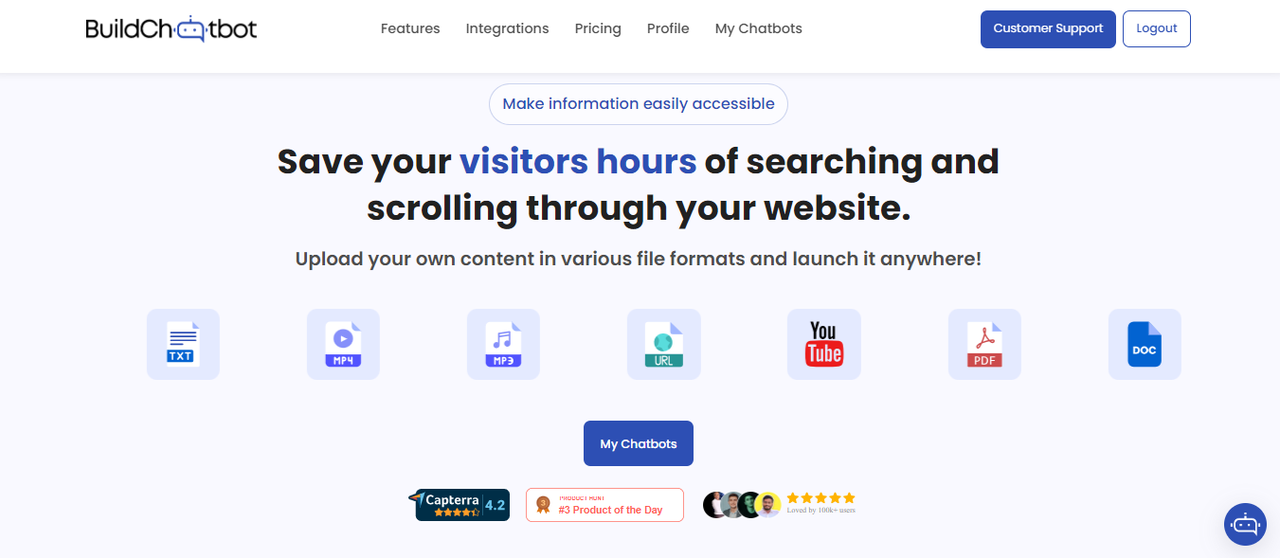
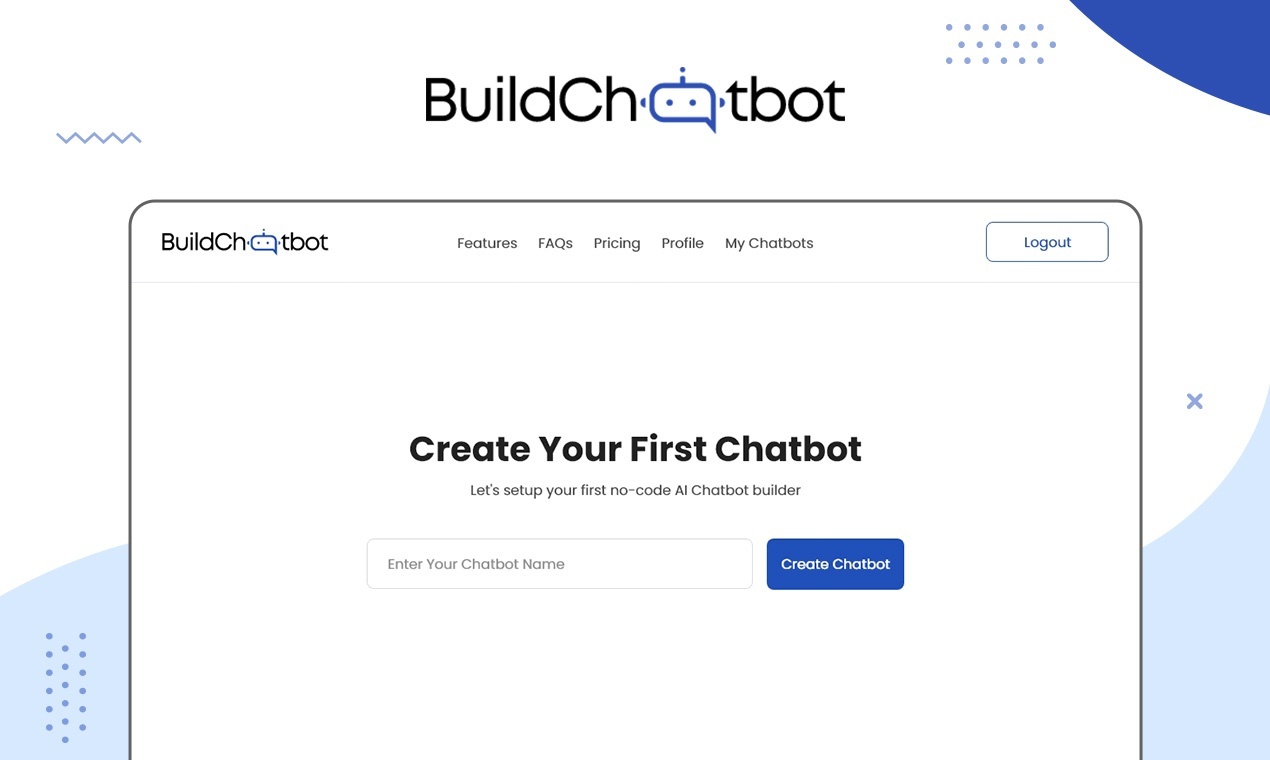
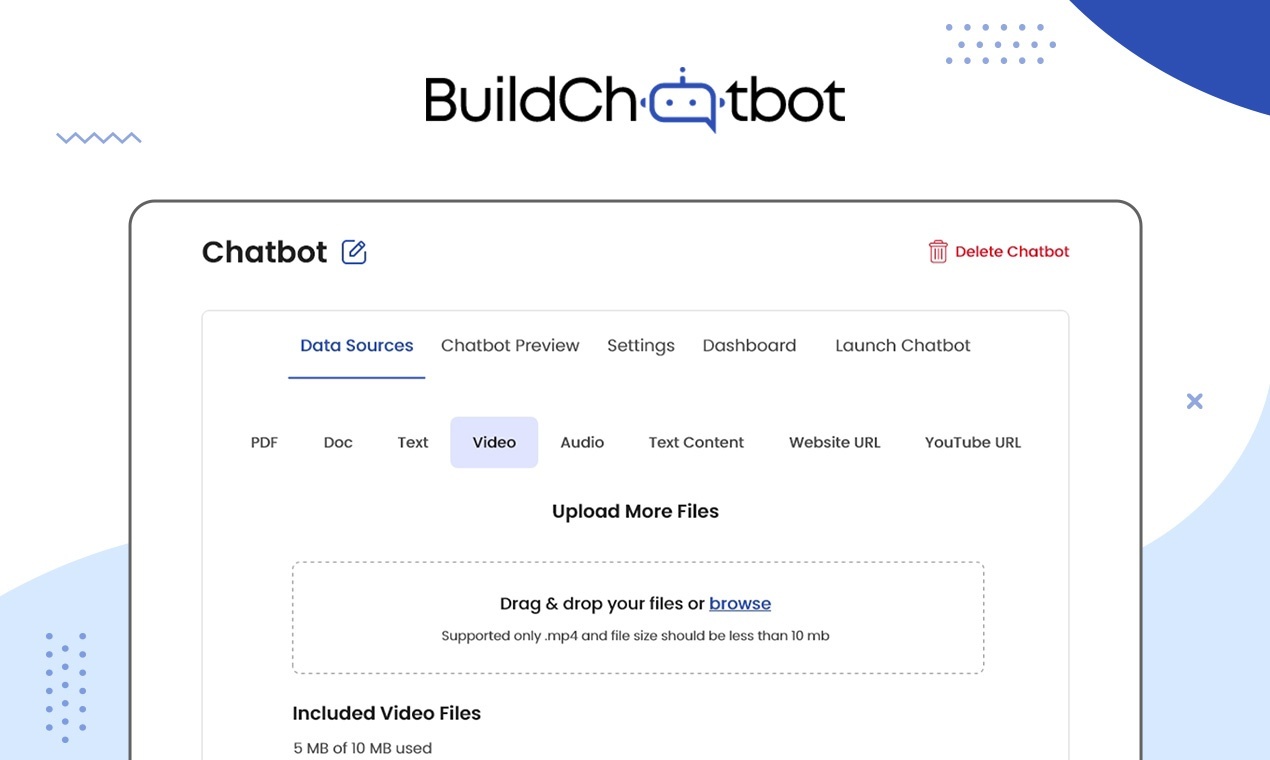
Build Chatbot is an innovative no-code platform designed to empower users in creating personalized chatbots tailored to their specific needs. This platform allows businesses and individuals to harness their own data effectively, recovering precise information from various file formats, including audio and video files. By facilitating seamless integration of diverse data sources, Build Chatbot enables users to design interactive and intelligent chatbots that can engage users effectively and provide accurate responses based on the input received. The platform stands out for its user-friendly interface, which simplifies the process of chatbot creation without requiring any technical expertise. Users can leverage pre-built templates and customize them according to their requirements, ensuring a quick and efficient development process. Additionally, Build Chatbot offers robust analytics tools that allow users to track chatbot performance and user interactions, enabling continuous improvement and refinement of the chatbot experience. Overall, this tool significantly enhances customer engagement and operational efficiency by making advanced chatbot technology accessible to everyone.
Tool Benefits
Build Chatbot enables users to create conversational agents without any coding experience, making chatbot development accessible to non-technical users.
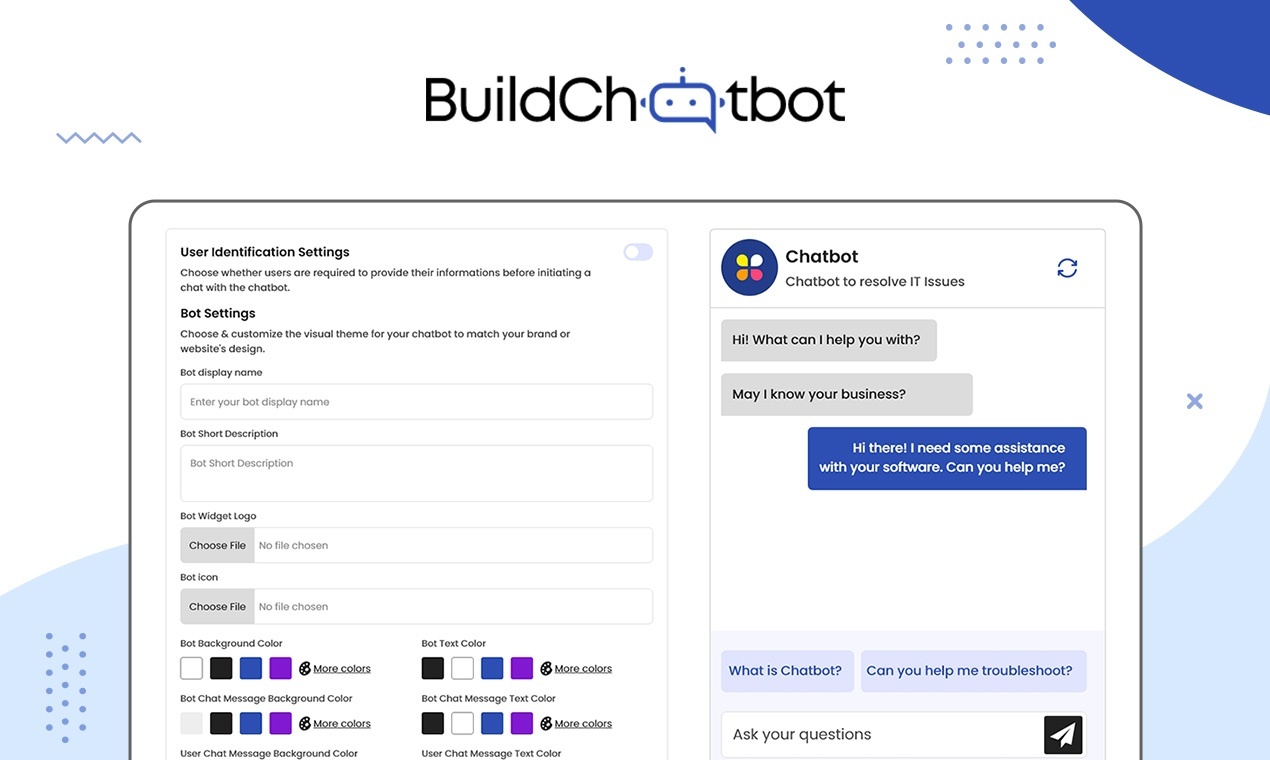
The platform offers a variety of templates and customization options, allowing businesses to tailor their chatbots to specific needs and branding.
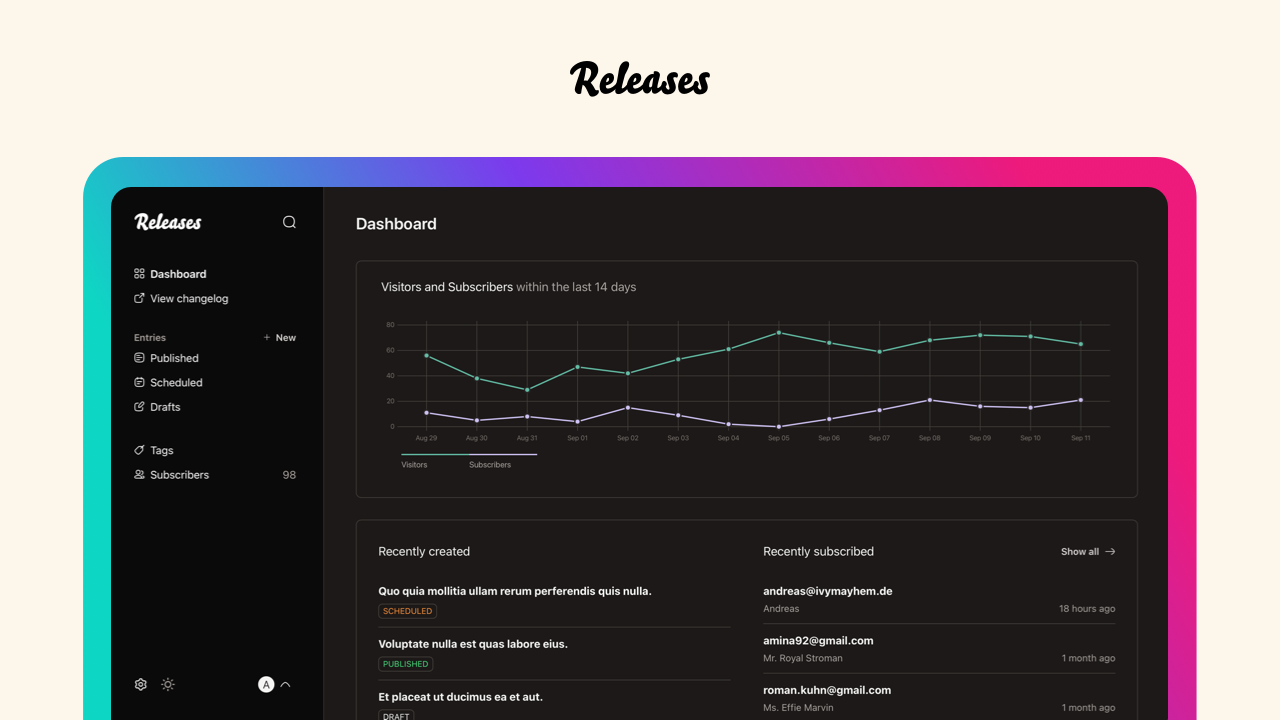
Build Chatbot provides robust analytics tools that help users track performance and optimize their chatbots for better user engagement.
The integration capabilities with popular messaging platforms streamline deployment and enhance user reach, facilitating seamless communication with customers.
The AI-driven natural language processing ensures that chatbots understand and respond accurately to user queries, improving the overall user experience.