Creating Your Initial WhatsApp Chatbot
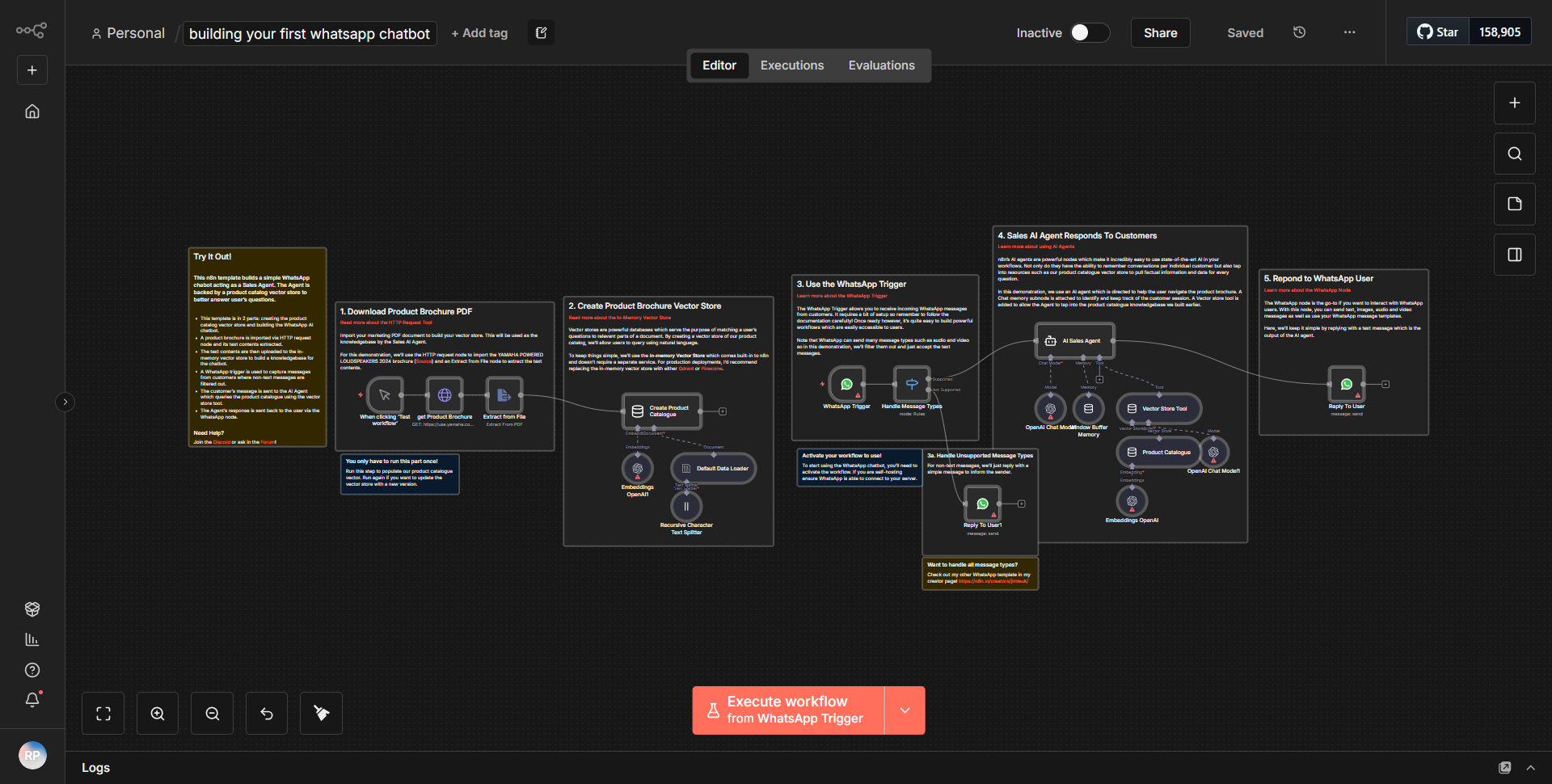
This workflow assists you in creating your initial WhatsApp chatbot.
How it works
This workflow is designed to create an initial WhatsApp chatbot by integrating various nodes to handle incoming messages and respond accordingly. The workflow begins with a
Webhook
node that listens for incoming messages from WhatsApp. When a message is received, it triggers the workflow, capturing the message content and sender information.Next, the workflow utilizes a
Function
node to process the incoming message. This node can be configured to analyze the message content and determine the appropriate response based on predefined logic. The output from the Function node is then passed to aSet
node, which formats the response message that will be sent back to the user.Following the message formatting, the workflow includes an
HTTP Request
node that connects to the WhatsApp API. This node is responsible for sending the formatted response back to the user on WhatsApp. The HTTP Request node is configured with the necessary parameters such as the recipient's phone number, the message content, and the required headers for authentication.Finally, the workflow concludes with a
Response
node that sends a confirmation back to the webhook, indicating that the message has been processed successfully. This structured flow ensures that the chatbot can handle incoming messages dynamically and respond in real-time.Key Features
1. Real-time Messaging:
The workflow is capable of processing incoming messages instantly, allowing for immediate responses to users on WhatsApp.
2. Custom Logic Processing:
The inclusion of a Function node enables the implementation of custom logic to determine how the chatbot should respond based on the content of the incoming messages.
3. Flexible Response Formatting:
The Set node allows for easy customization of response messages, making it simple to tailor interactions based on user input.
4. Seamless API Integration:
The workflow integrates directly with the WhatsApp API, facilitating straightforward communication between the chatbot and users.
5. Webhook Trigger:
The use of a webhook to initiate the workflow ensures that it can react to messages as they arrive, enhancing the responsiveness of the chatbot.
Tools Integration
- Webhook:
Captures incoming messages from WhatsApp.
- Function:
Processes the message content and determines the response logic.
- Set:
Formats the response message to be sent back to the user.
- HTTP Request:
Connects to the WhatsApp API to send the response message.
- Response:
Sends a confirmation back to the webhook after processing the message.
API Keys Required
To successfully run this workflow, the following API keys and credentials are required:
• WhatsApp API Key: Necessary for authenticating requests to the WhatsApp API.
• Webhook URL: Must be configured to point to the correct endpoint for receiving messages.
No additional API keys or credentials are required beyond those mentioned above.