Shakespeare
Free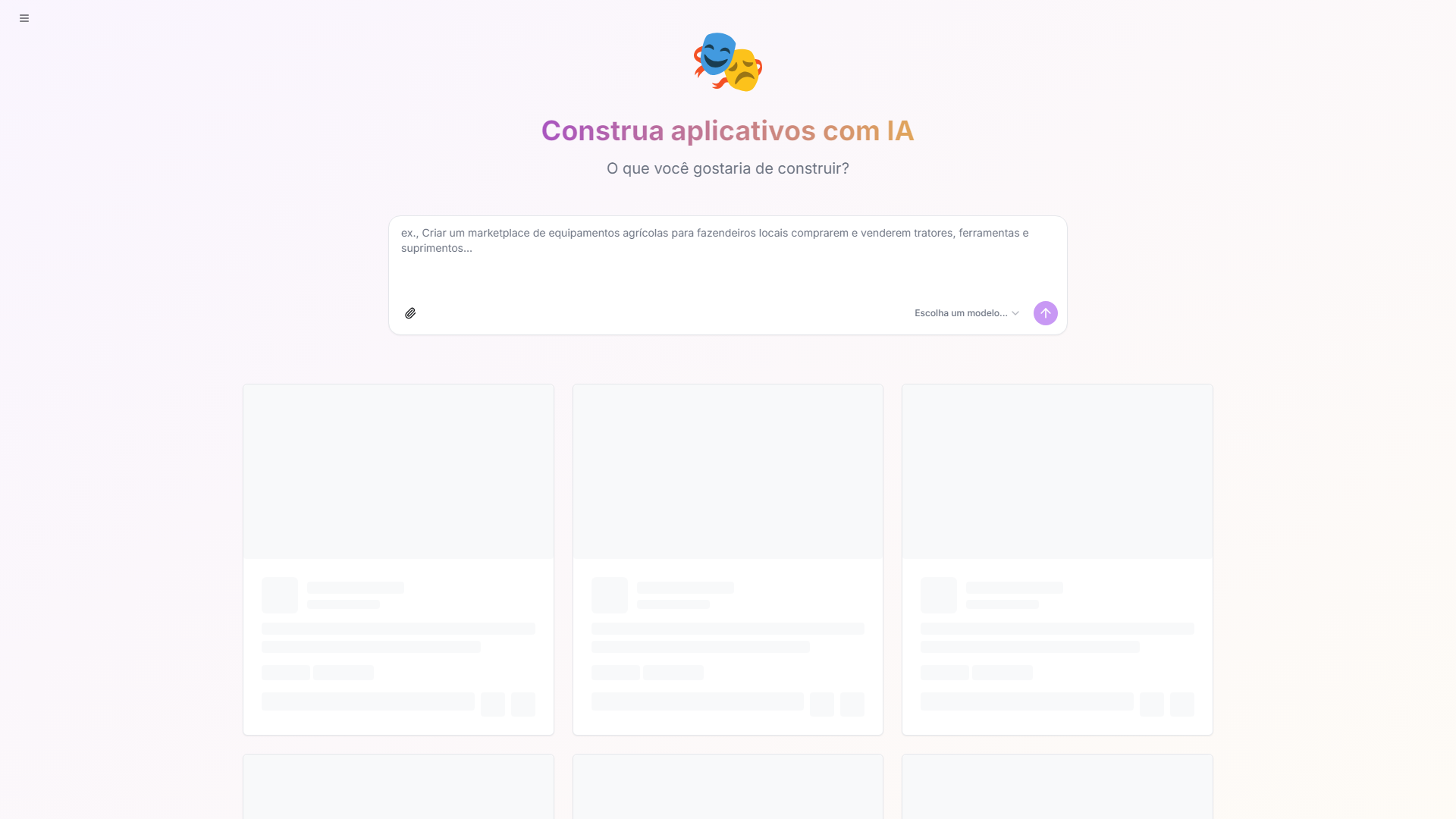
About
Shakespeare is an AI-powered, open-source screenshot builder from Soapbox Technology that blends flexibility, creativity, and control in a single development environment. It allows users to build, edit, and deploy AI-driven websites with access to multiple model providers and full ownership of their data and code. Unlike conventional no-code platforms, Shakespeare never locks users into a proprietary system—everything built within it remains transparent, exportable, and customizable.
Key Features
- AI-Assisted Development:Generate, edit, and debug code directly with built-in AI support for faster iteration and cleaner results.
- Multi-Provider AI Framework:Choose from over 40 AI models across different providers—or connect your own for more advanced features.
- Local or Cloud Execution:Run AI models locally for privacy and speed or use cloud-based options for scalability.
- Version Control System:Manage revisions and collaboration through integrated version tracking and rollback features.
- One-Click Deployment:Publish sites quickly to custom subdomains or popular hosting platforms with minimal setup.
- Full Data Ownership:Retain complete control over your site’s data and code, with full export and portability.
What Makes Unique
Shakespeare gives creators complete freedom in how they build, host, and enhance their sites. Its open-source foundation, compatibility with multiple AI providers, and privacy-first design set it apart from typical no-code builders. By allowing optional API key connections for advanced models, it balances simplicity with deep customization—making it just as approachable for beginners as it is empowering for experts.
Pros
- Completely Free Framework:Shakespeare’s core platform and toolkit are open-source and free to use.
- Flexible AI Access:Advanced users can enhance capabilities by connecting their own API keys—though it’s entirely optional.
- Privacy First:Local AI models allow for secure, offline development.
- Developer-Friendly Design:Combines the power of code-level editing with the convenience of AI-driven assistance.
Cons
- Slight Learning Curve:Some setup knowledge helps when configuring AI providers or local models.
- Limited Templates:Prioritizes flexibility over plug-and-play templates.
- Community-Based Support:As an open-source platform, support resources rely on documentation and user communities.
Pricing
Free:Core platform access with all standard building and editing features included.Optional API Connections:Users can bring their own AI provider keys (such as OpenAI or Anthropic) to unlock advanced model capabilities.
Who is Using
- •Developers and Technologists:Building customizable, AI-enhanced websites and apps.
- •Startups and Builders:Rapidly prototyping new projects with the support of flexible AI tools.
- •Privacy Advocates:Hosting content and running AI workflows entirely on local systems.
- •Designers and Tinkerers:Experimenting with AI-assisted design while keeping creative control.
- •Uncommon Use Cases:Educators teaching AI-first web development; researchers testing decentralized publishing workflows.