Flowblock
Freemium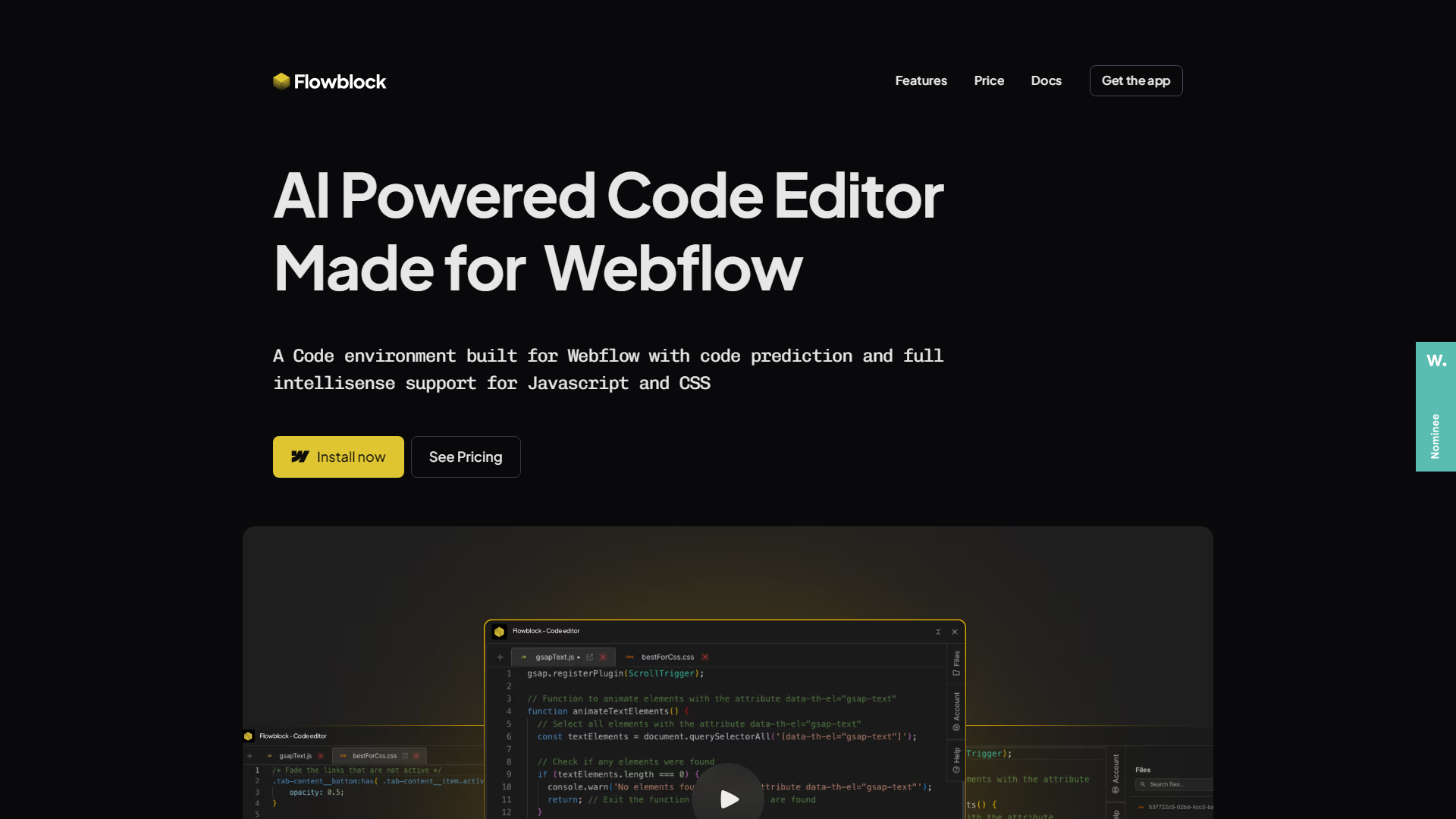
About
Flowblock is an AI-powered code editor specifically designed for Webflow users, revolutionizing how developers and designers integrate code within the Webflow platform. Offering features like code prediction and intellisense support for JavaScript and CSS, Flowblock simplifies the coding process, making it more accessible and efficient for professionals and enthusiasts alike. Whether you're a freelancer or part of an enterprise, Flowblock's intuitive design and AI capabilities aim to enhance your coding experience in Webflow.
Key Features
- AI-Powered Code Predictions:Flowblock provides real-time code suggestions as you type, helping you write efficient and error-free JavaScript and CSS.
- Full Intellisense Support:Enjoy code highlighting, syntax suggestions, and autocompletion, similar to the experience in industry-standard IDEs like VS Code.
- Built-in CDN:Your files are hosted on a fast, global CDN, ensuring seamless performance and quick load times.
- Error Detection and Smart Recommendations:The tool detects common coding mistakes and provides intelligent recommendations to improve your code quality.
What Makes Unique
Flowblock stands out with its seamless integration into Webflow, offering a tailored coding environment that enhances the platform's capabilities. Its ability to predict code in real-time and provide intelligent recommendations makes it a game-changer for developers looking to optimize their Webflow projects.
Pros
- Enhanced Coding Efficiency:The AI-driven code predictions and intellisense significantly reduce coding time and errors.
- User-Friendly for Webflow Users:Seamlessly integrates with Webflow, making it ideal for designers and developers familiar with the platform.
- Cost-Effective Plans:Offers a generous free plan, making it accessible for beginners and small businesses.
- Real-Time Testing Environment:Allows for staging and testing without affecting live sites, ensuring a smooth development process.
Cons
- Initial Learning Curve:While user-friendly, beginners may need time to fully utilize advanced AI features.
- Webflow Dependency:Primarily designed for Webflow, limiting its utility for those using other platforms.
- Limited to JavaScript and CSS:Focused on these languages, which may not suit all development needs.
Pricing
Free Plan:Access to the editor with unlimited saved files and 10 code completions per project at $0 per month.Dev Plan:Offers expanded features including 100 code completions per project at $4 per month.Pro Plan:Includes unlimited code completions and advanced AI prompts for $7 per month.
Who is Using
- •Web Designers:Leveraging Flowblock to enhance their Webflow projects with custom code.
- •Freelance Developers:Using the tool for efficient code integration and prediction in client projects.
- •Small Businesses:Adopting Flowblock to streamline their screenshot development processes.
- •Educational Institutions:Utilizing the tool to teach students about coding within Webflow.
- •Uncommon Use Cases:Employed by marketing teams to quickly prototype landing pages; utilized by non-profit organizations for creating dynamic web content.