Excel Formula Bot
Freemium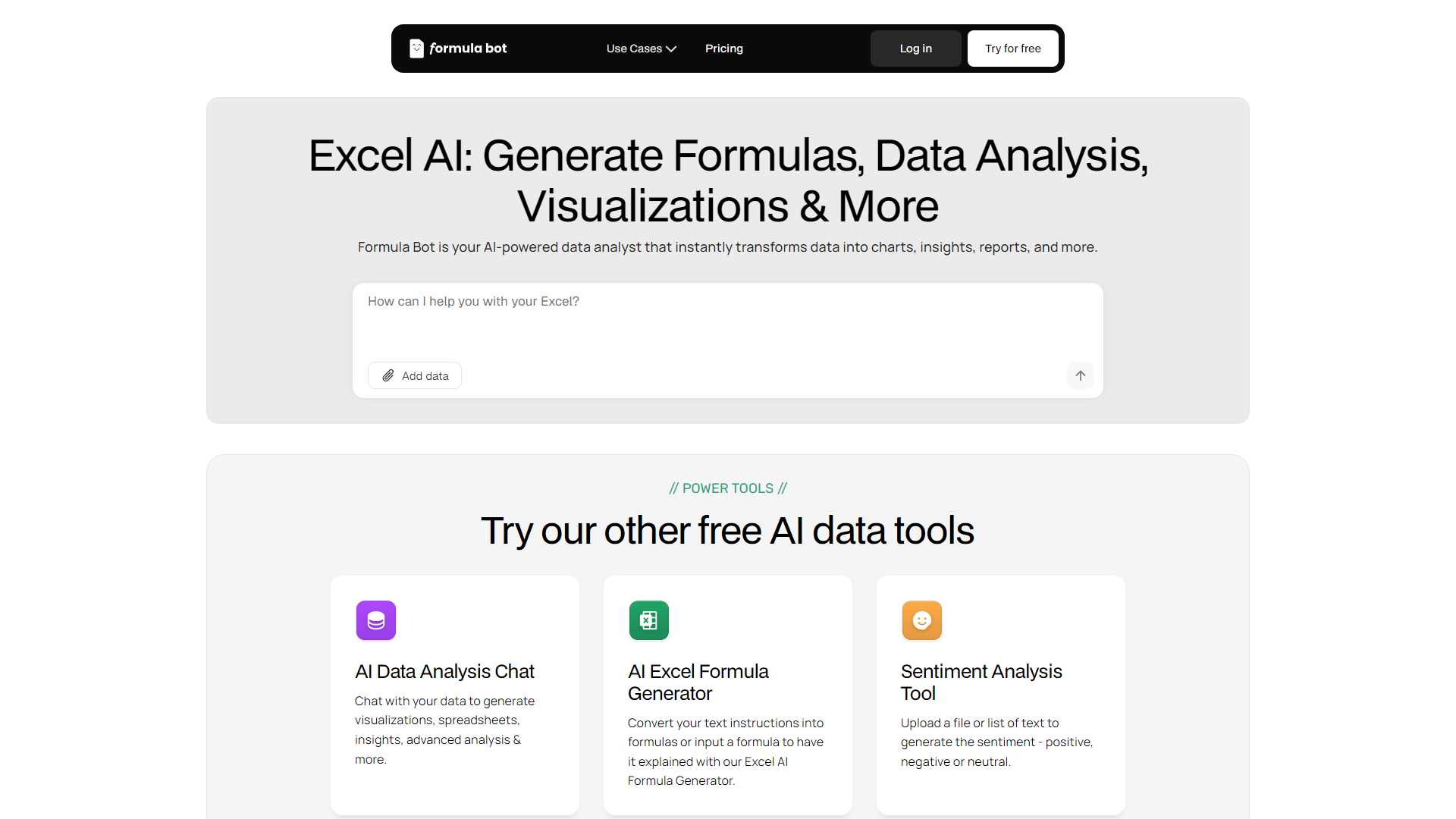
About
Excel Formula Bot is a powerful AI-driven tool designed to transform the way professionals interact with spreadsheets. By leveraging cutting-edge AI technology, it simplifies the complex task of generating Excel formulas, making it accessible to users of all skill levels. Whether you're a seasoned data analyst or a small business owner looking to streamline operations, Excel Formula Bot is crafted to enhance productivity and efficiency in data management tasks.
Key Features
- AI-Driven Formula Generation:Automatically generates Excel formulas based on user input, eliminating the need for manual coding.
- Natural Language Processing:Allows users to describe their data needs in plain English, and the tool translates it into precise formulas.
- Wide Formula Support:Supports a wide range of Excel functions and formulas, catering to diverse data manipulation needs.
- Instant Results:Provides real-time formula suggestions, ensuring quick and accurate data handling.
What Makes Unique
Excel Formula Bot stands out with its ability to translate natural language into complex Excel formulas, a feature that democratizes data manipulation for users without technical expertise. This innovative approach to formula generation sets it apart as a game-changer in the realm of spreadsheet management.
Pros
- Time Efficiency:Dramatically reduces the time spent on creating complex Excel formulas.
- User-Friendly:Intuitive interface that requires no prior Excel expertise, making it accessible to all users.
- Cost-Effective:Offers a free AI-driven solution without the need for a subscription or sign-up.
- Enhanced Accuracy:Minimizes human error in formula creation, leading to more reliable data analysis.
Cons
- Limited Customization:While efficient, the tool may not support highly specialized or customized formulas.
- Dependent on Internet Connection:Requires an active internet connection to function, which may limit use in offline scenarios.
Pricing
Free Tier:Experience Excel Formula Bot with no cost or sign-up requirements.
Who is Using
- •Data Analysts:Utilizing the tool for efficient data manipulation and analysis.
- •Small Business Owners:Employing it to streamline financial and operational spreadsheets without extensive Excel knowledge.
- •Educators:Leveraging the tool to teach students about data management and Excel functionalities.
- •Freelancers:Using the tool to handle client data projects swiftly and accurately.
- •Uncommon Use Cases:Adopted by hobbyists for tracking and managing personal projects; Used by non-profits to manage donor and fundraising data efficiently.