Code Snippets AI
Active deal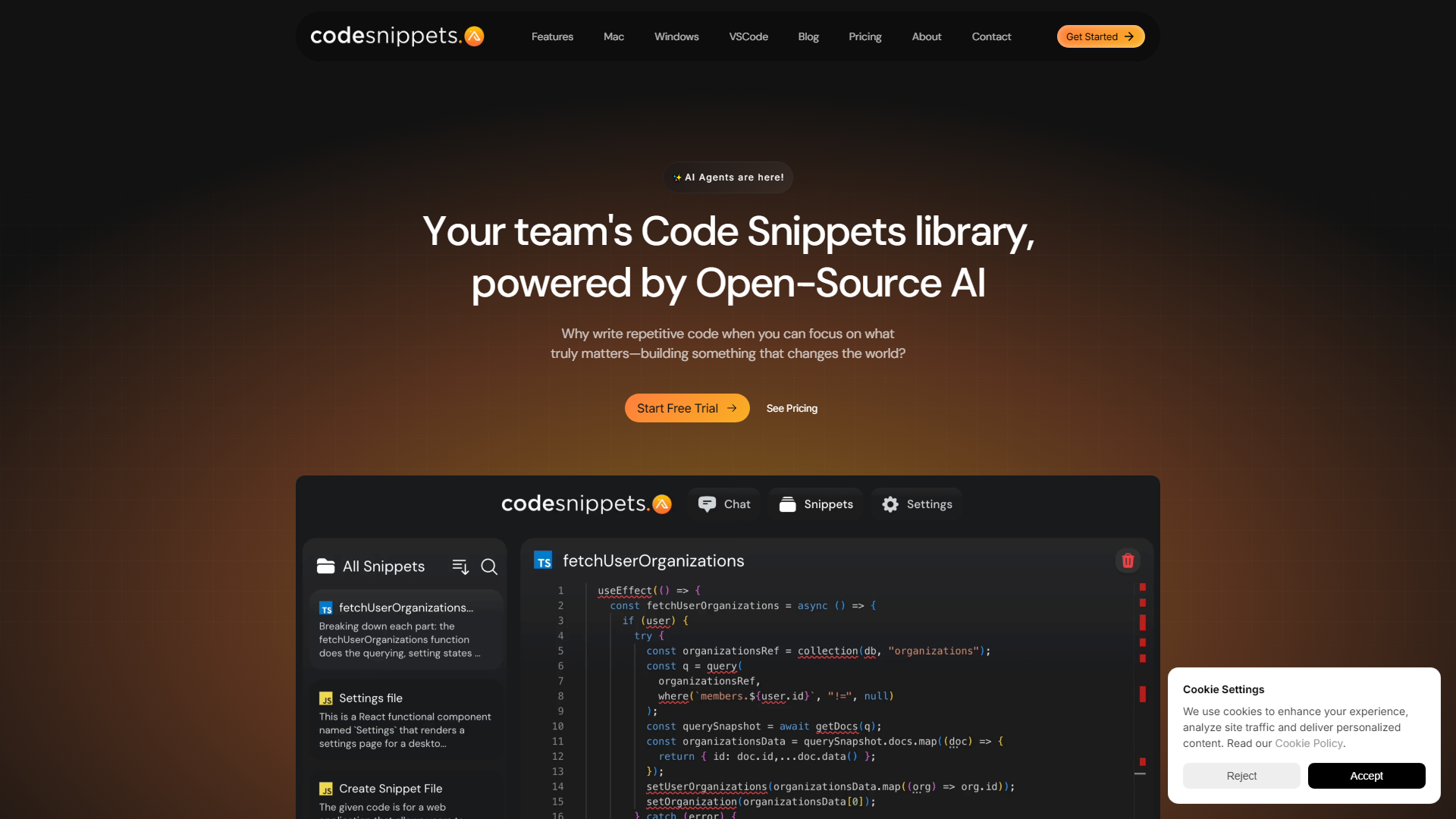
About
In my journeyexploring various AI toolsdesigned to enhance productivityandstreamline workflows, I recently turned my attention to Code Snippets AI, a platform that truly stands out in the realm of coding and software development. At its core, Code Snippets AI is an AI-powered code snippets library tailored for teams, aiming to revolutionize how development teams interact with their codebases. Itenriches the coding processby providing contextually-rich AI chats integrated with a secure code snippets library, facilitating the creation of new features, debugging, and understanding of the codebase with unprecedented efficiency.
Key Features
- AI-Powered Snippets Library:Offers a comprehensive solution for managing code snippets, making it easier for teams to organize and reuse code efficiently.
- Contextual AI Chats:Integrates with your codebase to provide relevant suggestions and insights, helping you write cleaner, performance-optimized code.
- Multi-Platform Support:Available on desktop apps for Windows, Mac, Linux, VSCode, and Chrome, ensuring accessibility across various platforms.
- Secure and Private:Ensures end-to-end encryption of your code snippets, keeping your codebase secure and private.
- Multiple AI Models Support:Compatible with severalAI models including ChatGPT, GPT-4, and others, allowing for versatile and powerful coding assistance.
What Makes Unique
What truly sets Code Snippets AI apart is its ability to integrate directly with your codebase, providing contextually-rich assistance that is tailored to your specific coding environment. This, combined with its support for multiple AI models and secure, collaborative features, makes it a game-changer for development teams aiming to code smarter and more efficiently.
Pros
- Enhanced Coding Efficiency:Dramatically reduces the time spent on debugging and writing repetitive code, allowing more time for creative coding endeavors.
- Improved Code Quality:Offers suggestions for code optimization and refactoring, leading to cleaner, more efficient code.
- Collaboration and Sharing:Facilitates secure sharing of code snippets within teams, preserving formatting and ensuring smooth collaboration.
- Learning and Development:Acts as a learning aid for developers, helping them understand their codebase better and stay updated with the latest coding practices.
Cons
- Learning Curve:New users may require some time to fully leverage the tool’s advanced features and AI integrations.
- Platform Limitations:While it supports multiple platforms, there’s still room for expansion in terms of IDE compatibility.
- Dependency on API Keys:Users need to bring their own API keys for certain functionalities, which might be a hurdle for some.
Pricing
Free Tier:The desktop apps are free, with users required to bring their own API keys for certain functionalities.
Who is Using
- •Software Development Teams:For optimizing their coding workflow and enhancing collaboration.
- •Solo Developers:Looking to improve their coding efficiency and manage code snippets more effectively.
- •Students:Gaining deeper insights into their coding projects andenhancing their learning experience.
- •Educational Institutions:Toteach coding practicesand manage code efficiently in academic projects.
- •Uncommon Use Cases:Freelancers utilizing the tool to streamline development processes; Non-profit organizations leveraging it for building and maintaining their software solutions.